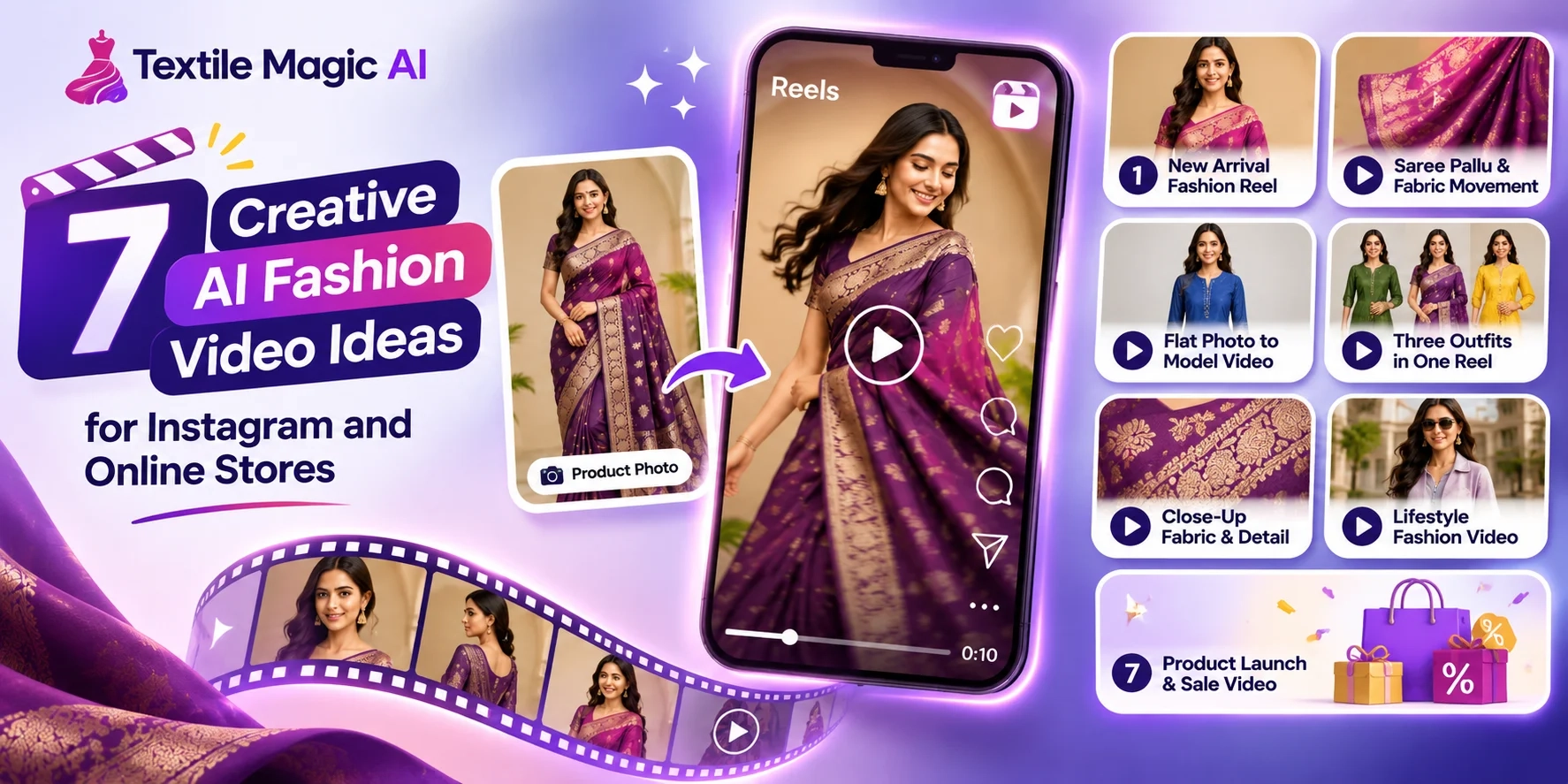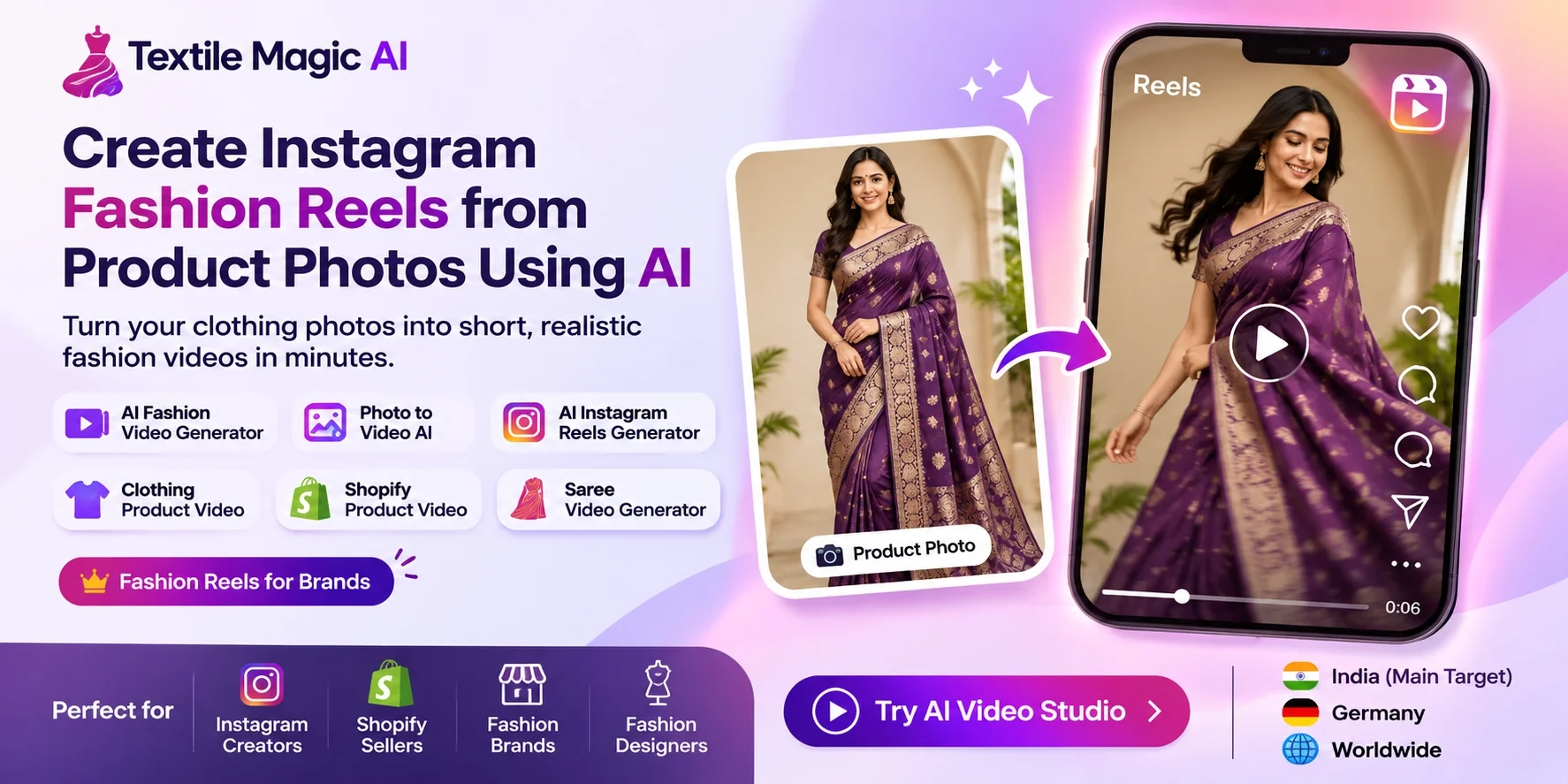
Have beautiful clothing photos but no videos for Instagram?
You are not alone.
Many clothing sellers take photos of sarees, kurtis, dresses, shirts, and other products. They upload these pictures to Instagram or their online stores.
But making a fashion video is not always easy.
You may need a model, camera, studio, lights, and someone to edit the video. For a small business, this can cost a lot of money.
What if you could turn one clothing photo into a short fashion video?
Today, AI tools can help you do that.
With Textile Magic AI Video Studio, you can upload a product photo, choose how it should move, and create a short fashion video.
In this guide, you will learn how to make Instagram fashion Reels from photos, even if you have never edited a video before.
What Is an AI Fashion Reel Generator?
An AI fashion Reel generator is a tool that makes a video from a still picture.
Think about a photo of a woman wearing a saree.
In the photo, she is standing still. When you use an AI video generator, you can ask for a gentle turn, a small camera movement, or soft fabric motion.
The result is a short moving video made from your picture.
You can try this with many clothing products:
-
Sarees, kurtis, and lehengas
-
Dresses, tops, and jeans
-
Shirts, jackets, and blazers
-
Abayas and modest fashion
-
Kidswear and boutique collections
You do not need to know how to use a big video-editing program to create your first clip.
Why Should Clothing Sellers Make Instagram Reels?
Imagine you own a small clothing shop.
You have 50 new products and good photos of each one. You want to show them on Instagram.
Posting pictures is useful, but videos give you another way to show your clothes.
A short video can show how a model moves, how a dress flows, or how a saree looks during a gentle turn.
Fashion Reels can help you:
Show more details: People can get another look at the style, fabric, and shape.
Share new collections: Turn your latest product pictures into simple collection videos.
Create more content: Make different short clips without planning a new shoot for every idea.
Tell a product story: Use movement, music, and a short caption to introduce a garment.
Reels do not promise more sales or followers. Good products, clear information, useful content, and regular testing still matter.
How to Create Instagram Fashion Reels from Product Photos Using AI
You can make your first video by following these six simple steps.
Step 1: Choose a Good Clothing Photo
Start with a clear picture of the product you want to show.
For example, you may have a photo of a model wearing a blue kurti.
Choose a photo where the clothing is easy to see. The picture should have good light and should not be blurry.
Try to keep the full garment visible. Avoid images where hands, bags, or other objects cover important details.
A clear photo gives the video generator a better starting point.
Helpful tip: If you only have a fabric photo, you can first explore the Fabric to Garment AI Tool to create a garment picture before making your video.
Step 2: Open Textile Magic AI Video Studio
Visit the AI Fashion Video Generator.
This tool is made for creating short clothing videos from product and model photos.
Upload the picture you selected.
You can start with a catalogue photo, a fashion model picture, or another clear garment image.
If you need a new model photo first, try the AI Catalogue Generator. It helps you create different catalogue poses using model and clothing references.
Step 3: Choose Your Video Length
Next, choose how long your video should be.
Textile Magic AI Video Studio offers these options:
-
5 seconds
-
6 seconds
-
8 seconds
-
10 seconds
For your first Reel, try a 5- or 6-second clip.
A simple movement often works well in a short video.
You can also put several short clips together later if you want to show a full collection.
The tool shows the credit cost before you generate your video.
Step 4: Tell the AI How Your Clothing Should Move
This is an important part.
You need to explain what you want to happen in your video. This is called a prompt.
A prompt is simply an instruction.
For example:
"The model slowly turns to the right. The kurti moves gently. Keep the clothing design, colors, and background the same."
You can also try the available motion styles, such as Studio Walk, Fabric Detail, Turn & Pose, and Lifestyle Motion.
Start with small movements. Very large movements may make fabric patterns, hands, or garment shapes look wrong.
Step 5: Generate and Check Your Video
Now generate your video.
When the result is ready, watch it carefully.
Look at the garment first.
Is the color correct? Does the printed design look the same? Did any buttons, sleeves, or borders change?
Check the model and background too.
AI can sometimes create details that were not in the original picture. If something looks wrong, try a simpler motion prompt or use a clearer source photo.
Do not use an inaccurate video to show customers what a real product looks like.
Step 6: Download and Share Your Reel
Once you are happy with the result, download your video.
Textile Magic AI creates vertical 9:16 MP4 clips, a useful format for Instagram Reels.
You can open Instagram, choose Reel, select the downloaded video, and add a caption.
You may also add music through Instagram when the audio is available for your account and intended use.
Finally, share your Reel with your audience.
Your clothing photo has now become a moving fashion clip.
3 Easy AI Fashion Video Prompts You Can Copy
You do not have to write long instructions. Short and clear words are often a good starting point.
1. Saree Fashion Reel Prompt
"The model wearing the saree makes a gentle turn. The saree pallu moves softly. Keep the fabric print, border, face, and lighting the same. Use a slow camera movement."
This is useful for saree stores and ethnic fashion collections.
2. Kurti or Dress Reel Prompt
"The model takes one small step forward and gives a natural pose. The dress moves softly. Keep the clothing color, fit, print, and background unchanged."
Try this with casual clothing and boutique products.
3. Men's Fashion Product Prompt
"The model wearing the shirt turns slightly toward the camera. Use a slow camera move to show the outfit. Keep the shirt collar, buttons, color, and design consistent."
This can help present formal shirts, jackets, and everyday menswear.
Remember to check the results. A written instruction cannot guarantee that AI will keep every detail perfect.
5 Instagram Fashion Reel Ideas for Clothing Brands
Do not post the same kind of video every day. Try different ideas to learn what your customers enjoy.
1. New arrival Reel
Show one new dress or kurti with a soft walking movement. Add the product name and a simple shopping message when editing or posting.
2. Saree collection Reel
Make short clips for three sarees and join them into one video. Show each design clearly.
3. Fabric detail Reel
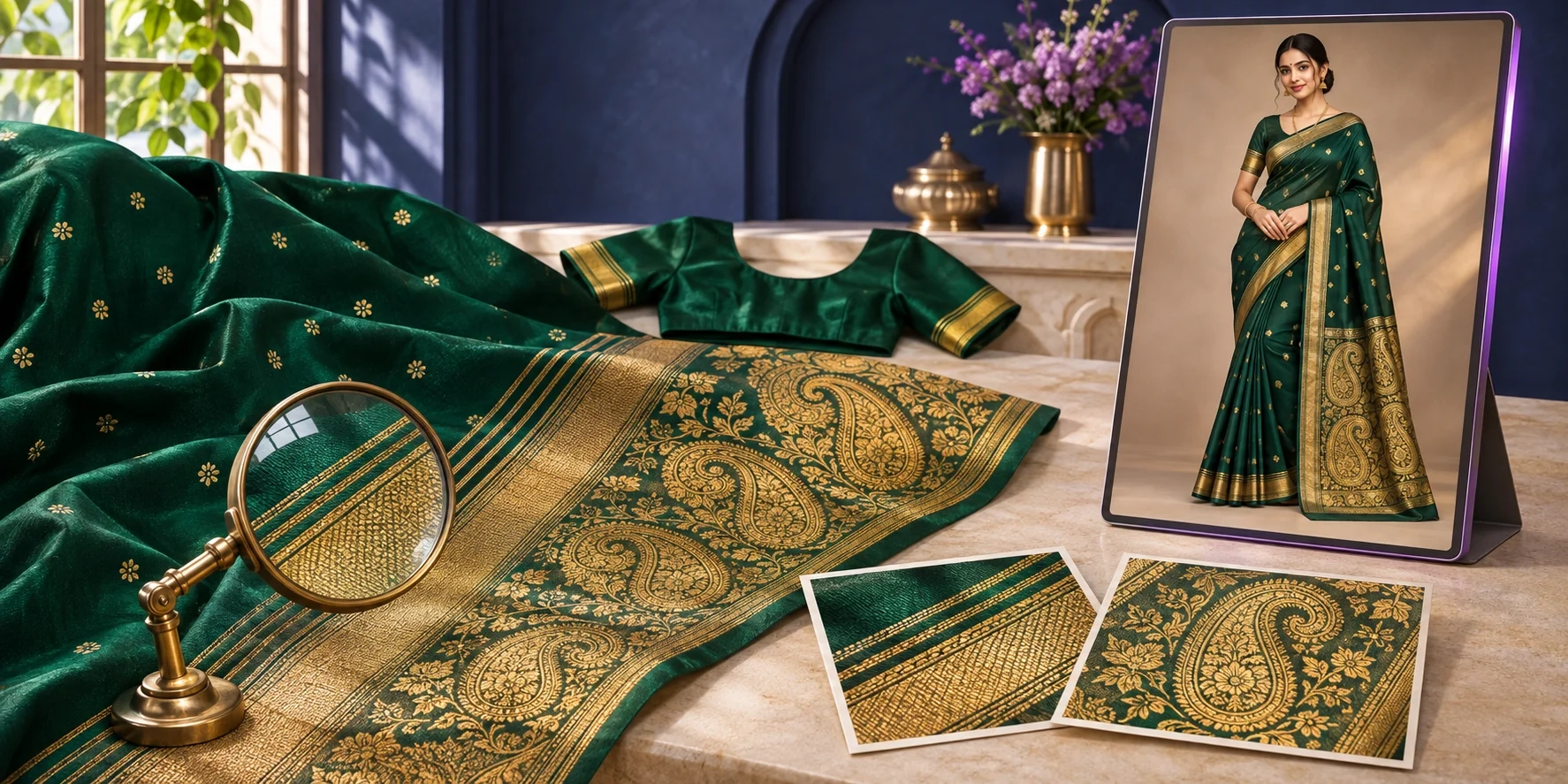
Use a slow camera movement to highlight embroidery, texture, or beautiful printed details.
4. Festive outfit Reel
Show a lehenga, saree, or festive outfit using gentle model movement and suitable music.
5. Product launch Reel
Introduce a new shirt, jacket, or dress with a clean fashion clip. End with a message telling viewers where they can see the product.
You can use these ideas for Instagram posts, new collections, or creative tests.
Best Instagram Reel Size for Fashion Videos
Before posting, make sure your video fits a phone screen.
A useful format for Instagram fashion Reels is:
-
Video shape: 9:16 vertical
-
Common size: 1080 × 1920 pixels
-
File format: MP4
-
Frame rate: 30 frames per second is a useful target
Keep important clothing details away from large text and stickers.
Instagram may place buttons, captions, and other items over parts of your video.
You can learn more about video content in the Instagram Help Center.
For a clothing Reel, the main product should be easy to see from the start.
How Indian and Global Fashion Sellers Can Use AI Reels
Fashion sellers in different countries can use the same simple photo-to-video process.
For Clothing Sellers in India
A saree shop in Surat or a kurti seller in Jaipur may have many product photos but only a few videos.
They can turn selected catalogue pictures into short clips for new arrivals, festive collections, and daily Instagram content.
If you sell sarees, you can also explore the AI Saree Model Generator to prepare a model image.
For Fashion Brands in Germany and Europe
A clothing brand in Berlin, Hamburg, or another European city can use AI videos to present dresses, jackets, and seasonal collections.
Brands can create different captions in German or English for different customers.
The main goal stays the same: show the real product clearly and make shopping easier.
For Fashion Sellers Worldwide
Online sellers in the USA, UK, UAE, and other markets can also use product photo videos for Instagram campaigns.
Choose clothing that fits your audience, write captions in a language they understand, and share clear product information.
Can Shopify Sellers Use These AI Fashion Videos?
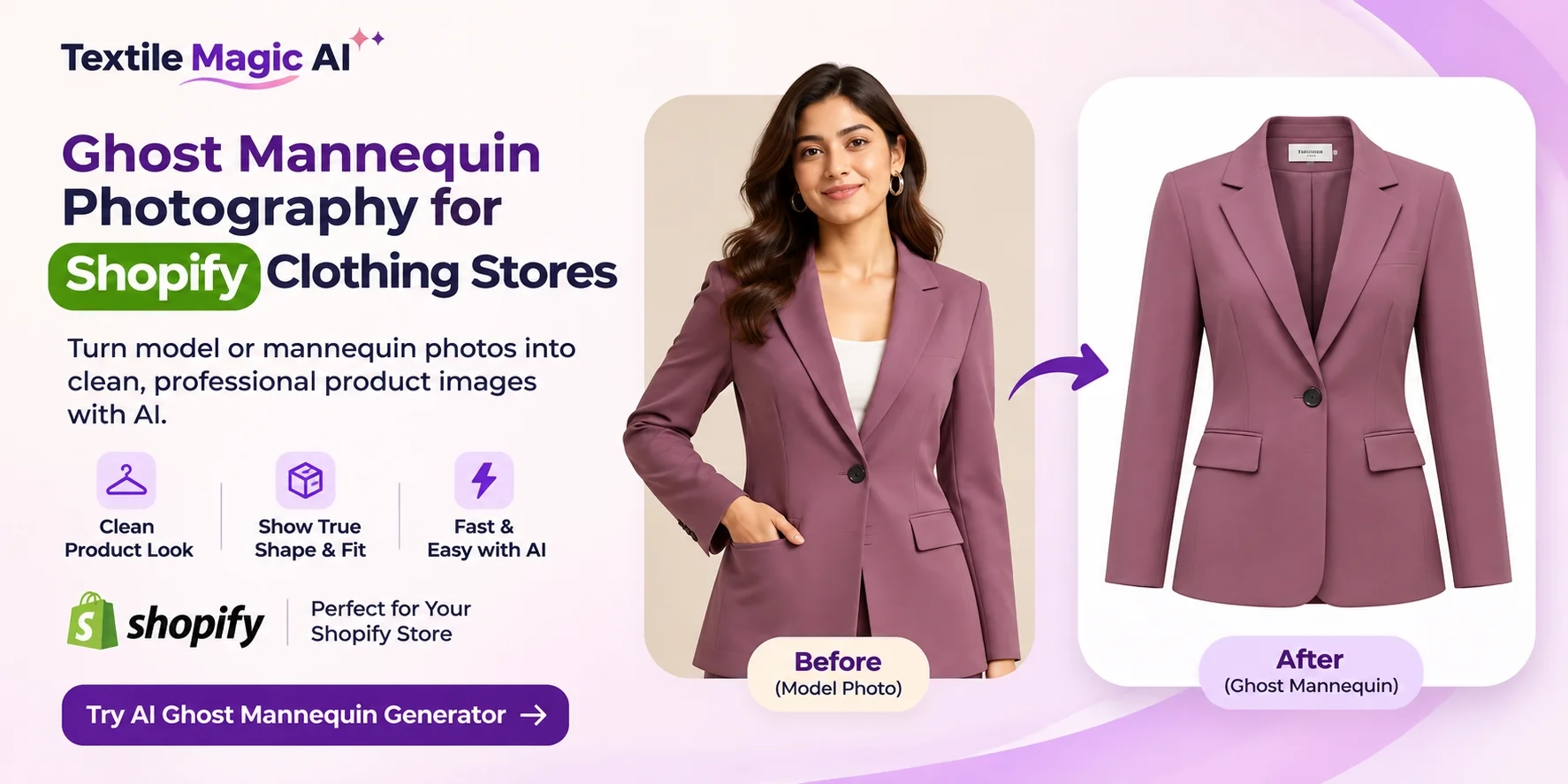
Yes. Shopify store owners can use clothing videos as part of their product marketing.
For example, you may have a Shopify store selling women's dresses.
You already have a product photo. You can create a short AI video from that picture and share it as an Instagram Reel.
You can also upload suitable videos to Shopify product pages when your theme supports video media.
According to the Shopify Help Center, product videos can help shoppers understand items more clearly.
For more ideas, read our guide to creating a fashion catalogue with AI product photography.
Always keep your real product pictures alongside any AI-made videos so shoppers can check the actual garment.
How Much Does AI Fashion Video Creation Cost?
Making a traditional fashion video may include costs for models, cameras, studio space, travel, and editing.
AI video tools offer another way to make short promotional clips from photos you already own.
Textile Magic AI Video Studio uses credits.
At the time of writing, a 5- or 6-second video uses 20 credits, while an 8- or 10-second video uses 30 credits.
You can check the latest options on the Textile Magic AI Pricing Page.
This makes it easier to plan how many clips you want to create before spending credits.
Common Mistakes to Avoid
Even a good AI tool needs a good source picture and clear instructions.
Here are some problems to watch for.
Using a blurry photo: Poor image quality may make clothing details harder to keep.
Asking for too much movement: Start with one simple action instead of a long dance or a big camera turn.
Ignoring fabric changes: Always check patterns, logos, embroidery, buttons, and garment length.
Adding too much text: Your clothing should remain the most important part of the Reel.
Forgetting the product link: Make it easy for interested viewers to find the item through your profile or store.
Most importantly, remember that AI-made movement is a visual idea. It is not proof of the real fabric's movement or fit.
Final Thoughts: Turn Your Clothing Photos into Fashion Videos
You do not need a big studio to try your first Instagram fashion Reel.
Start with one clear clothing picture. Choose a small movement. Generate a short clip. Check that the garment still looks right.
Then share your video and learn what your audience likes.
Whether you sell sarees in India, dresses in Germany, or fashion products through Shopify, this simple method can help you create more visual content using photos you already have.
Ready to make your first fashion Reel?
Try Textile Magic AI Video Studio and turn your product photo into a short fashion video.