AI Saree Catalogue Generator
Studio HDCreate model-worn saree catalogue images from photos of your saree and a chosen model. Add optional blouse, border and background references, choose one to six poses, and select 4:5 or 9:16 images. Each generated image uses 5 credits. Review borders, pallu placement and colours before publishing.
Upload Photos
Choose Saree Photos
UploadTap here to select 1 to 5 saree photos
Blouse Front
UploadTap to choose a front blouse photo
Blouse Back
UploadTap to choose a back blouse photo
Choose Close-up Photo
UploadTap to choose a border or pattern photo
Upload Model Image
UploadTap to choose a model photo
Upload Background Image
UploadTap to choose a background photo
Choose Poses & Image Size
Choose a preset or write your own pose in your preferred language.
Choose where you will use the generated photo.
Generation Status & Action
Cost: 5 credits cut per generated look. High-resolution commercial studio quality.
Your Uploads Stay Private
Your images are used only to create your result. We never use your files to train AI models, and temporary processing files are deleted automatically.
How to Create Your Saree Model Photos
You do not need a model photoshoot. Follow these three simple steps.
Upload saree & model
Choose clear saree photos and one full-body model photo. Both are required.
Choose poses
Select how many photos you need, then choose each pose and image size. If no background is uploaded, AI automatically uses a contrasting studio background.
Create & download
Tap Create Model Photos, then download the finished catalogue images.
Photos You Can Upload
Simple Inputs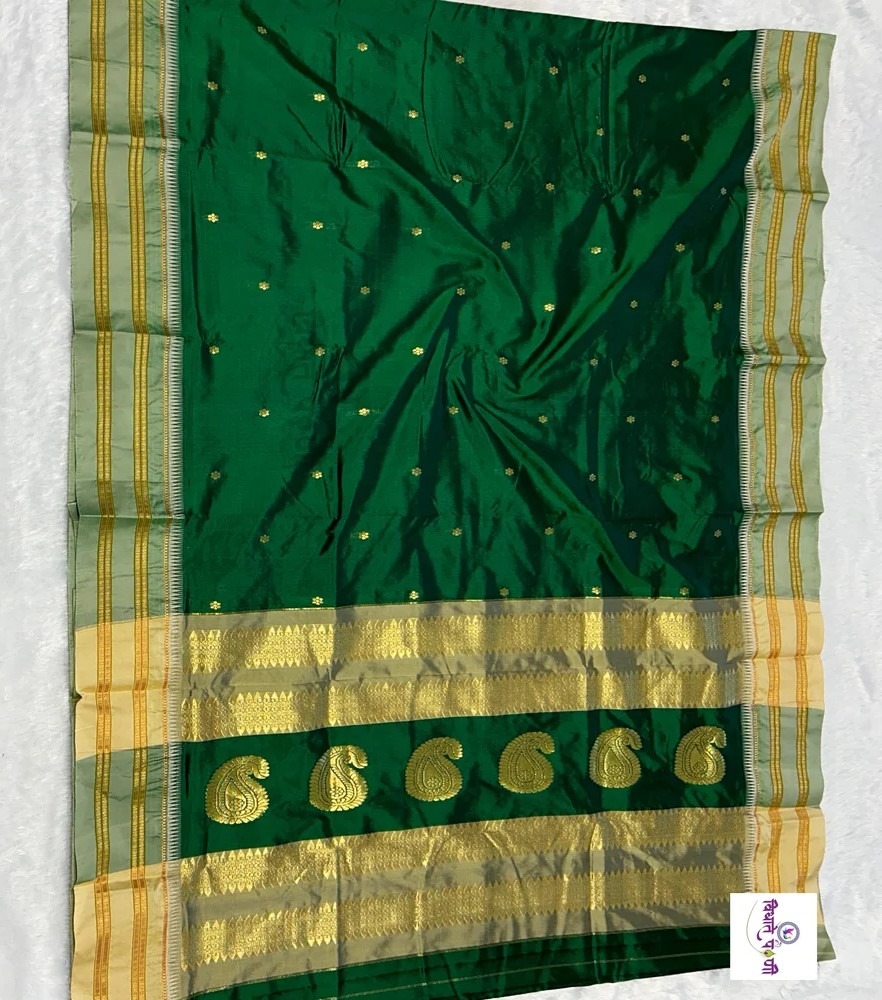
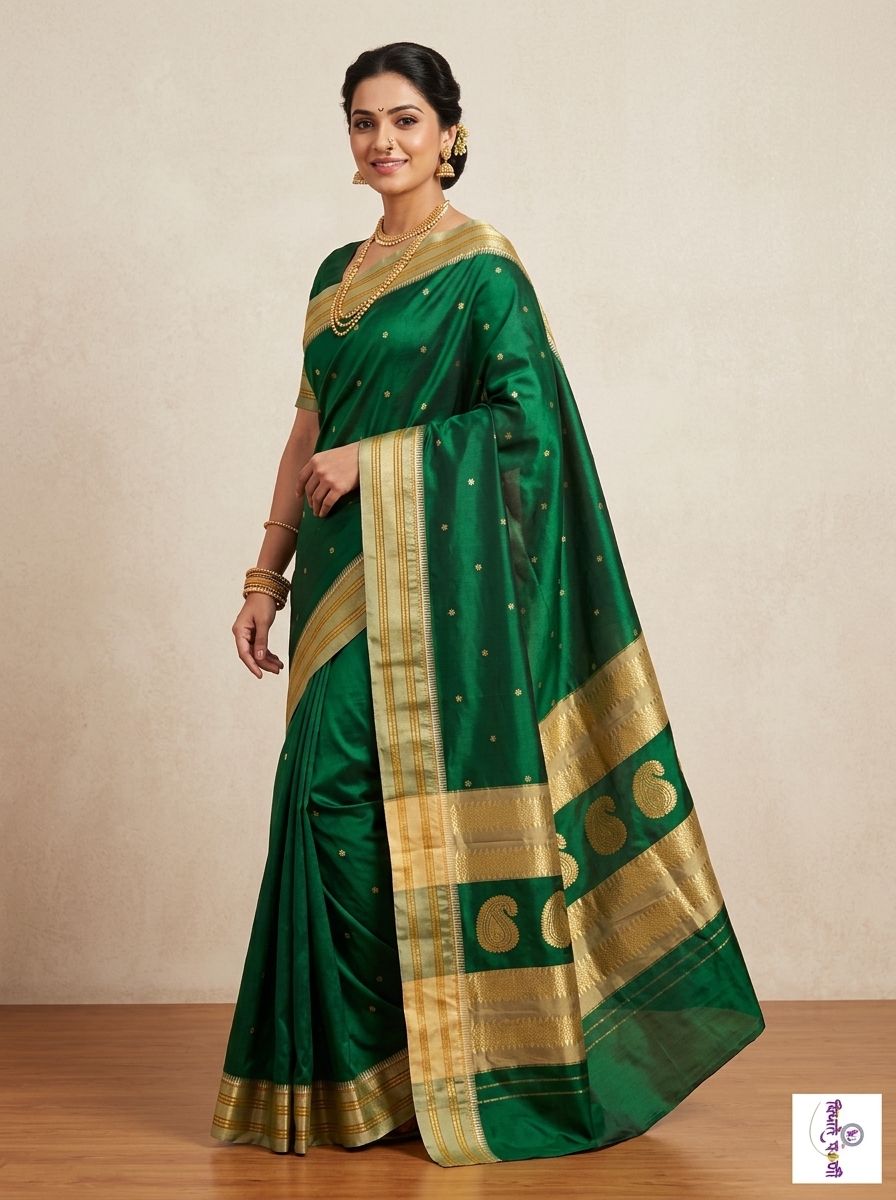
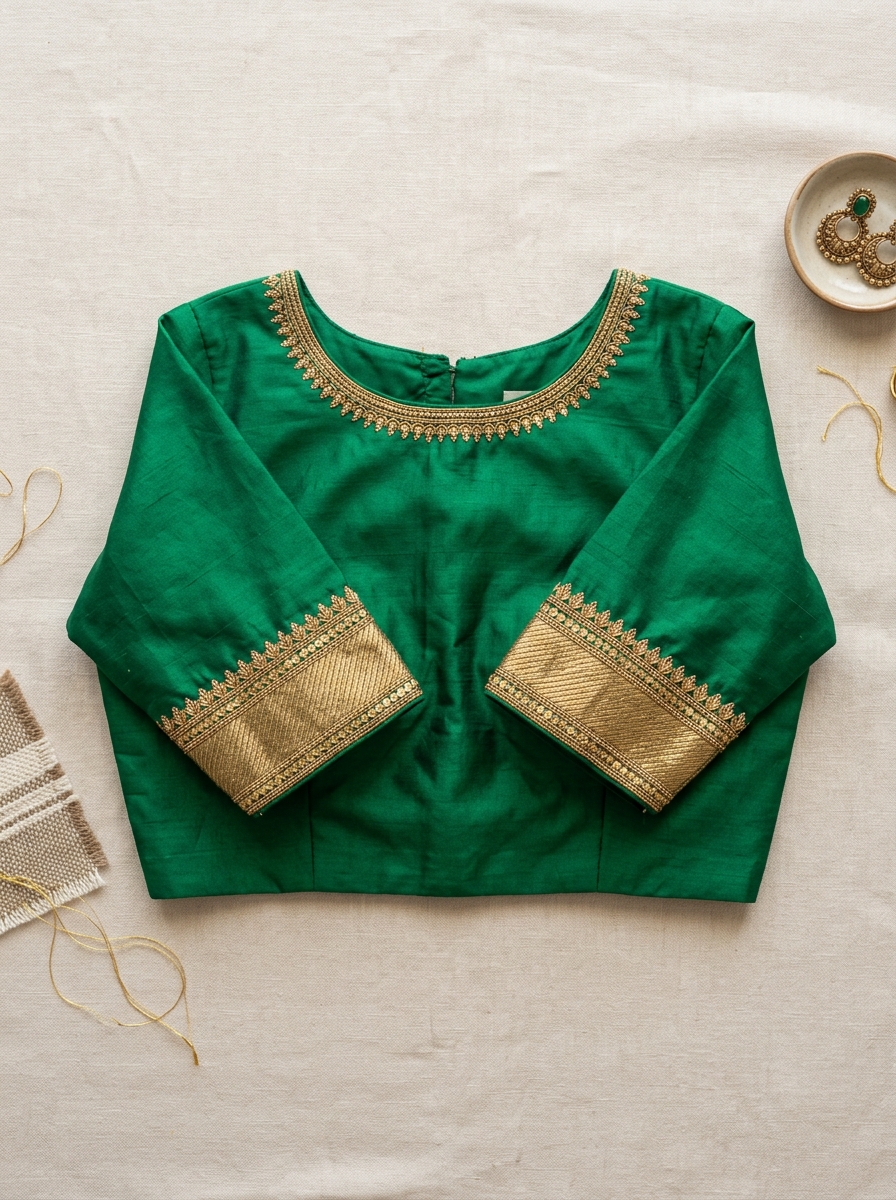
Required: saree photos and one model photo. Background, blouse and border close-up photos are optional.
Your Finished Model Photos
Catalogue ReadyClick any generated model photo to expand in HD.
Create AI Saree Catalogue Photos
Make your saree product listings more visually appealing with AI-powered fashion imagery. Textile Magic AI helps fashion businesses create catalogue-ready visuals from saree product photos.
How to Get Better AI Saree Model Results
Follow these essential guidelines to help the AI accurately interpret your saree's layout and draping direction.
For better results, upload a clear saree image with the fabric arranged vertically and the pallu positioned at the bottom. This helps the AI interpret the saree's layout and draping direction.
AI Saree Photography for Fashion Businesses
Create AI-generated saree model photos for online stores, product catalogues, boutique collections and fashion marketing. Reduce the need for repeated photoshoots while exploring new ways to present your saree designs.
Zari & Border Detail Preserved
Our AI analyzes your raw photos to capture intricate woven patterns, gold/silver zari borders, and contrasting pallu details.
Saree Catalogue Photos for Online Stores
Boost online listings on Shopify, Amazon, and social storefronts with cohesive, high-converting lookbooks across multiple angles.
Consistent Model Identity Lock
Upload your own model face as a reference to keep brand imagery uniform across hundreds of saree designs.
The Saree E-commerce Math
Ready to create your saree catalogue?
Upload your saree image and try the AI Saree Model Generator with Textile Magic AI.
AI Saree Generator FAQs
Frequently asked questions about turning saree photos into AI model images.
Which saree and model photos are required?
Upload one clear full-length photo of your saree (spread flat or hanging with good natural or studio lighting) and one clear model photo. The AI will drape the saree onto your chosen model while capturing design scale and fold dynamics.
How should I show the pallu and border?
Arrange the saree vertically with the pallu visible at the bottom or upload a detailed close-up in the optional Zoomed Pattern / Border slot. This provides clear guidance for intricate embroidery and zari work.
Can I add blouse references?
Yes, you can upload optional blouse front and blouse back references so that the generated model wear reflects your intended neckline, sleeve borders, and designer cut.
What should I do if a generated border is inaccurate?
Always inspect the generated output against your original fabric. If intricate zari or border details diverge, try uploading a high-resolution close-up in the Zoomed Pattern slot and re-generate the pose (5 credits per generation).
Can I use my brand's exclusive model face?
Yes. Upload a reference image of your signature model face into the Model/Face Reference slot. The AI engine will drape the new saree designs onto the same face and body structure to maintain consistent branding.
What formats and ratios are supported for online stores?
We offer standard e-commerce ratios like 4:5 Portrait for Shopify, Amazon, and website lookbooks, as well as 9:16 Vertical for Instagram Stories and Reels. All downloads are high-resolution WebP/JPEG files.
Explore More Textile Tools
Professional visual generation and utility tools built specifically for fabric manufacturers, boutiques and fashion retailers.
Ghost Mannequin
AI StudioRemove mannequins instantly and reconstruct 3D invisible mannequin visuals.
Fabric to Garment
AI StudioConvert raw fabric swatches into 3D on-model garments instantly.
Catalog Studio
AI StudioGenerate multi-angle e-commerce lookbooks & catalog portfolios.
Virtual Try-On
AI StudioPreview garments directly on realistic AI fashion models.
AI Video Ads
AI StudioTurn catalog photos into cinematic video ads for social media.
E-Com Resizer (2048×2048)
Free ToolAmazon, Myntra & Ajio batch image converter with smart white padding.
Batch Image Watermark
Free Tool45° diagonal repeated tiles & stamps to protect catalog photos from theft.
Fabric Color Palette
Free ToolExtract dominant shades & matching blouse/dupatta contrast colors.