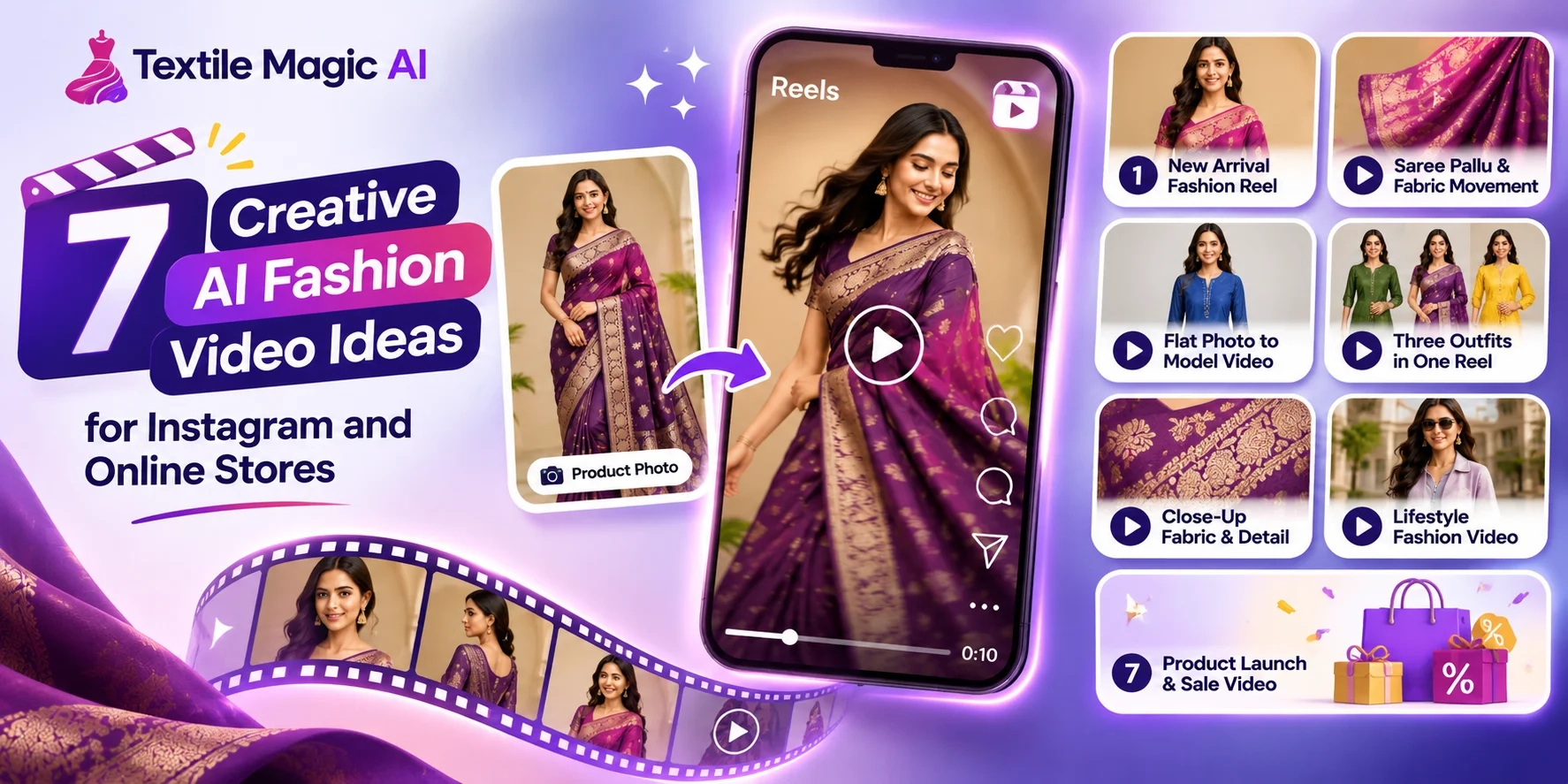
Do you have beautiful clothing photos but no videos to share on Instagram?
Maybe you sell sarees, kurtis, dresses, shirts, or kidswear. You take good pictures of your products and upload them to Instagram or your online store.
But after a few days, you may run out of new content ideas.
Making a fashion video can also be difficult. You may need a model, camera, studio, lights, and video editor.
What if you could make short fashion videos using the clothing photos you already have?
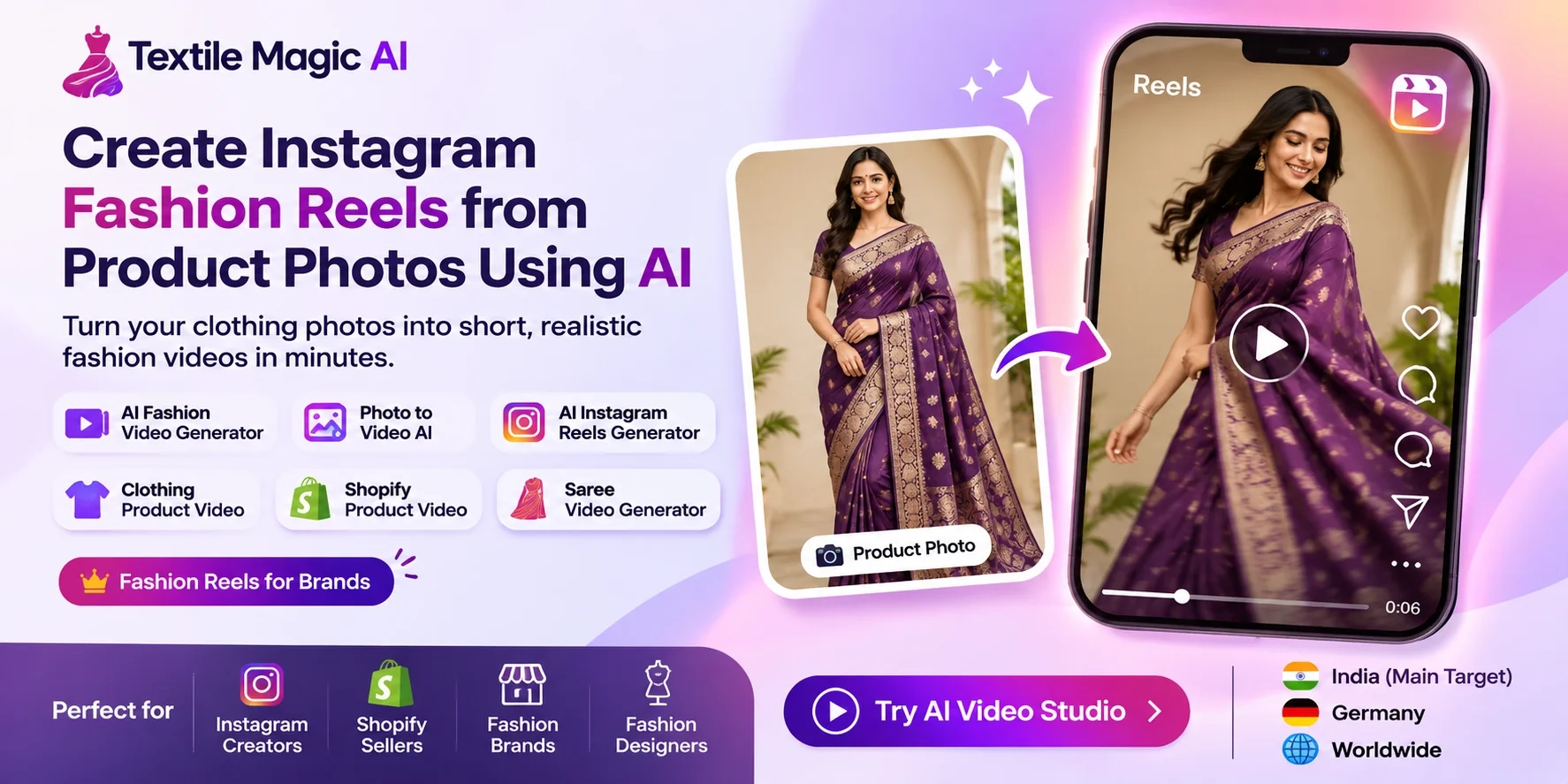
An AI fashion video generator can help you turn a still photo into a moving video.
With Textile Magic AI Video Studio, you can create short clothing videos for Instagram Reels, online stores, and fashion marketing.
In this guide, we will share seven easy AI fashion video ideas, helpful prompts, and simple steps to create videos for your clothing business.
Let's get started!
What Is an AI Fashion Video Generator?
An AI fashion video generator is a tool that creates moving videos from clothing pictures.
For example, imagine you have a photo of a woman wearing a red saree.
The photo shows her standing still.
Using AI, you can create a short video where the model makes a gentle turn, the camera moves closer, or the saree pallu moves softly.
You can also make videos using dresses, shirts, jackets, kurtis, lehengas, and other fashion items.
This method is called photo to video AI.
You do not need to record every video with a camera. You start with a picture and tell the AI what movement you want.
It is a helpful option for small shops, fashion designers, online sellers, and clothing brands.
7 Creative AI Fashion Video Ideas You Can Try Today
Here are seven ideas to help you create interesting videos from your clothing photos.
Each idea includes a simple example and a prompt you can try.
1. New Arrival Fashion Reel
Every clothing shop gets new products.
Maybe you have a new collection of summer dresses, cotton kurtis, or formal shirts.
Instead of showing only a picture, create a short video that introduces your new product.
For example, imagine a model wearing a beautiful yellow kurti.
You can make the model take one small step forward and gently turn toward the camera.
This creates a simple fashion Reel that you can use to announce your new arrival.
AI video prompt:
"The model takes a small step forward and turns slightly toward the camera. Use soft natural movement. Keep the clothing design, color, fabric print, and background unchanged."
Instagram hook:
"Your New Favorite Outfit Is Here!"
Best for: Boutiques, Shopify clothing stores, fashion brands, and new collection launches.
You can also add the product name, price, and shopping information when editing your Reel.
2. Saree Pallu and Fabric Movement Video
Sarees are an important part of Indian fashion.
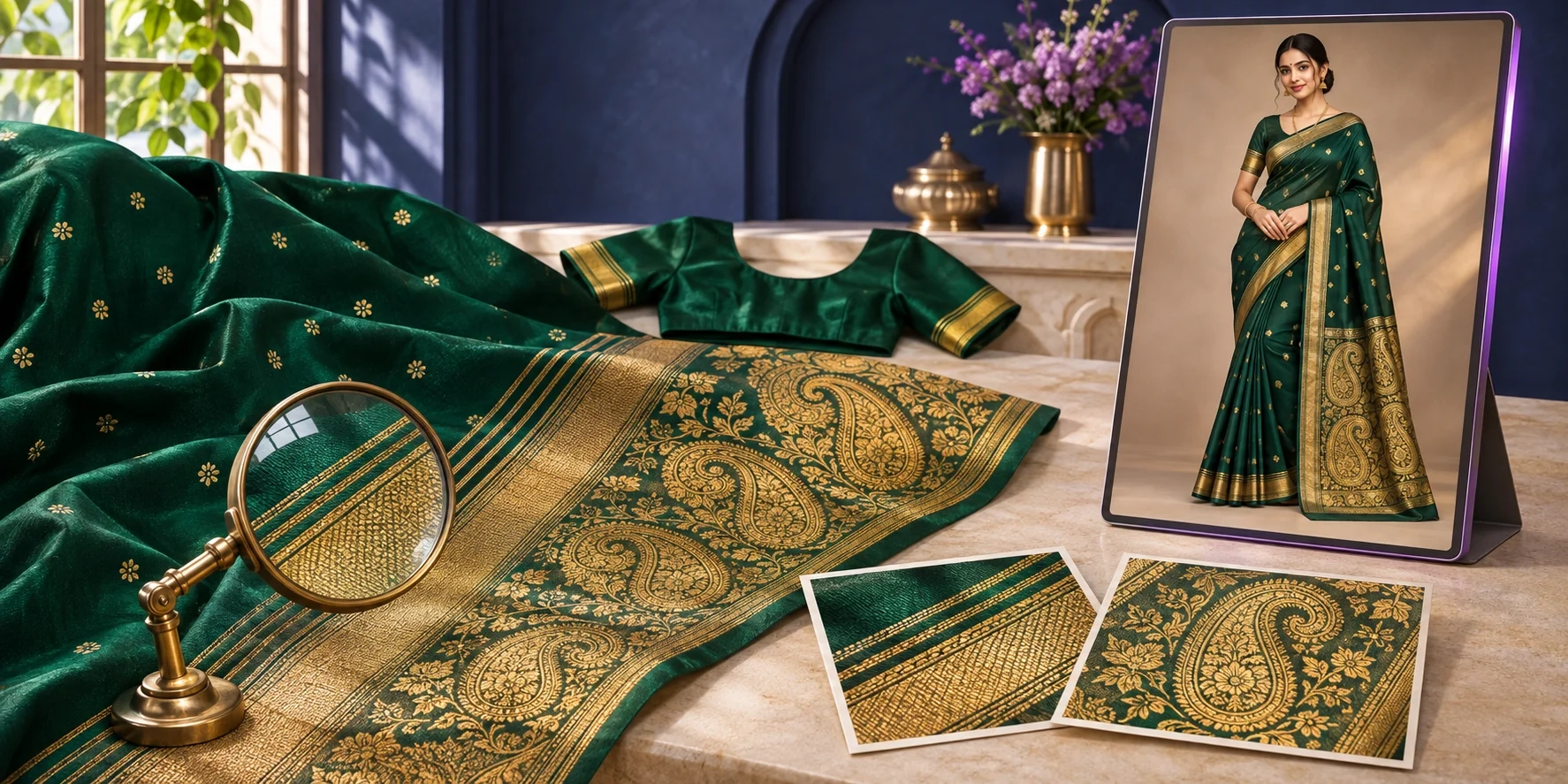
Customers often want to see the saree border, pallu, print, and overall style.
A still photo can show these details, but a short video offers another way to present the outfit.
Imagine a model wearing a purple silk saree.
The camera slowly moves closer while the model makes a gentle turn.
The pallu moves softly, helping viewers see the design.
This idea can be useful for saree sellers in Surat, Jaipur, Mumbai, Ahmedabad, and other textile markets.
AI video prompt:
"The model wearing the saree makes a gentle turn. The pallu moves softly. Use a slow camera movement to show the saree border. Keep the original pattern, embroidery, colors, and pleats consistent."
Instagram hook:
"Look at This Beautiful Saree Detail!"
Best for: Saree shops, textile manufacturers, ethnic wear stores, and festive collections.
Before uploading the video, check that the AI has not changed the saree design.
If you need model photos first, explore the AI Saree Catalogue Generator.
3. Flat Clothing Photo to Fashion Model Video
Many sellers have product photos without models.
For example, you may have a shirt lying on a table or a kurti hanging on a mannequin.
These pictures are useful, but sometimes you also want to show how the garment might look on a person.
AI can help you create a model-worn visual from the garment picture.
You can then turn that model image into a short fashion video.
Imagine you sell men's formal shirts.
You have a picture of a blue shirt. With the right AI tools, you can create a model image wearing a similar-looking shirt and then animate that picture.
AI video prompt:
"The model wearing the blue formal shirt slowly turns toward the camera. Use natural body movement and soft lighting. Keep the shirt collar, buttons, color, and fit consistent."
Instagram hook:
"From a Simple Product Photo to a Fashion Video!"
Best for: Clothing manufacturers, wholesalers, online sellers, and small fashion businesses.
To prepare model images, try the Fabric to Garment AI Tool or Virtual Try-On Tool.
Remember that an AI-made model image is a visual example, not proof of the garment's real fit.
4. Three Outfits in One Fashion Reel
Do you have several products in one collection?
You can show them together in a short Instagram Reel.
For example, imagine your boutique has three new dresses:
-
A blue casual dress
-
A pink party dress
-
A black evening dress
Create one short video for each dress.
Then join the three clips using a video editor or Instagram's editing tools.
Show each dress for a few seconds.
This gives your audience a quick look at your collection without making a long video.
AI video prompt:
"The fashion model makes a gentle walking movement and gives a natural pose. Keep the dress design, color, and background unchanged. Use smooth camera movement."
Use the same prompt for each dress, changing only the clothing description when needed.
Instagram hook:
"3 Beautiful Outfits. Which One Is Your Favorite?"
Best for: Boutique collections, seasonal launches, women's fashion, and Instagram clothing pages.
Ask viewers to comment with their favorite outfit. This gives you a simple way to learn which designs people like.
You can create additional catalogue poses using the AI Catalogue Generator.
5. Close-Up Fabric and Embroidery Video
Some clothes have special details that customers should notice.
A kurti may have hand embroidery. A saree may have a beautiful golden border. A jacket may have unique buttons or stitching.
These small details can make a product special.
A close-up video helps you bring attention to them.
Imagine you sell an embroidered lehenga.
Instead of showing only the full outfit, make a short clip with a gentle camera movement toward the embroidery.
This can help people notice the details that make the design different.
AI video prompt:
"Slow camera movement toward the garment embroidery. Keep the fabric texture, threadwork, colors, and original pattern consistent. Use soft studio lighting and smooth movement."
Instagram hook:
"The Small Details Make This Outfit Special!"
Best for: Designer clothing, embroidered kurtis, sarees, premium dresses, and ethnic wear.
For the best result, begin with a clear photo that already shows the actual embroidery.
Always compare the generated video with your real product photo. Do not show invented embroidery as a genuine product feature.
6. Lifestyle Fashion Video for Your Brand
Not every clothing video needs a plain studio background.
You can also create fashion content that shows a lifestyle or mood.
For example, imagine a woman wearing a summer dress while standing near a bright window.
Or a model wearing a winter jacket in a clean city setting.
These scenes can help customers imagine where they might wear the clothes.
For a fashion brand in Germany, you might create a simple autumn clothing video with a warm indoor background.
For an Indian clothing seller, you could use a festive setting for a lehenga or kurti collection.
AI video prompt:
"The model wearing the outfit turns slightly toward the camera in a bright modern room. Use a soft camera movement and natural lighting. Keep the garment design and colors unchanged."
Instagram hook:
"An Outfit Made for Your Everyday Style!"
Best for: Fashion designers, lifestyle brands, streetwear, casual fashion, and seasonal collections.
If you want a different background, create and review a suitable catalogue image before generating the video.
You can learn more about preparing clothing visuals in our AI Fashion Catalogue Photography Guide.
7. Product Launch and Sale Announcement Video
Are you launching a new collection or preparing a seasonal sale?
A short fashion video can help you tell customers about it.
Imagine your store is launching a festive saree collection.
You can create a short clip where the model makes a gentle turn. Then add the collection name, launch date, and shopping information.
This gives you a simple promotional video for Instagram.
You can use the same idea for:
-
Diwali clothing collections
-
Wedding season outfits
-
Summer fashion launches
-
Winter jacket collections
-
Boutique anniversary offers
AI video prompt:
"The fashion model slowly turns toward the camera. Use an elegant studio look with soft lighting and natural movement. Keep the original clothing design, print, and colors consistent."
Instagram hook:
"Our New Collection Has Arrived!"
Best for: Shopify merchants, Instagram clothing sellers, boutique owners, and fashion campaigns.
Add your real sale information after generating the video. Only mention discounts and offers that your store actually provides.
How to Create These Videos with Textile Magic AI
Now that you have seven ideas, let's make a video.
You can start with a picture you already have.
Step 1: Open Video Studio
Visit the Textile Magic AI Fashion Video Generator.
Step 2: Upload Your Clothing Photo
Choose a clear picture of your product or a model wearing your garment.
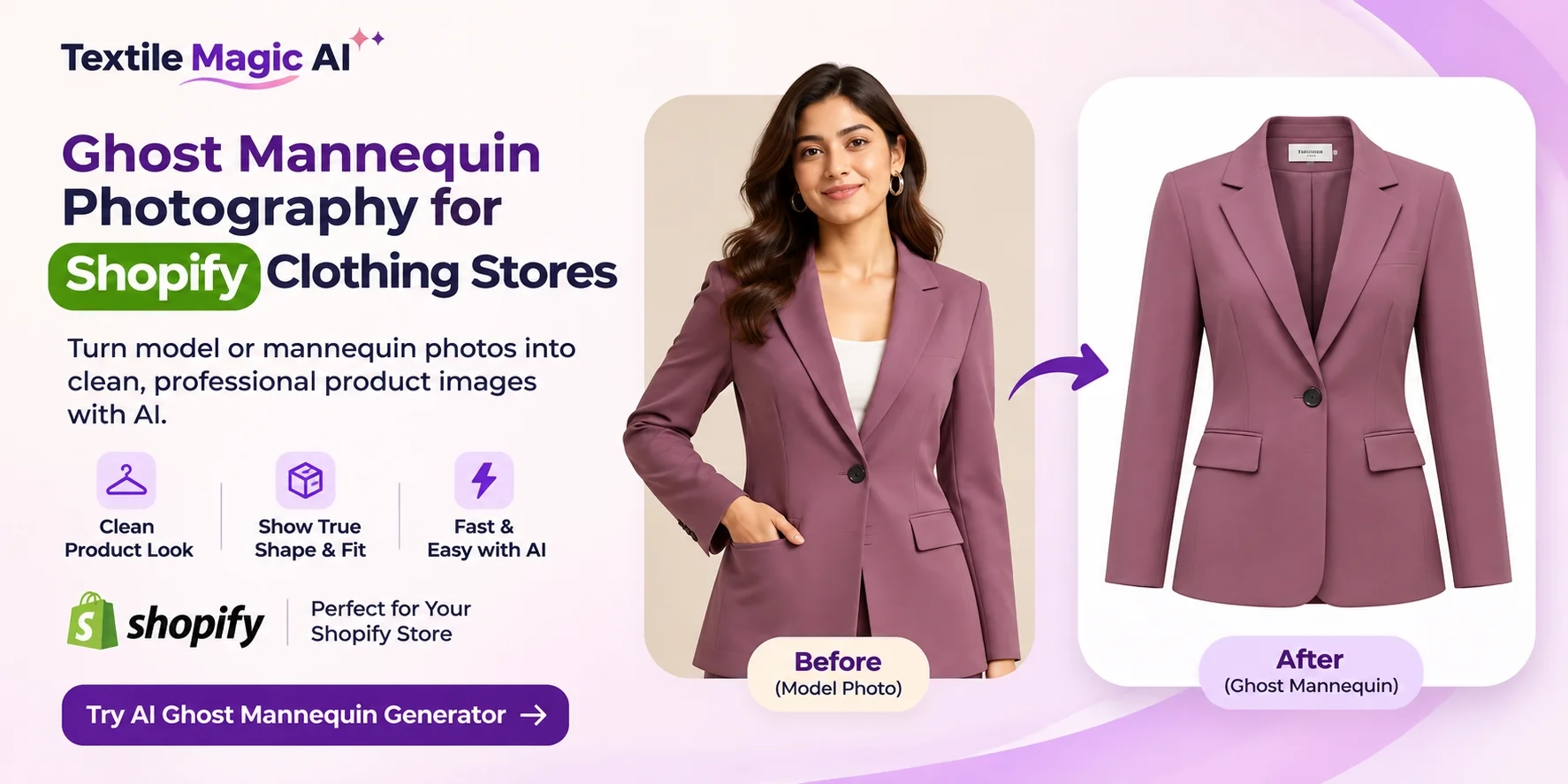
If you only have a flat garment photo, Video Studio also offers an option to prepare an on-model image before animation.
Step 3: Choose the Video Style
Pick the movement or video length that works for your product.
Start with a gentle turn, soft movement, or a simple camera zoom.
Step 4: Enter Your Prompt
Copy one of the prompts from this guide.
Keep your instructions clear. Tell the AI what should move and what should stay the same.
Step 5: Generate and Review
Create your video and check the result.
Look carefully at the fabric, colors, buttons, embroidery, model, and background.
Step 6: Download and Share
Download your finished clip and share it on Instagram or use it in your online store.
Video Studio offers short MP4 clips and different formats for social media and commerce.
You can check the current credit requirements on the Textile Magic AI Pricing Page.
Best Video Size for Instagram Reels and Online Stores
The video shape matters because people watch content on different screens.
For Instagram Reels, a useful format is 9:16 vertical, commonly prepared at 1080 × 1920 pixels.
This fills most of a phone screen.
For online stores, you might prefer a square or wider format depending on where the video appears.
Try to keep the clothing in the middle of the frame. Leave space for captions and interface buttons.
You can read more about Instagram's video guidance in the Instagram Help Center.
How Shopify Sellers Can Use AI Fashion Videos
If you own a Shopify clothing store, you can use short videos for more than Instagram.
You might place a product clip beside the garment pictures on a product page.
For example, imagine you sell a black blazer.
Your product page can show clear photos of the front, back, and fabric details, along with a short video of a model wearing the blazer.
This gives shoppers another way to view the item.
Shopify supports product videos, although your theme must support the way you want to display them.
Learn how to add videos through the official Shopify Product Media Guide.
Keep real product images and accurate size information available alongside AI-made visuals.
Tips to Make Better AI Fashion Reels
A good fashion video does not need lots of effects.
The most important thing is showing the clothing clearly.
Here are a few easy tips:
Use clear source photos. Good lighting and visible garment details help the AI understand your product.
Start with simple movement. A gentle turn or slow camera motion is easier to review than a complicated action.
Keep your Reels focused. Show one product or one clear idea at a time.
Use readable captions. Tell viewers what you are showing without covering the garment.
Add a useful call to action. For example, "Explore the Collection" or "See More Colors."
Review before posting. Check every generated clip for mistakes.
Creating videos is only one part of growing an online clothing business. Good products, clear prices, customer trust, and helpful service matter too.
Final Thoughts
Creating fashion videos does not always require a new photoshoot.
You can start with the clothing photos you already own.
Whether you sell sarees in Surat, dresses in Germany, or fashion products through Shopify, AI video tools offer a simple way to try new content ideas.
Start with one photo. Choose one of the seven ideas above. Write a clear prompt and create a short clip.
Check that the result looks like your real garment.
Then share it with your customers and see what they enjoy.
Ready to create your first AI fashion video?
Try Textile Magic AI Video Studio and turn your clothing photos into short videos for Instagram and your online store.