
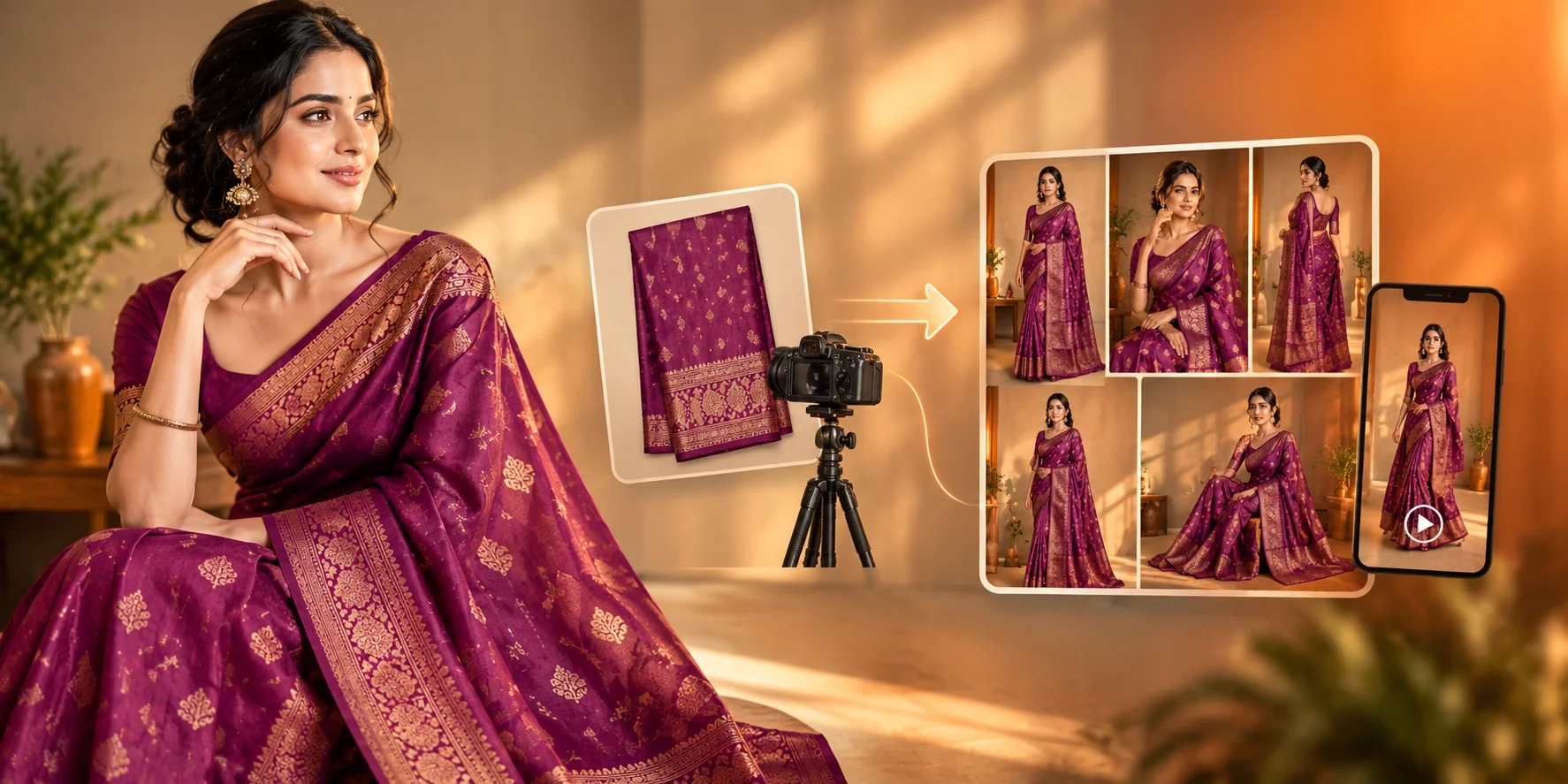
Creating a fashion catalogue with AI product photography starts with a clear photo of the garment, then turns that source into on-model images, multiple product views, and ecommerce-ready visuals. Review every result against the product, organise images by SKU, and reuse the assets for product pages, wholesale catalogues, social posts, and short videos.
Key Takeaways
Start with a sharp, well-lit garment or fabric photo.
Generate several useful views in one visual style.
Check colour, print, embroidery, drape, fit, and small details.
Keep marketplace requirements separate from creative catalogue images.
Reuse approved assets across ecommerce, wholesale, social, and video.
What is an AI fashion catalogue?
An AI fashion catalogue is an organised set of product images created or enhanced with artificial intelligence. Sources include garment photos, flat lays, mannequin shots, and fabric references.
AI should improve presentation, not change the product. Shopify describes AI product photography as using existing product photos with generated settings, lighting, or models for listings, ads, and other marketing assets.
A catalogue is mainly for structured selling. A lookbook is more editorial and focuses on mood or collection story. A line sheet is buyer-focused and usually contains product codes, colours, sizes, prices, or wholesale details. One garment can serve all three, but purposes differ.
What do you need before creating the catalogue?
You need a clean source image, a visual brief, and accurate product information. A strong source reduces the amount of correction needed later.
Before uploading:
-
Show the full garment where possible.
-
Use even light and a neutral background.
-
Keep the real colour visible.
-
Avoid blur, harsh shadows, and folds that hide design details.
-
Keep a close-up for zari, embroidery, prints, collars, buttons, or texture.
-
Choose one style: studio, lifestyle, festive, premium, or wholesale.
For a saree, capture the border, pallu, blouse piece, and main motifs. For a kurti, show neckline, sleeves, hem, print placement, and fabric texture. For men's shirts, include collar, cuffs, buttons, and placket. For kids wear, show the full silhouette and important trims.
How do you create a fashion catalogue with AI?
The basic workflow is: upload the product, generate controlled views, review them, then place the approved images into the catalogue.
1. Upload the garment reference
Start with a product image. A phone photo can work when sharp, well lit, and clearly visible. Shopify also recommends starting with your own reference instead of text-only invention.
Use extra references for backs, borders, embroidery, or texture.
2. Generate on-model catalogue images
Choose the model, pose, background, lighting, and crop. Create several useful views instead of one hero image.
A saree seller might generate a front pose, side pose showing the drape, border detail, and a clean product view. A kurti seller can create a full-length model image, three-quarter view, and neckline or print close-up.
Textile Magic AI is one example of this workflow. Its current catalogue tool accepts model and garment references and offers 1–6 generated poses for a multi-angle campaign.
3. Lock the catalogue style
Use the same model direction, framing, lighting, background family, and pose style across a collection. A different visual style for every SKU makes a catalogue feel inconsistent.
Keep a guide for model, crop, background, lighting, and poses. Shopify similarly recommends shared brand guidelines for repeatable AI image workflows.
4. Review product accuracy.
Polished does not always mean accurate. Compare every AI image with the source.
Check the colour, print, saree border, pallu, embroidery, buttons, sleeves, hem, fit, hands, and shadows. Reject any image that changes a meaningful product detail or creates a misleading view.
How do you make AI catalogue images ecommerce-ready?
Use the same approved product assets, but adapt them to each channel. Your marketplace image set and your editorial lookbook do not need to be identical.
For Shopify, product pages support images plus other media, and Shopify recommends high-resolution product images; square images around 2048 × 2048 pixels are described as a useful display size.
For Amazon, do not assume that an attractive AI image is automatically compliant. Amazon's India guidance says the main image must accurately represent the real product, show the product as 85% of the image, show the full product, and meet other category-specific rules.
For Google Merchant Center, current guidance says generative-AI product images must retain AI-generation metadata. The page notes enforcement of the new image requirements beginning January 31, 2027.
For Etsy, seller-prompted AI creations are allowed under its Creativity Standards, but sellers must disclose AI use in the listing description and still follow Etsy's seller and listing rules.
Build a master image set first, then create channel-specific versions from those approved images.
AI fashion photoshoot vs traditional photoshoot
AI and traditional photography solve different production problems. AI is useful for repeatable variations, quick revisions, and large collections; traditional shoots remain valuable when exact physical styling, location, or campaign direction is essential.
| Factor | AI fashion photoshoot | Traditional photoshoot |
|---|---|---|
| Preparation | Product references and style settings | Studio, photographer, models, styling, logistics |
| Time | Multiple variations without a new shoot day | Scheduled shooting and post-production |
| Model/studio needs | Digital model and generated setting may be enough | Physical model, studio/location, crew |
| Revisions | New variations can be generated from approved direction | Editing or another shoot may be required |
| Scaling collections | Well suited to repeatable SKU workflows | More operational work as SKU count grows |
| Best use cases | Catalogues, ecommerce variants, social, lookbooks | Flagship campaigns and exact physical styling |
For many businesses, a hybrid workflow is practical: use a real product source as the authority and AI to extend the number of useful visuals.
How can textile sellers use an AI fashion catalogue?
An AI catalogue becomes more valuable when the same approved assets support several selling tasks. Indian textile businesses can use one garment reference for wholesale presentations, ecommerce listings, social content, and ad creatives.
A saree manufacturer can create an on-model catalogue for buyers, a clean product image for ecommerce, and a short drape video for social media. A kurti boutique can keep one model style across a collection. A men's shirt seller can create front, side, detail, and lifestyle views from a consistent visual direction.
Textile Magic AI also connects catalogue creation with virtual try-on and short product videos, making it possible to extend approved garment assets into other content formats.
India fits this workflow because its textile and apparel sector combines manufacturing, domestic demand, and exports. IBEF reports FY26 textile and apparel exports, including handicrafts, of about US$35.52 billion.
Prepare seasonal visual direction early. Diwali and wedding ranges may suit richer ethnic styling, while export catalogues can use neutral styling that keeps attention on colour, fabric, and construction.
For a larger batch, review the current pricing options before production. Explore the fashion and AI blog resources for related workflows.
When you are ready, use the Textile Magic AI catalogue tool for garment-to-model visuals, then extend approved stills with the video ads tool. Manufacturers can contact the support team about larger workflows and read about the platform for more context.
Conclusion
AI can make fashion catalogue production more repeatable, but the workflow still starts with a real product and ends with human review. Start with one strong garment image, build a consistent set of views, adapt them for each sales channel, and reuse approved assets. Textile Magic AI can help turn that workflow into catalogue, try-on, and video content. Start with one garment and build your catalogue set.