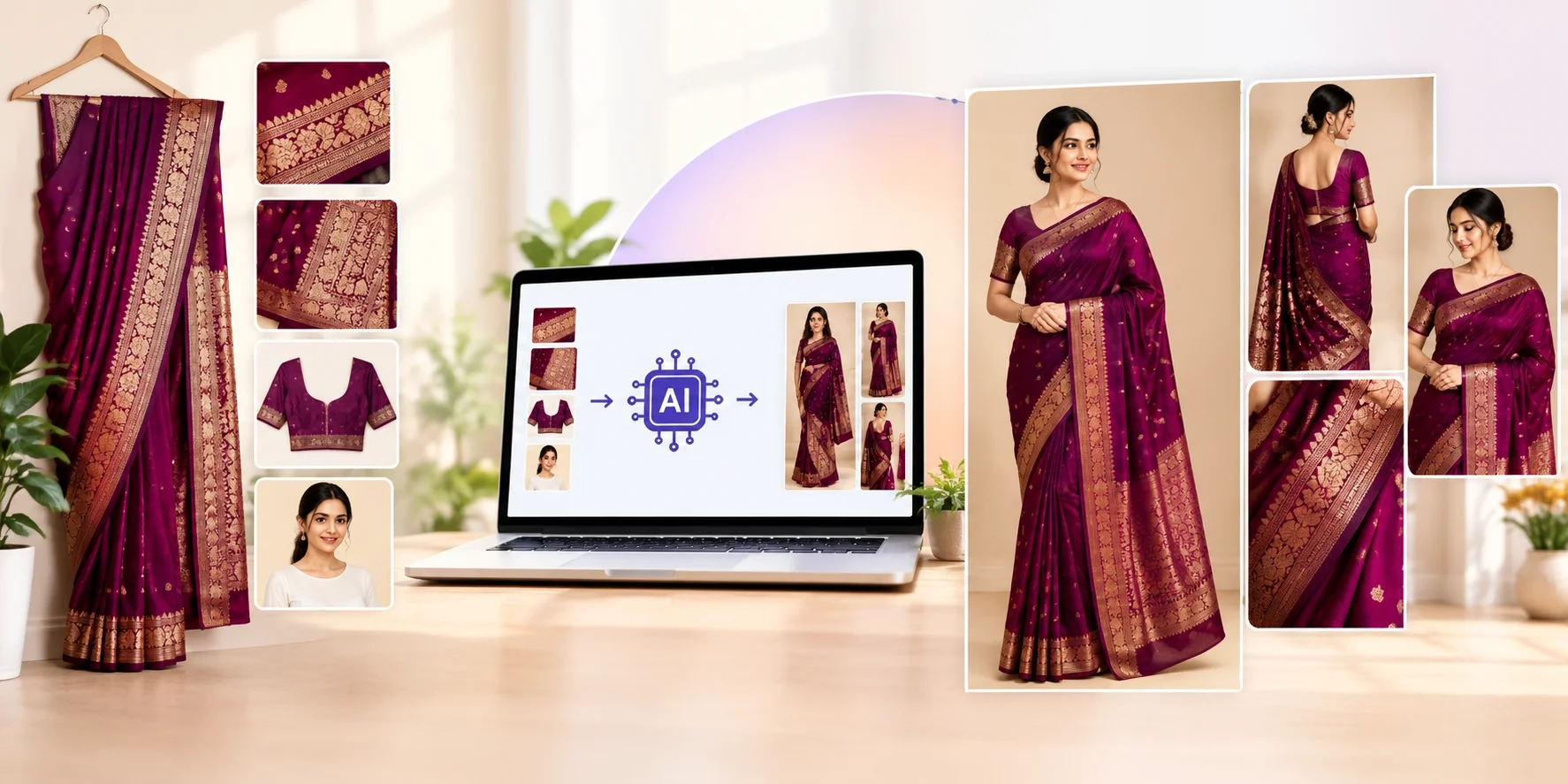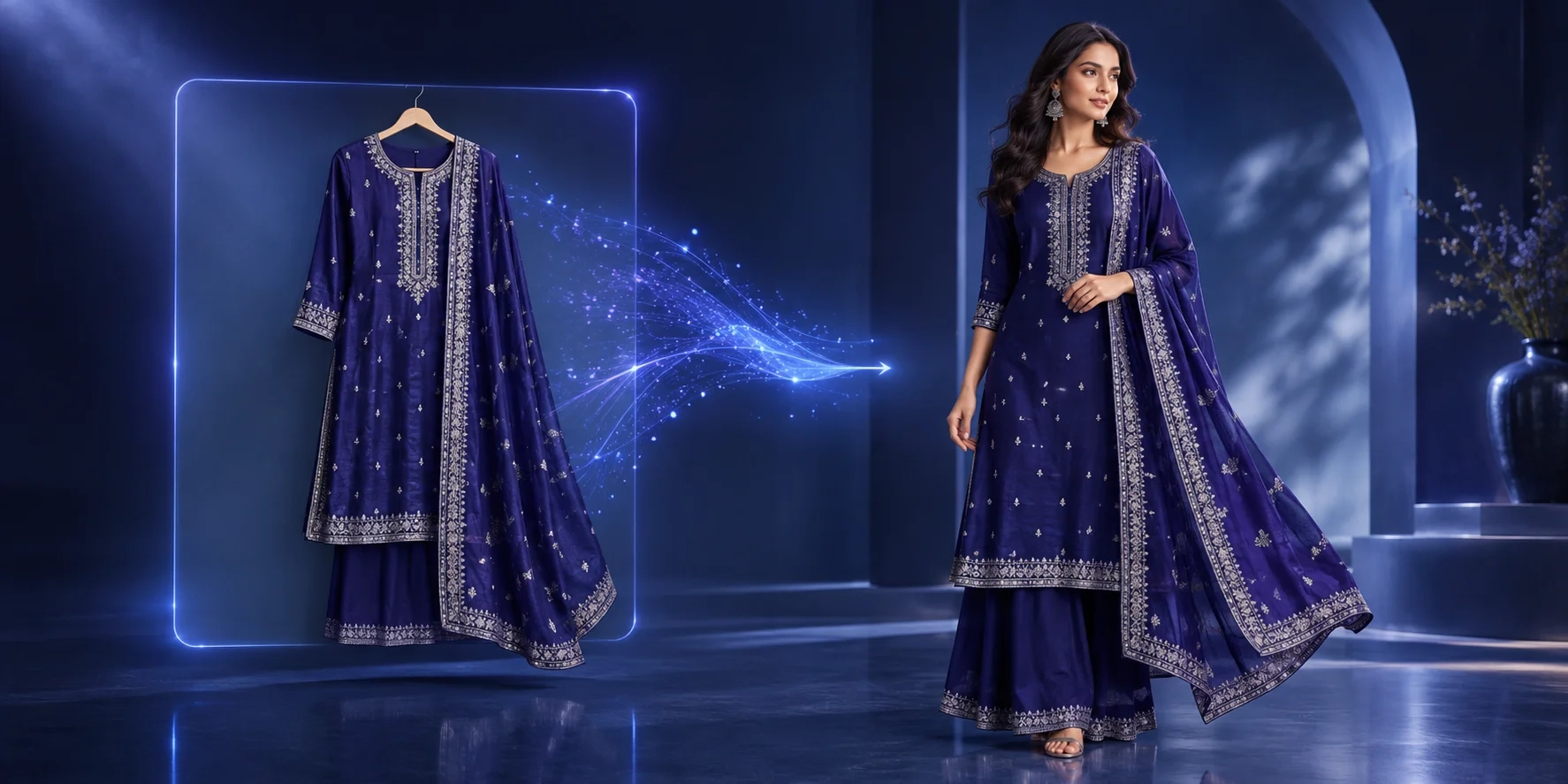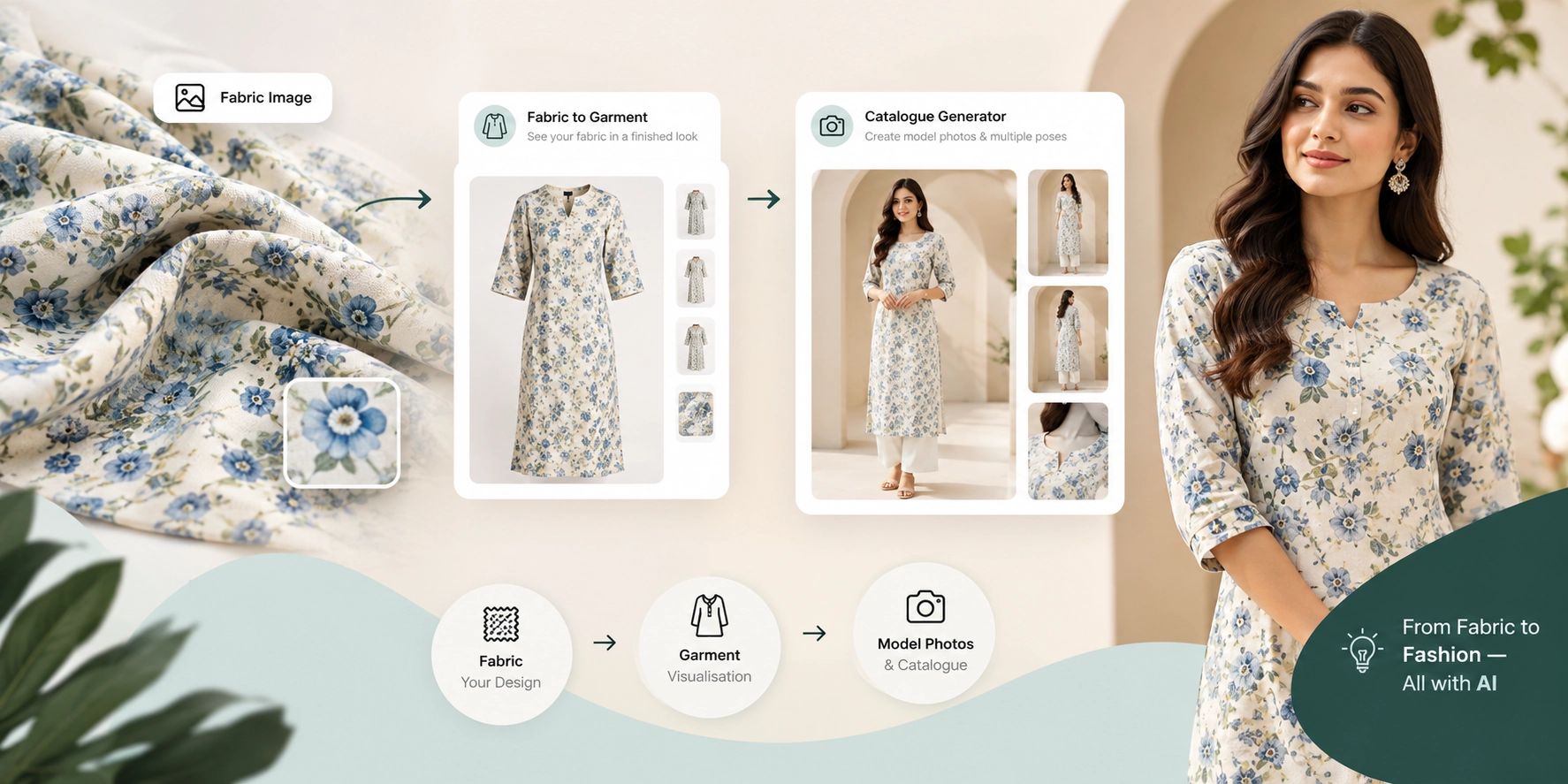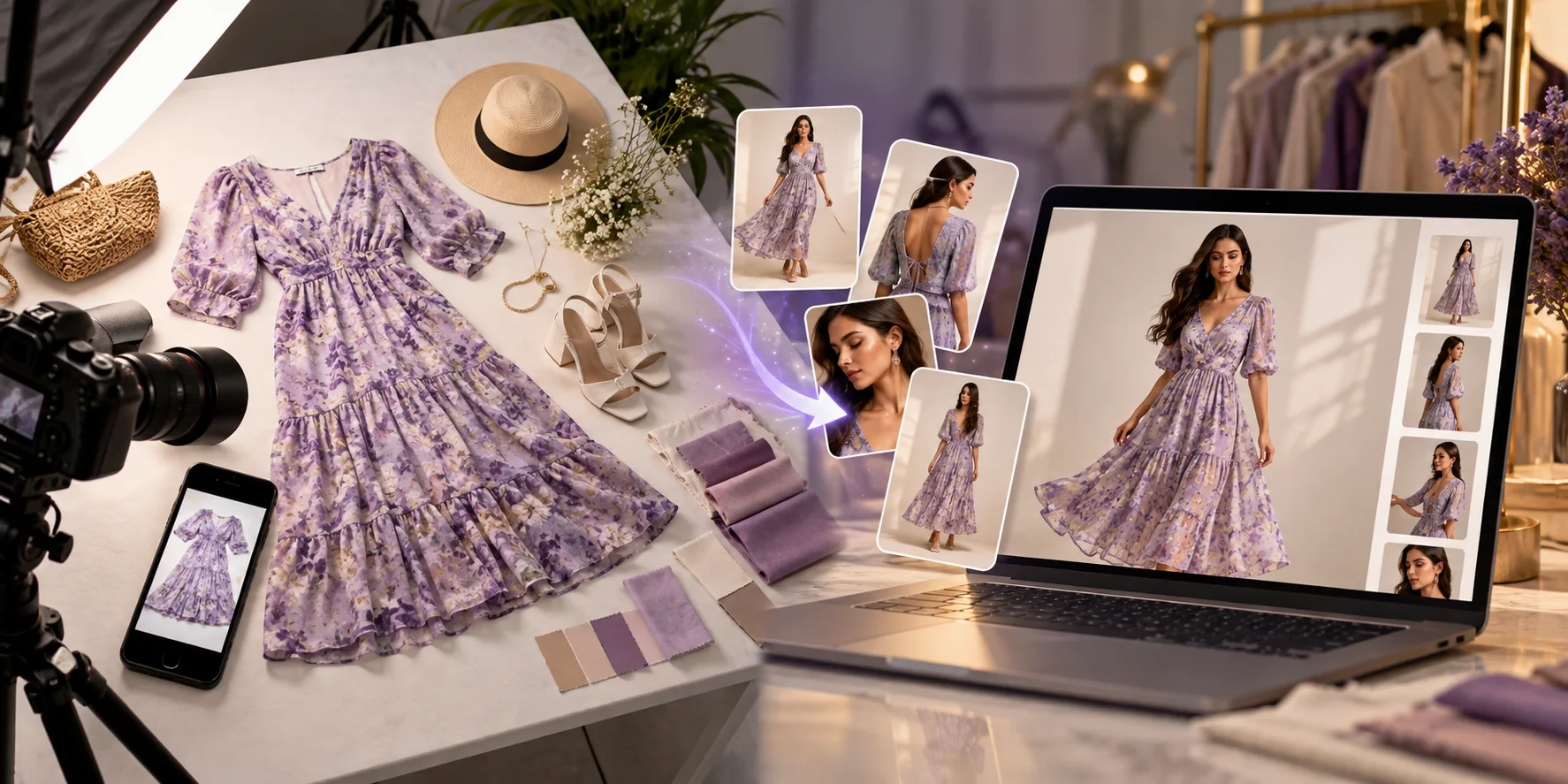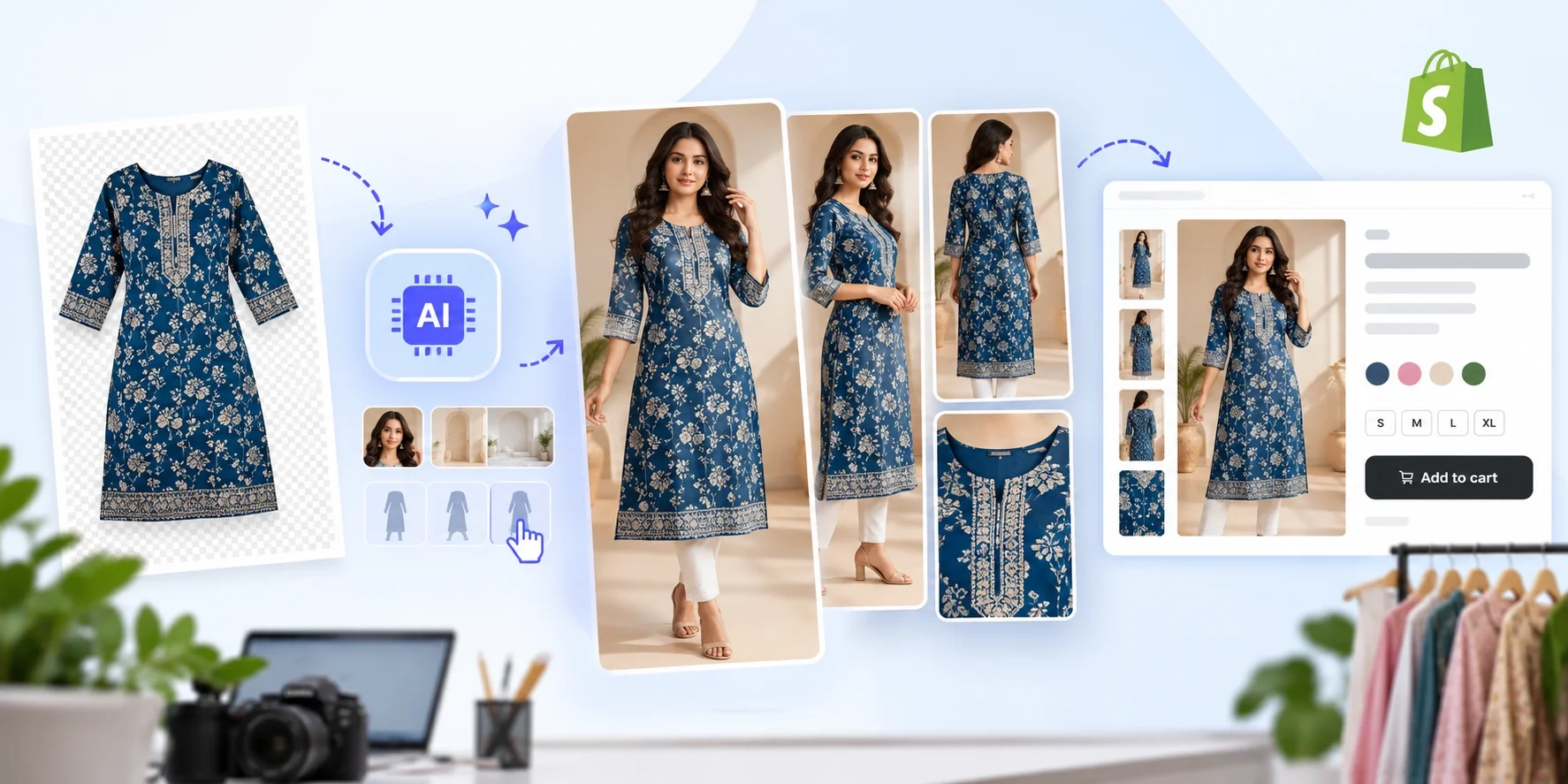
Creating product photos for a Shopify clothing store does not have to start with booking a studio. With AI clothing product photography, sellers can upload a clear photo of a real garment, generate on-model and lifestyle images, check that the design remains accurate, and publish approved images to Shopify. The important rule is simple: use AI to improve presentation, not to invent product features.
What Is AI Clothing Product Photography for Shopify?
AI clothing product photography uses artificial intelligence to create or edit fashion visuals from existing garment references. A seller might start with a flat-lay kurti photo, add a model and neutral background, then create several complementary poses. The resulting pictures can support Shopify product pages, collection banners, and marketing campaigns.
Unlike text-only image generation, a reference-led process starts with the item you actually sell. That matters because buyers need to see the correct colour, print, silhouette, embroidery, and construction. AI images cannot prove real-world fit or fabric behaviour.
For related ideas, read our guide to creating a fashion catalogue with AI product photography.
Why Shopify Clothing Sellers Use AI Product Photos
Traditional fashion photography can involve models, styling, equipment, lighting, locations, retouching, and multiple shooting days.
AI fashion photography may help sellers create more visual options from existing product references without arranging a completely new shoot for every variation.
However, not every image needs to be synthetic. Original photographs remain especially valuable for showing fabric texture, construction details, size references, and true colours. The strongest Shopify gallery often combines accurate real-product evidence with carefully reviewed AI-assisted presentation.
How to Create AI Clothing Product Photos for Shopify: Step by Step
Step 1: Photograph the Actual Garment Clearly
Begin with the physical item or an approved product sample. Place it on a clean surface or mannequin, use soft even light, and photograph the entire garment without cutting off sleeves or hems.
Capture extra reference shots for critical details. For kurtis, include the neckline, print placement, sleeve length, and hem. For sarees, show the border, pallu, motifs, and blouse fabric. For shirts, capture collars, buttons, cuffs, and pockets.
Use the product's real colour as your reference. Avoid beauty filters or lighting that turns cream into white or maroon into red.
Step 2: Choose a Clothing-Focused AI Photography Tool
Select a tool that accepts reference images and offers useful control over models, backgrounds, and poses.
With Textile Magic AI, fashion sellers can explore AI-assisted model imagery and catalogues. Its AI Photoshoot Catalogue Generator accepts a model reference and up to five garment views, with options for generating one to six poses.
Start with one product rather than processing your entire collection immediately.
Step 3: Set the Model, Poses, and Background
Think about the purpose of each image before generating it. A Shopify collection thumbnail should make the garment easy to recognize. A product page can benefit from a full-length front view, a three-quarter view, a side or back view, and a close-up of an authentic detail.
Choose a consistent studio background, lighting direction, camera distance, and framing for products in the same collection. Lifestyle backgrounds can be useful for campaigns, but avoid scenery that overwhelms the garment.
Step 4: Write a Garment-Preservation Prompt
Describe the desired photo style and details that must remain unchanged.
Example AI prompt:
Create a realistic full-length ecommerce fashion photograph of an adult model wearing the uploaded blue printed cotton kurti. Use soft, balanced studio lighting, a warm-white background, a natural standing pose, and clear visibility of the garment. Preserve the original neckline, sleeve length, print layout, hemline, colours, and fabric details. Do not add buttons, embroidery, accessories, logos, or text to the garment.
A prompt is a direction, not a guarantee. Compare every result with the source photographs. For more creative variations, explore our Shopify AI product photography prompts.
Step 5: Generate, Compare, and Approve Images
Generate a small set first. Open the outputs at full resolution rather than judging only from thumbnails. Compare each image against the actual garment and reject results showing invented features.
Look closely at symmetrical prints, embroidery, borders, buttons, fingers covering details, unnatural folds, and inconsistent colours between poses. Check whether a supposed back view is actually supported by a back reference. When the tool does not have enough source information, keep a real photograph instead of guessing.
Maintain an approval folder by SKU so your team can distinguish final assets from experimental generations.
Step 6: Export and Upload Images to Shopify
Export your approved images at dimensions appropriate for your theme and layout. Shopify says square product images around 2048 × 2048 pixels usually display well; product and collection images can be up to 5000 × 5000 pixels or 25 megapixels, with files smaller than 20 MB. See Shopify's image requirements.
In Shopify admin, open Products, select the relevant item, and add images in the product's Media section. Put the strongest accurate image first because Shopify uses the first media item as the featured image in several storefront locations. See Shopify's product media instructions for the current workflow.
Preview the listing on desktop and mobile.
Which Images Should a Shopify Clothing Product Page Include?
A complete apparel gallery should answer real shopper questions, not just look fashionable. Start with an accurate hero photo that shows the whole garment. Follow it with a second angle, a detail close-up, an authentic colour reference, and a lifestyle image when useful.
For a printed kurti, your gallery might include a front-facing model view, a three-quarter pose, a neckline photograph, a fabric close-up, and a size-chart graphic. For a saree, include a drape view plus genuine border and pallu details. Avoid generated close-ups that imply a stitch or material texture you cannot verify.
Keep collection thumbnails consistent in aspect ratio.
How to Optimize AI Clothing Images for Shopify SEO
Use Descriptive File Names and Alt Text
Rename files before uploading. Instead of image-final-3.jpg, use a name such as blue-printed-cotton-kurti-front-view.jpg.
Write alt text that describes what the image actually shows: “Model wearing blue printed cotton kurti, front view.” For a genuine detail shot, use “Close-up of blue cotton kurti neckline and printed fabric.” Do not stuff every image with repeated phrases such as “best Shopify AI clothing product photos.”
Google's image SEO guidance recommends descriptive file names, relevant surrounding text, and helpful alt text.
Protect Page Speed and Mobile Usability
Large image files can slow product pages. Export sharp images, compress them carefully, and inspect how your theme serves responsive sizes.
Check the primary image on a phone before publishing. The garment should remain readable after cropping, and shoppers should be able to zoom into essential details.
Add Accurate Product Information
Images work best alongside descriptive product titles, fabric composition, sizes, care instructions, availability, and variant information. Confirm these facts from your inventory rather than from AI-generated visuals.
Google explains that eligible merchant pages can use Product and Offer structured data to help search systems understand price, availability, and product information. Check your Shopify theme or SEO app before adding duplicate markup. Structured data does not guarantee special search results.
Common AI Fashion Photography Mistakes to Avoid
The most serious mistake is publishing a beautiful but inaccurate garment. AI may change print placement, add a pocket, lengthen sleeves, or create embroidery that does not exist.
Another mistake is using one AI pose for everything. Include verified back, texture, and detail photographs when AI cannot represent them reliably.
Finally, avoid publishing an entire catalogue without a consistent review process. Establish a simple checklist: correct SKU, accurate colours, preserved garment details, sensible model proportions, clean crop, mobile preview, and approved commercial usage rights. Disclose AI-generated imagery where laws or platform policies require it, and be transparent when a visual is illustrative.
Example: Turn One Kurti Into a Shopify-Ready Gallery
Imagine a boutique launching a blue printed kurti. The seller takes three clear phone photos: full front, back, and neckline detail. The images are uploaded to a clothing-focused AI tool along with a model reference.
The seller chooses a clean studio setting and generates front and three-quarter model views. After comparing both outputs with the real kurti, the seller rejects one image with altered sleeve prints and approves the accurate version. The gallery combines that AI-assisted model image with the original back and close-up photos.
The exported images receive descriptive filenames and alt text, then go into Shopify's product media section. The seller checks the product grid on mobile and ensures the product description matches the real garment.
Frequently Asked Questions
Can I use AI-generated clothing photos on Shopify?
Yes, Shopify supports product images, including AI-assisted visuals, provided you have the necessary rights and your listing follows applicable rules. The images must represent what customers will actually receive. Verify garment details before publishing.
Can AI put clothes on a model from one photo?
Often, yes. A clear garment image can support model-style generation, but extra views improve your ability to verify details. Learn more about the AI fashion model generator workflow.
Are AI clothing product photos good for SEO?
They can support SEO when images are relevant, accurate, accessible, fast-loading, and surrounded by useful product information. AI generation itself is not a ranking shortcut. Descriptive alt text, strong category pages, and trustworthy product listings matter more than whether an image was produced with AI.
Do I still need real clothing photos?
Yes, for many products. Real images are the reliable reference for physical colours, stitching, texture, labels, and construction. Use AI to supplement those photos and create additional presentation options, not to replace information customers need for a confident purchase.
Start Creating Better Shopify Clothing Photos
You do not need a complex studio setup to begin experimenting with AI clothing product photography. Start with one real garment, create a controlled model image, verify every detail, and publish a useful gallery with clear descriptions and optimized image files.
If you want to build a consistent fashion catalogue, explore Textile Magic AI's catalogue studio.