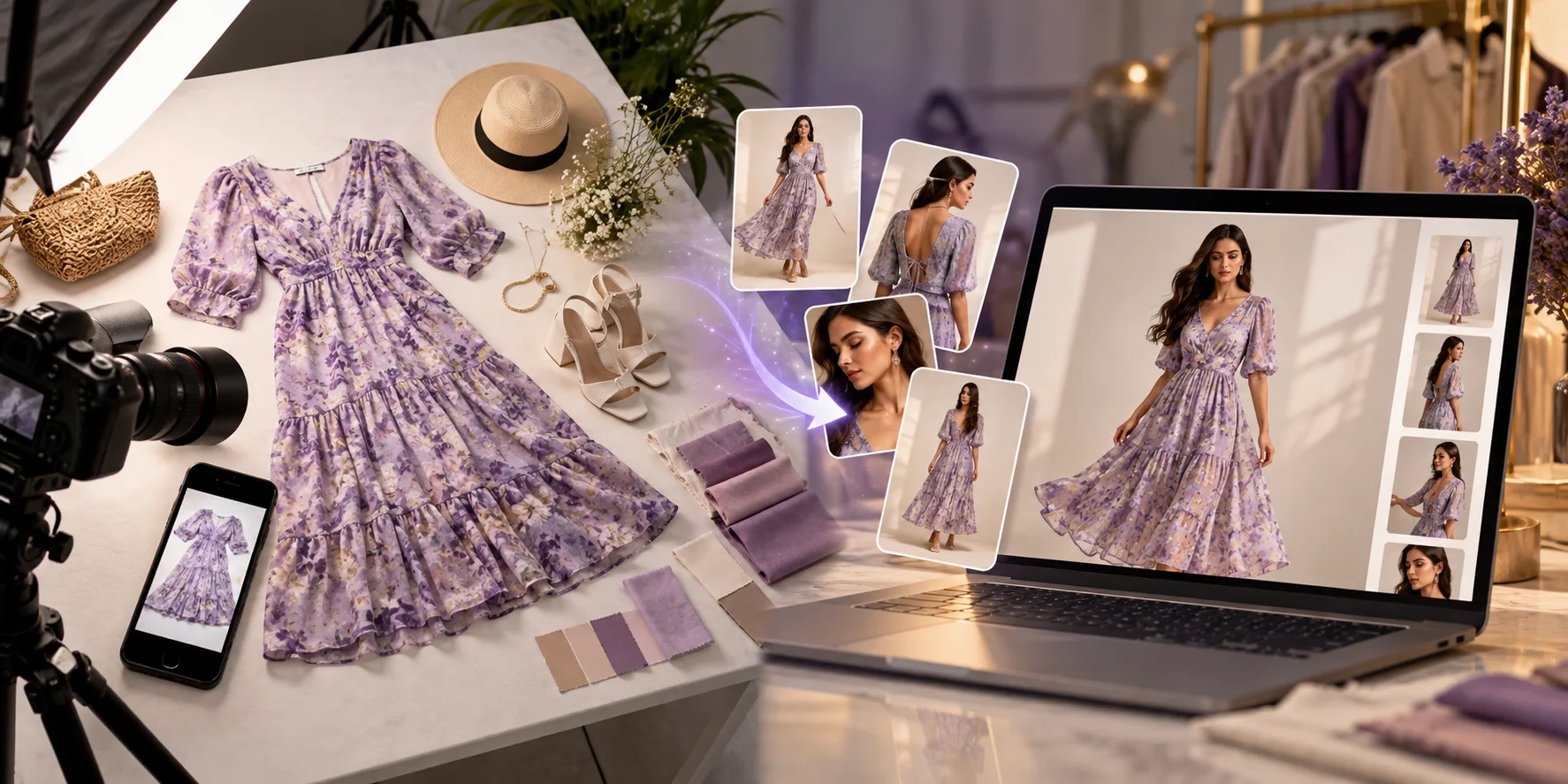
Running a fashion store on Shopify is exciting, but creating professional product photos for every clothing item can be expensive and time-consuming.
Every new shirt, saree, kurti, dress, or streetwear collection needs attractive images that help customers understand what they are buying.
That's where Shopify AI product photography comes in.
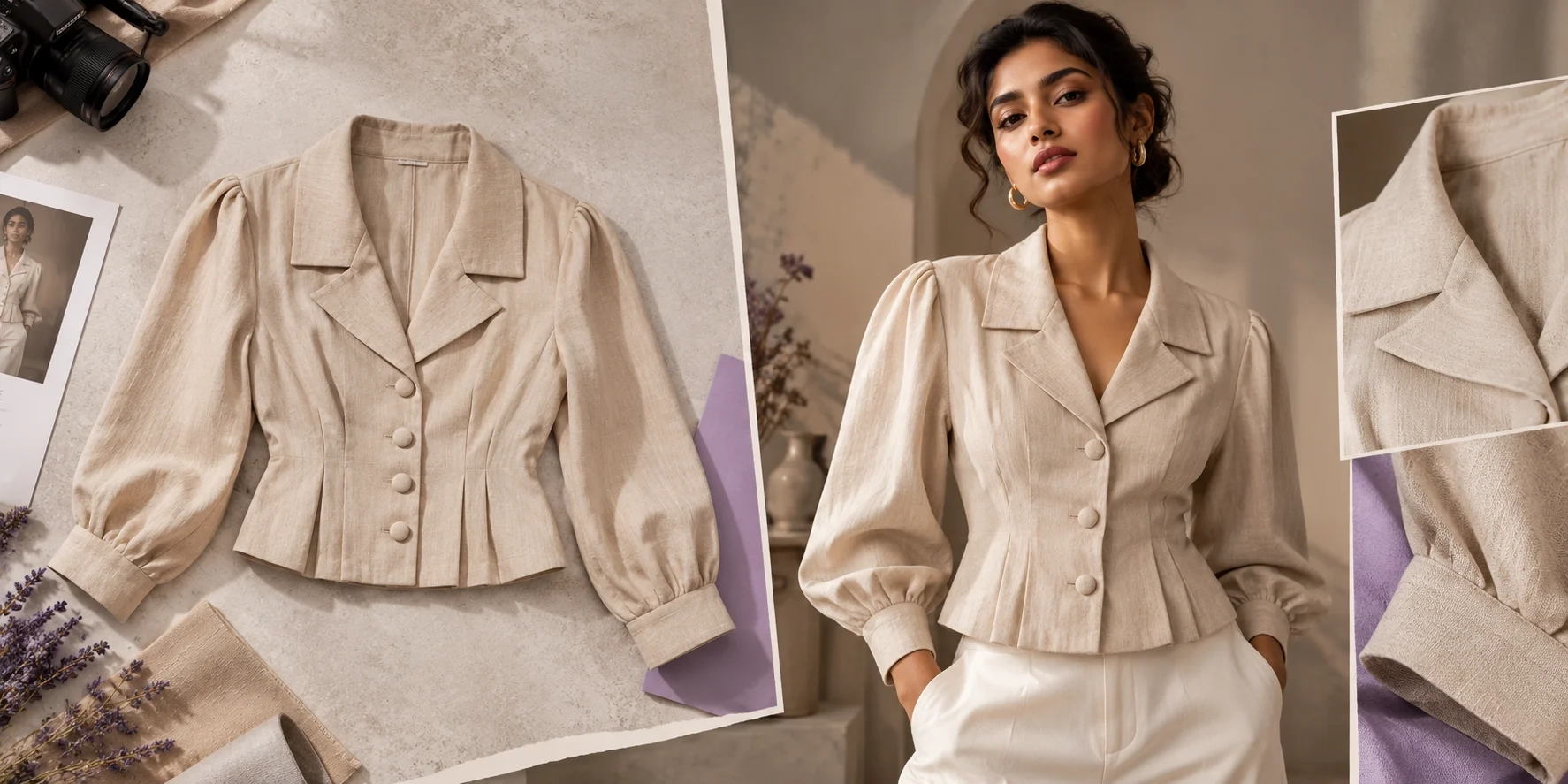
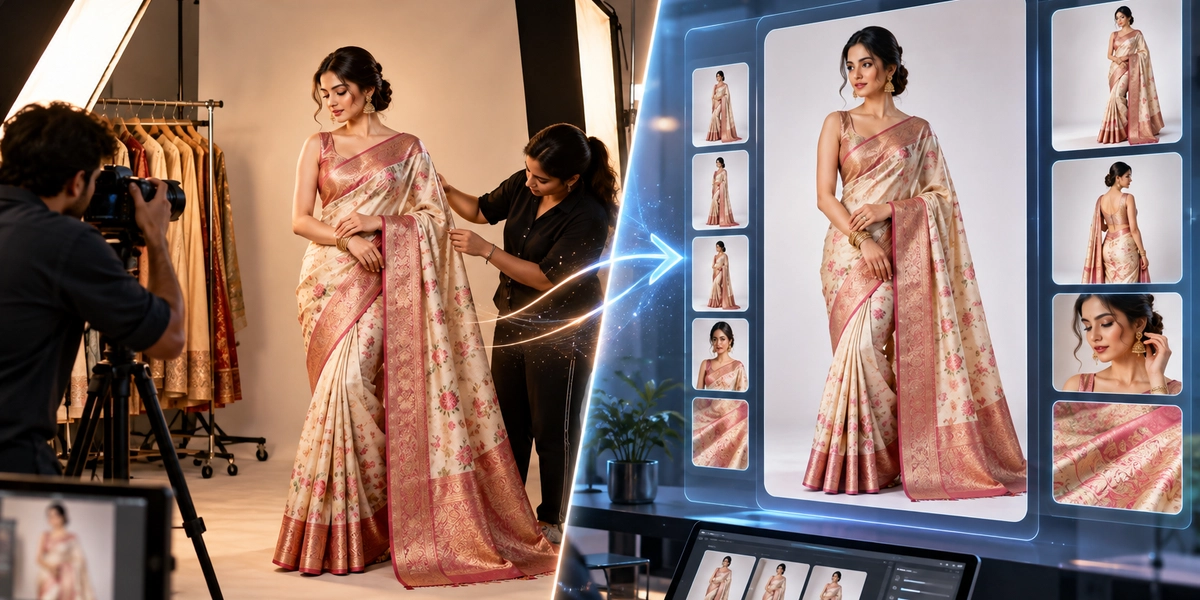
With AI fashion photography tools, clothing brands can turn simple garment pictures into model photos, studio images, lifestyle visuals, and product catalogs.
You don't always need a professional camera or a new studio photoshoot for every collection.
In this guide, you'll learn how AI product photography works for Shopify, how to create better clothing images, and how to use 20 ready-to-copy fashion AI prompts for your next collection.
What Is Shopify AI Product Photography?
Shopify AI product photography means using artificial intelligence to create or enhance product images for a Shopify store.
Instead of photographing every clothing item in multiple locations, brands can start with existing product photos and use AI to explore new backgrounds, models, lighting, and poses.
For example, imagine you sell women's kurtis online.
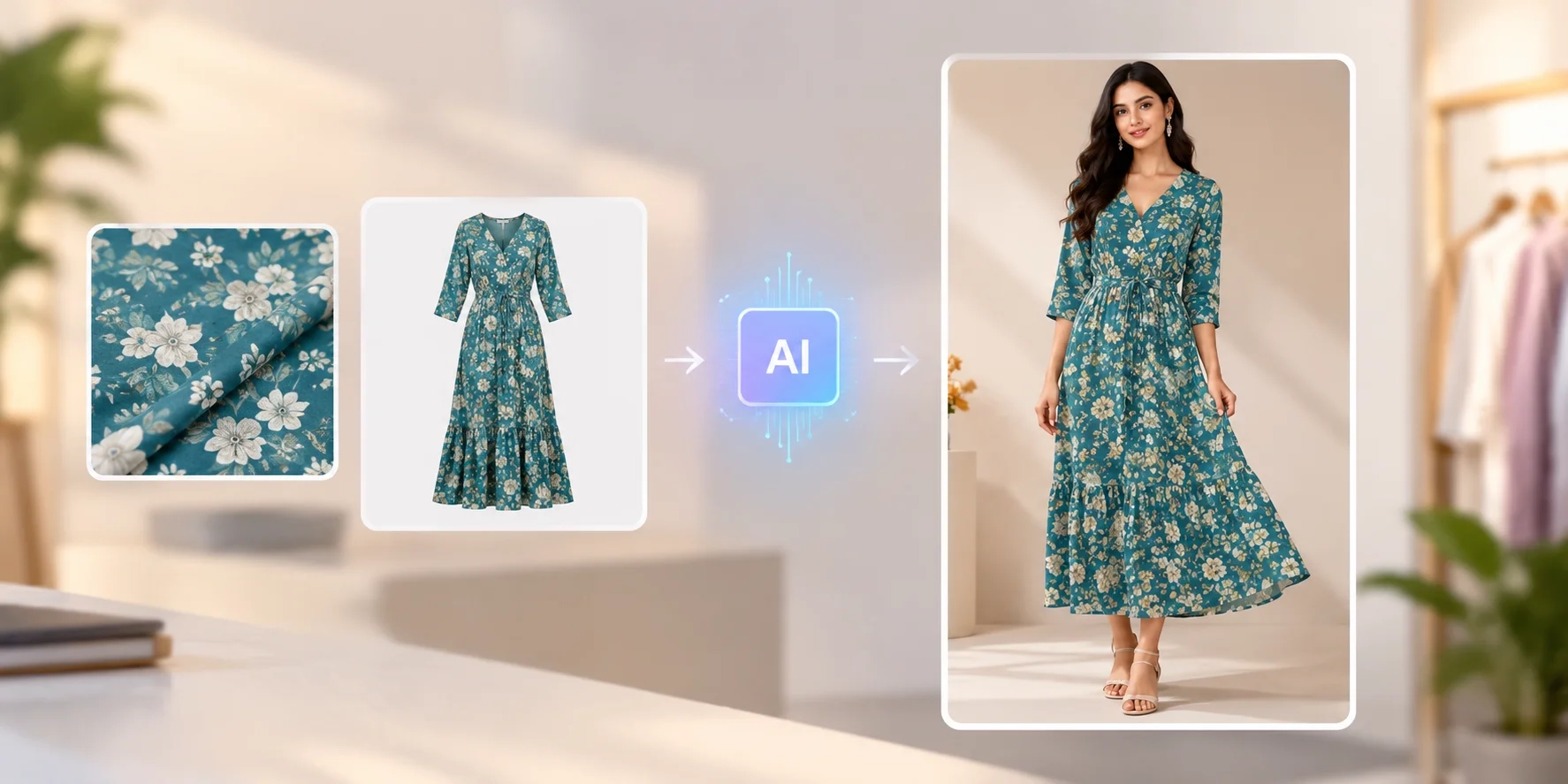
You already have a simple photograph of a kurti lying on a table. With an AI fashion model generator, you can create a visual showing the kurti worn by a model in a professional studio setting.
AI tools can help create:
-
Fashion model photos for product pages
-
Front, side, and back catalog views
-
Lifestyle and outdoor clothing photographs
-
Fabric, embroidery, and product close-ups
-
Promotional images for fashion campaigns
-
Visual content for social media
However, every generated image should be checked against the original garment before publishing.
Why Fashion Brands Are Using AI Product Photography in 2026
Traditional fashion photography requires planning.
Brands may need photographers, models, makeup artists, studios, lighting, and editing teams.
For businesses launching new collections regularly, managing these resources can become difficult.
AI product photography provides a more flexible approach.
1. Create More Product Images
One garment photograph can support several creative variations.
For example, a Shopify clothing store can create a clean front-facing catalog image and additional lifestyle visuals using the same original product reference.
2. Reduce Repeated Photoshoot Work
AI-generated visuals can reduce the need for repeated shoots when brands require simple catalog variations or different backgrounds.
3. Build Consistent Fashion Catalogs
Using similar backgrounds, model references, lighting, and camera angles can help create a more unified shopping experience.
4. Test Different Creative Styles
Brands can experiment with minimal studio photography, luxury editorial campaigns, outdoor fashion shoots, or festival-themed visuals.
5. Prepare Marketing Content
Approved product images can also support email campaigns, social media posts, website banners, and advertising creatives.
Shopify explains these workflows in its official AI Product Photography Guide.
How to Create AI Product Photos for Shopify: Step-by-Step
Creating AI fashion images becomes easier when you follow a clear workflow.
Step 1: Capture a Clear Clothing Photo
Start with a sharp photograph of your garment.
Use natural or even lighting, avoid distracting backgrounds, and make sure the clothing design is visible.
For detailed products, capture additional photographs showing buttons, collars, embroidery, borders, and fabric texture.
These references help the AI understand the original product.
Step 2: Choose an AI Fashion Photography Tool
Choose a platform that supports your clothing category and desired output.
TextileMagic AI provides specialized tools for clothing visualization, virtual try-on, saree photography, and catalog creation.
Its AI Fashion Catalog Generator supports garment references, model photographs, and different catalog poses.
Step 3: Select Your Model and Photography Style
Decide how you want the final image to look.
Consider your target customers, product category, background, model age group, lighting, and overall brand identity.
A premium saree collection might suit elegant studio styling, while a streetwear brand may prefer an urban environment.
Step 4: Write a Detailed Fashion AI Prompt
A good prompt explains the model, pose, background, lighting, camera framing, and product details.
For example:
"Create a realistic fashion catalog photograph of the uploaded shirt worn by a young adult model, standing naturally against a warm beige studio background. Use soft lighting and preserve the shirt's original color, buttons, and pattern."
Step 5: Review and Prepare Your Images
Check the generated result carefully.
Compare the clothing color, pattern, texture, length, and design details against your source photographs.
Keep only approved images and prepare them for your Shopify product pages.
For a detailed catalog workflow, read our AI Fashion Catalogue Photography Guide.
20 Best Fashion AI Photography Prompts for Shopify Clothing Brands
Below are 20 fashion AI prompts designed for different clothing categories and ecommerce photography styles.
Upload a clear garment reference first. Then copy the relevant prompt into your AI fashion photography tool.
Important: These prompts describe the desired appearance. They cannot guarantee perfect garment preservation. Always review the final image.
1. Minimal Studio Fashion Photoshoot Prompt
"Create a realistic full-body fashion photograph of a model wearing the uploaded garment. Use a clean warm-white studio background, soft natural lighting, relaxed standing pose, and professional ecommerce styling. Keep the original clothing design, color, and details unchanged."
Best for: Shopify product listings and everyday clothing catalogs.
2. Premium Luxury Fashion Photography Prompt
"Create a luxury fashion editorial photograph using the uploaded garment. Place an elegant model in a minimal architectural studio with warm ivory walls, soft shadows, and refined lighting. Preserve the garment's original fabric, stitching, proportions, and design."
Best for: Premium clothing labels and designer collections.
3. Men's Casual Shirt Photoshoot Prompt
"Generate a realistic fashion catalog photograph of a young male model wearing the uploaded shirt with neutral trousers. Use natural daylight, a simple beige background, and a confident relaxed pose. Preserve the original shirt pattern, collar, buttons, and sleeve details."
Best for: Men's clothing and casualwear stores.
4. Women's Kurti Catalog Prompt
"Create a professional ecommerce photograph of an Indian female model wearing the uploaded kurti. Use a neutral studio background and natural standing pose. Keep the original neckline, sleeves, fabric print, garment length, and embroidery visible and consistent."
Best for: Kurti brands and ethnic wear sellers.
5. AI Saree Model Photoshoot Prompt
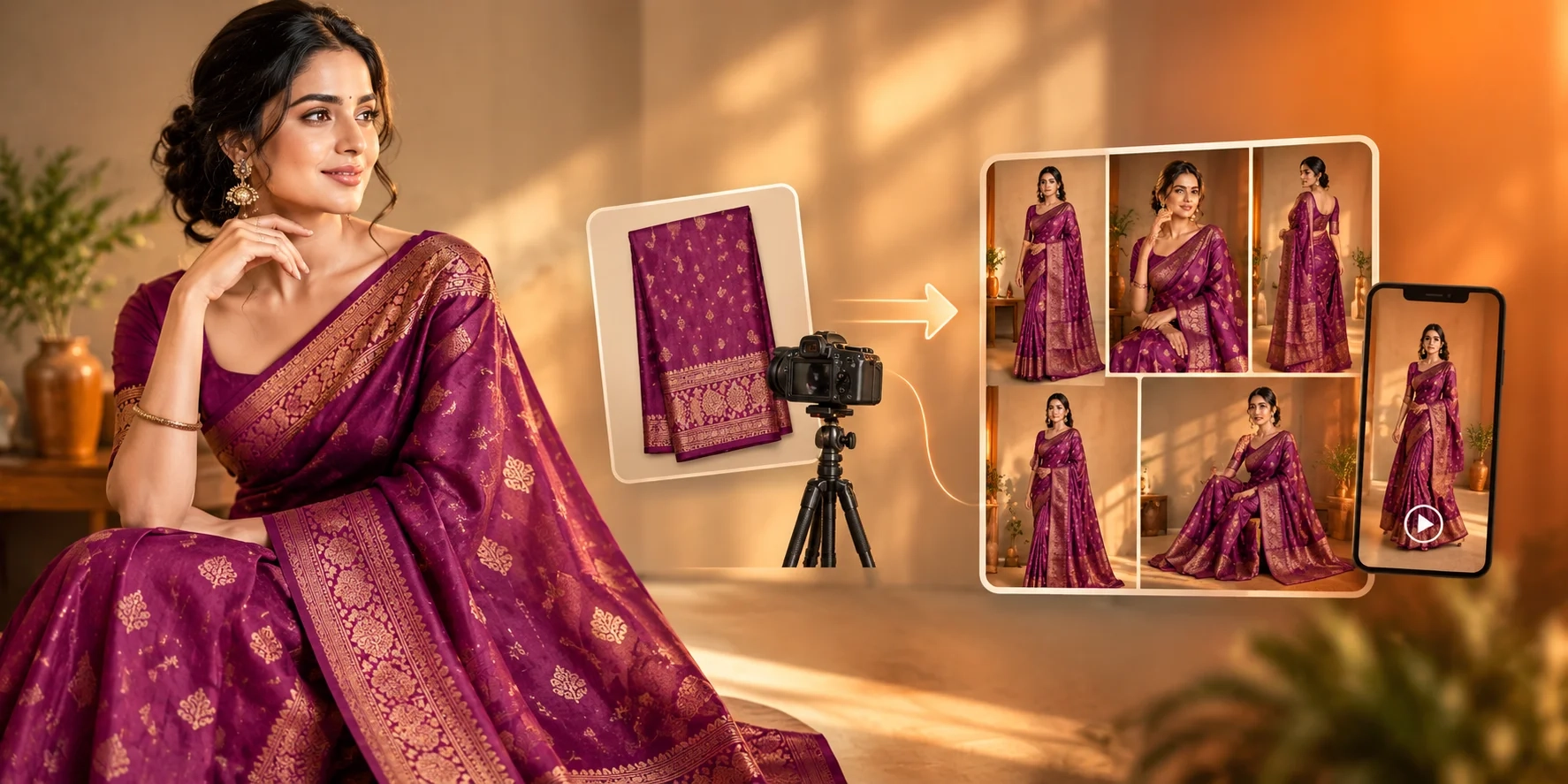
"Create an elegant full-length photograph of an Indian fashion model wearing the uploaded saree. Use soft studio lighting and a graceful standing pose. Carefully follow the saree reference for pallu placement, border design, color, embroidery, and draping."
Best for: Saree manufacturers and wedding collections.
For a dedicated workflow, explore the AI Saree Model Photo Studio.
6. Streetwear Editorial Photoshoot Prompt
"Create a modern streetwear campaign photograph featuring the uploaded oversized shirt on a young adult model. Use a simple urban background, soft daylight, relaxed body language, and contemporary styling. Maintain the garment's original color, graphics, and fit."
Best for: Streetwear and Gen Z fashion labels.
7. Women's Western Dress Photography Prompt
"Generate a realistic fashion image of an adult female model wearing the uploaded dress. Use a softly lit neutral interior, natural posture, and clean editorial composition. Keep the dress silhouette, neckline, fabric, length, and decorative elements consistent with the original."
Best for: Women's westernwear stores.
8. Children's Clothing Catalog Prompt
"Create a cheerful, age-appropriate clothing catalog photograph of a child model wearing the uploaded outfit. Use soft natural lighting, a simple pastel background, and a comfortable standing pose. Preserve the original garment design, colors, prints, and proportions."
Best for: Kidswear brands and children's fashion stores.
9. Outdoor Lifestyle Fashion Prompt
"Create a natural lifestyle photograph of a model wearing the uploaded garment while standing outdoors in a quiet garden. Use gentle morning sunlight, realistic shadows, and relaxed movement. Keep the garment's fabric texture, stitching, and original design consistent."
Best for: Lifestyle collections and casual clothing.
10. Flat Lay Clothing Photography Prompt
"Create a professional top-down product photograph of the uploaded garment arranged neatly on a clean light-beige surface. Use balanced studio lighting, natural fabric folds, and subtle shadows. Preserve the garment's actual shape, colors, branding, and details."
Best for: Shopify collection images and product galleries.
11. Clothing Fabric Close-Up Prompt
"Create a realistic close-up product photograph focusing on the uploaded garment's fabric weave, stitching, buttons, and texture. Use controlled studio lighting and sharp detail. Do not invent embroidery, logos, patterns, or materials that are not visible in the references."
Best for: Fabric detail and product-quality images.
12. Front-Facing Ecommerce Model Prompt
"Generate a clean front-facing full-body fashion photograph using the uploaded garment and model reference. Use a neutral studio backdrop, symmetrical framing, relaxed arms, and even lighting. Keep the garment fully visible and follow the original design."
Best for: Main Shopify product images.
13. Side-Profile Fashion Catalog Prompt
"Create a realistic side-angle fashion catalog photograph of the model wearing the uploaded garment. Use consistent studio lighting, a simple background, and natural posture. Clearly show the garment's side silhouette while following the supplied clothing references."
Best for: Additional product-detail views.
14. Back-View Clothing Photography Prompt
"Create a realistic back-facing fashion catalog image using the uploaded garment's back reference. Show the garment length, shoulder construction, sleeves, and back design clearly. Use a neutral background and consistent lighting without inventing unseen design details."
Best for: Shirts, dresses, kurtis, and jackets.
15. Denim Fashion Photoshoot Prompt
"Generate a modern fashion catalog image of a young adult model wearing the uploaded denim garment. Use soft daylight, a clean studio background, and relaxed styling. Preserve the exact denim wash, pocket placement, stitching, buttons, and fabric texture."
Best for: Denim brands and casualwear collections.
16. Festive Indian Fashion Prompt
"Create an elegant festive fashion photograph featuring the uploaded traditional outfit. Use warm indoor lighting, subtle decorative surroundings, and a graceful model pose. Preserve the original embroidery, zari work, fabric color, silhouette, and garment details."
Best for: Wedding wear, festive collections, and ethnic clothing.
17. Summer Fashion Campaign Prompt
"Create a bright summer fashion photograph of a model wearing the uploaded garment. Use natural daylight, a light architectural background, soft shadows, and comfortable styling. Maintain realistic fabric folds and preserve the garment's actual colors and design."
Best for: Summer drops and resortwear.
18. Couple Fashion Photoshoot Prompt
"Create a professional fashion photograph of two adult models wearing their separately uploaded garments. Use natural standing poses, a clean studio background, and balanced lighting. Keep both outfits clearly visible, preserving their individual colors, cuts, patterns, and design details."
Best for: Unisex collections and coordinated fashion campaigns.
19. Shopify Homepage Fashion Banner Prompt
"Create a wide editorial fashion photograph featuring a model wearing the uploaded clothing. Position the model toward the right side, leaving clean negative space on the left for website content. Use premium lighting and preserve the original garment design."
Best for: Shopify homepage banners and seasonal promotions.
20. High-End Fashion Lookbook Prompt
"Create a realistic luxury fashion lookbook photograph of an adult model wearing the uploaded garment. Use an elegant contemporary studio, soft directional lighting, minimal styling, and refined composition. Preserve the clothing's original design, fabric texture, and proportions."
Best for: Designer collections, premium catalogs, and fashion brand campaigns.
How to Make Your AI Fashion Photos Look More Realistic
AI-generated clothing images can sometimes look artificial.
Common problems include unnatural skin, incorrect fabric textures, distorted hands, changing clothing patterns, and unrealistic lighting.
To improve your results:
-
Use high-quality garment reference images.
-
Avoid overly complicated backgrounds.
-
Describe realistic lighting rather than exaggerated effects.
-
Use natural body poses.
-
Provide front and back references when available.
-
Keep the same creative style throughout the collection.
-
Review the garment against the real product.
For better results, avoid prompts containing too many conflicting photography instructions.
Simple, specific prompts are usually easier to control than long descriptions filled with unrelated visual effects.
Best Shopify Product Image Sizes and Formats
After creating your AI product images, optimize them for your Shopify store.
Shopify supports several image formats, including PNG, JPEG, and WebP.
According to the official Shopify Product Media Documentation, square product images around 2048 × 2048 pixels are a useful option.
Here are practical image sizes for different purposes:
| Image Type | Suggested Size |
|---|---|
| Square product image | 2048 × 2048 px |
| Portrait fashion catalog | 1080 × 1350 px |
| Instagram Story or Reel | 1080 × 1920 px |
| Landscape campaign image | 1200 × 800 px |
| Website hero banner | Based on your Shopify theme |
These are suggested creative sizes, not universal Shopify requirements.
Keep image ratios consistent across your collection pages and test how the images appear on mobile.
How to Optimize AI Fashion Images for Shopify SEO
Creating beautiful fashion photos is only part of the process.
Your product images should also be easy for search engines to understand.
Use Descriptive Image File Names
Instead of a generic name such as IMG001.jpg, use a meaningful file name.
Example:
women-blue-cotton-kurti-front-view.webp
Write Helpful Image Alt Text
Describe what the image actually shows.
Example:
"Indian female model wearing a blue printed cotton kurti in a studio."
Avoid repeating unnecessary keywords.
Add Relevant Product Information
Your Shopify product title, description, and image content should match the actual garment.
Accurate product information supports customer understanding and search relevance.
Improve Image Loading
Use suitable compression and avoid uploading unnecessarily large files.
Google explains image discovery, descriptive filenames, and alt text in its Image SEO Best Practices.
Common AI Fashion Photography Mistakes to Avoid
Before publishing AI-generated clothing images, watch for these common mistakes.
Incorrect product colors: AI may slightly change fabric shades. Compare generated images with your real product photographs.
Inconsistent model appearance: Use the same model reference and creative direction when consistency matters.
Missing garment details: Always check buttons, pockets, saree borders, embroidery, and printed designs.
Too many background elements: Busy surroundings can distract customers from the clothing.
Unrealistic product representation: Do not use visuals that show product features or materials that the actual garment does not have.
The goal of AI product photography is to improve presentation without misleading shoppers.
Final Thoughts: Create Better Shopify Fashion Photos With AI
Shopify AI product photography gives clothing brands a flexible way to create ecommerce visuals and experiment with different fashion photography styles.
From minimal studio catalogs to luxury fashion campaigns, AI tools can help expand the creative possibilities of existing garment photographs.
The 20 fashion AI prompts above provide a starting point for building consistent and professional-looking clothing visuals.
For businesses selling shirts, sarees, kurtis, dresses, and other apparel, TextileMagic AI offers tools designed around fashion photography and catalog creation.
Start with a clear product photograph, select the right workflow, and review your generated images carefully.
You can also use the AI Virtual Try-On Studio to explore model-worn clothing visuals or the AI Fashion Video Studio to animate approved product images for marketing.
Ready to create your next fashion collection?
Explore TextileMagic AI and discover a simpler way to create fashion content for your Shopify store.
Create Smarter. Showcase Better. Grow Your Fashion Brand.