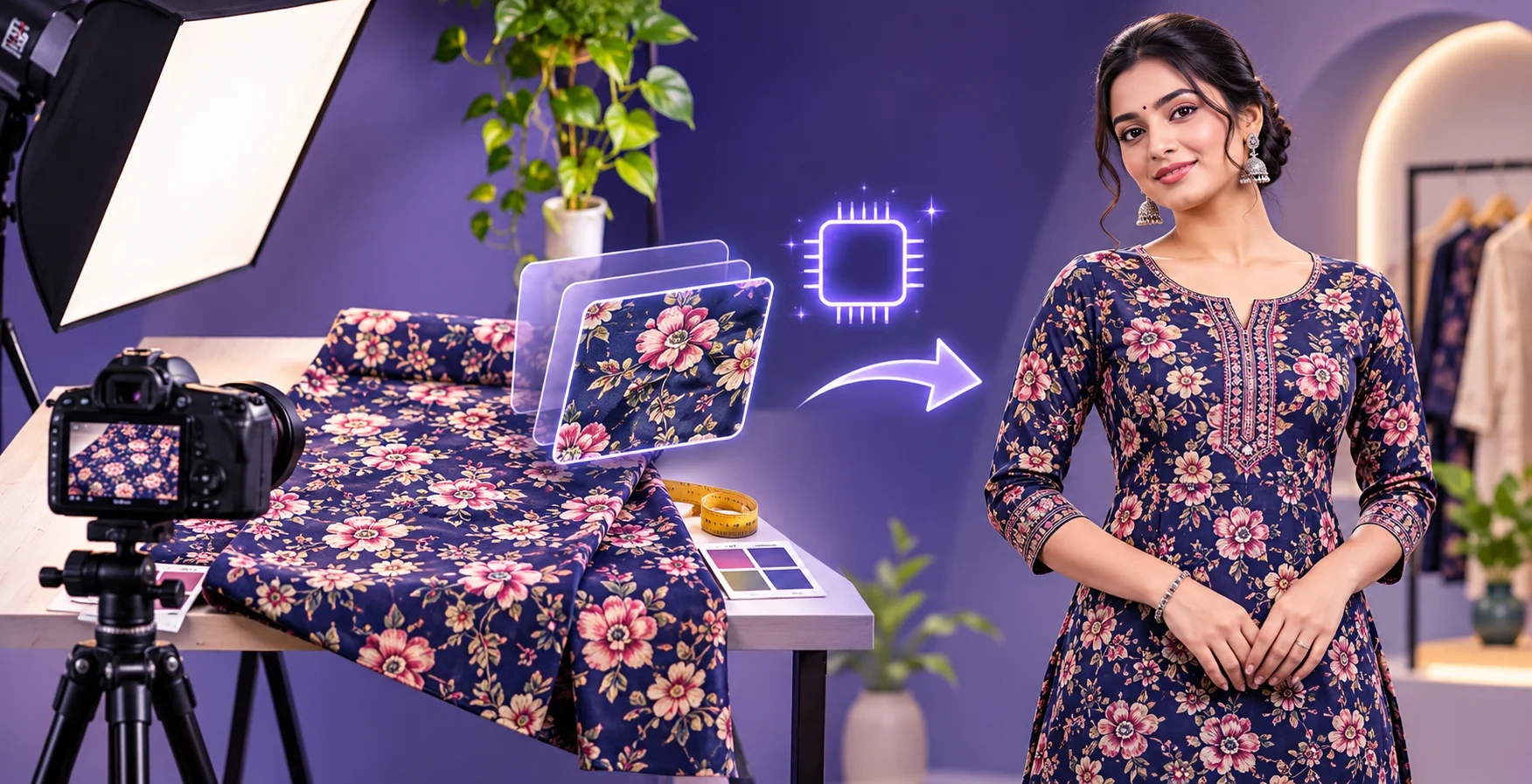
Have you ever uploaded a beautiful fabric photo to an AI tool, but the final garment image looked blurry or different from your original fabric?
Maybe the colour changed. Maybe the print was unclear. Or perhaps the embroidery looked completely different.
This is a common problem when creating AI fashion images.
The quality of your original fabric photograph can strongly affect the result.
Whether you are a textile manufacturer in Surat, a boutique owner in Jaipur, or a clothing seller using Shopify, a good fabric photograph is the first step toward creating professional AI garment images.
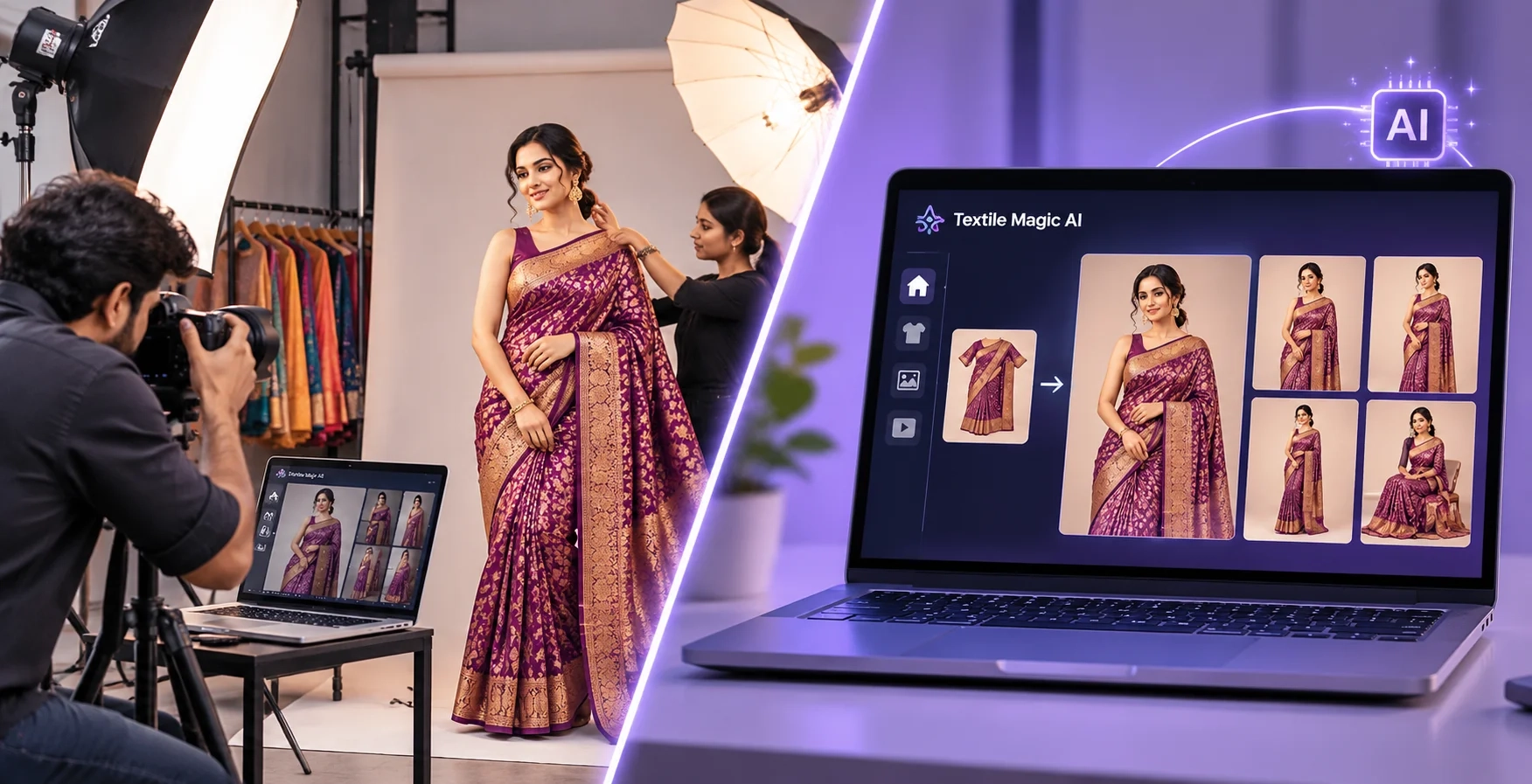
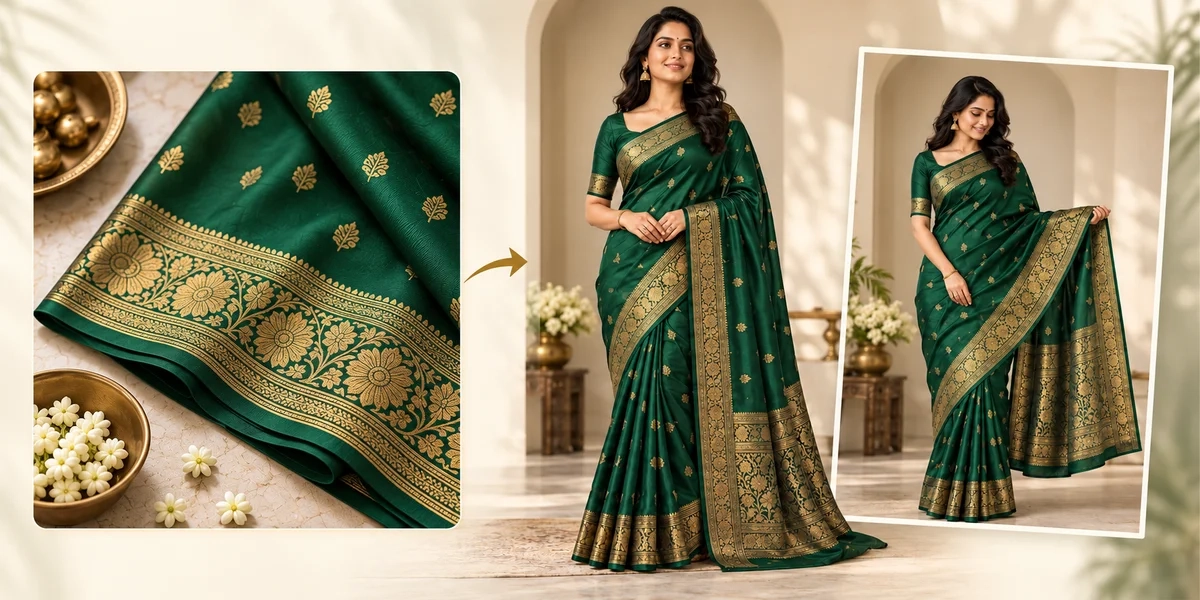
With Textile Magic AI, you can turn fabric images into garment visualizations and fashion catalogue photos.
But before uploading your fabric, you should understand the best photo dimensions, lighting, camera angles, and file formats.
In this guide, we explain how to prepare fabric photos for high-quality AI results, including images intended for 4K workflows.
1. Why Fabric Photo Quality Matters for AI
AI image generation begins with the information you provide.
When you upload a fabric photo, the AI examines visible colours, patterns, textures, and other details.
For example, imagine uploading a red silk fabric with small golden flowers.
If the photograph is clear, the AI has a better reference for the flower shapes, colours, and spacing.
If the photograph is blurry, the AI may interpret the flowers incorrectly.
Similarly, if your fabric photograph contains strong yellow lighting, the original red colour might appear orange.
The AI could then produce a garment with an inaccurate colour.
This is why a high-quality source photograph is important.
A clear fabric image gives AI a better starting point, but it does not guarantee perfect fabric reproduction.
Always compare generated garment images with your original product.
2. Best Fabric Photo Dimensions for AI Image Generation
One of the most common questions is:
What image size should I upload to generate high-quality AI clothing photos?
The answer depends on the fabric design, your camera, and the AI platform.
For most fabric photography workflows, a high-resolution source image is preferable to a small, heavily compressed screenshot.
Recommended fabric photo sizes
| Fabric image use | Suggested dimensions |
|---|---|
| Simple fabric swatch | 1024 × 1024 px |
| Standard fabric upload | 1536 × 1536 px |
| Detailed fabric patterns | 2048 × 2048 px |
| Larger detailed reference | 3072 × 3072 px |
| 4K landscape output target | 3840 × 2160 px |
| 4K portrait output target | 2160 × 3840 px |
These are practical photographic targets, not confirmed minimum upload requirements for Textile Magic AI.
For most users, 2048 × 2048 pixels is a useful starting recommendation when the tool accepts the image size.
However, having more pixels does not automatically improve a photograph.
A sharp 2048-pixel image can be more useful than a blurry 4000-pixel image.
Also, remember that uploading a high-resolution photograph does not automatically mean the AI tool will return a native 4K image. Final resolution depends on the generator and its export options.
3. Best Aspect Ratio for Fabric Photography
Aspect ratio describes the relationship between image width and height.
Different aspect ratios work well for different purposes.
1:1 — Square Images
Square images are useful for photographing fabric swatches, repeating patterns, embroidery, and textile samples.
They make it easier to keep the fabric pattern centred.
For example, if you photograph a square piece of floral cotton fabric, a 1:1 image can show the design without unnecessary background space.
4:5 — Portrait Images
A 4:5 ratio is useful when photographing longer fabric pieces or garments.
It is also a common format for fashion catalogue photography.
For example, a 2400 × 3000 image gives a portrait-oriented reference.
3:4 — Mobile Photography
Many smartphone cameras support 4:3 or 3:4 capture.
This is suitable for preparing source photographs, especially when you want to capture a larger fabric area.
Do not crop out important fabric details just to achieve a particular ratio.
Which ratio should you choose?
For a fabric pattern swatch, begin with 1:1.
For a full garment reference, consider 4:5 or 3:4.
The most important rule is simple: keep the entire important design visible and avoid unnecessary cropping.
4. Best Lighting for Fabric Photography
Lighting is one of the biggest factors affecting fabric colour and texture.
Even an expensive camera can produce poor results under bad lighting.
You do not need a professional studio to take a useful fabric photograph.
A window, clean table, and smartphone can be enough.
Use soft natural light
Place your fabric near a large window during the daytime.
Soft daylight helps reduce harsh shadows and makes fabric colours easier to evaluate.
Avoid direct sunlight hitting the fabric.
Strong sunlight can create bright spots and hide details in shiny materials.
For example, a silk saree may look too bright when photographed under direct sunlight.
A simple white curtain can help diffuse the light.
Avoid mixing different light colours
Do not combine strong yellow room lighting with cool white daylight.
Different light colours can create unwanted colour changes across the fabric.
If one side looks yellow and the other looks blue, the resulting image may be difficult to use.
Use one consistent lighting setup whenever possible.
Use artificial lighting carefully
If natural light is unavailable, use a softbox or diffused LED lighting.
Position the light to illuminate the fabric evenly.
For shiny fabrics, adjust the light direction to reduce unwanted reflections.
Professional textile documentation guidance also recommends diffuse illumination for relatively flat textiles to avoid distracting shadows.
You can learn more from Yale's visible-light imaging guidance.
5. How to Photograph Cotton, Silk, and Embroidered Fabrics
Different fabrics reflect light differently.
That means the same lighting setup may not work equally well for every material.
Cotton Fabric
Cotton usually has a relatively matte surface.
Place it on a flat table and use soft, even lighting.
Keep the camera directly above the fabric when photographing a flat pattern.
Make sure the full print is visible.
For printed cotton kurtis, capture enough fabric area to show how the design repeats.
Silk Fabric
Silk can reflect light strongly.
Direct flash may create bright highlights that hide the real colour.
Use diffused light and adjust the fabric position until the details become visible.
For shiny sarees, take an additional photograph showing the natural texture and sheen.
Embroidered Fabric
Embroidery contains small raised details.
A little controlled side lighting can help show stitching and surface texture.
However, avoid strong shadows that make the embroidery look distorted.
Take one clear overall photograph and a separate close-up.
Printed Polyester
Polyester may look shiny under strong lights.
Use soft lighting to reduce unwanted glare.
Check whether the photograph represents the actual fabric colour.
For deeper guidance on different surface textures, see B&H's photography lighting guide.
6. Best Camera Settings for Fabric Photos
You do not need an expensive DSLR camera.
A modern smartphone can capture detailed fabric photos when used correctly.
Start by cleaning the camera lens.
A dirty lens can make the photograph look soft or cloudy.
Use the main camera instead of digital zoom whenever possible.
Tap the fabric on your phone screen to focus.
Hold the camera steady, and avoid moving while capturing the photograph.
If your camera allows manual settings, use a low ISO when sufficient light is available.
For a DSLR or mirrorless camera, a moderate aperture such as f/5.6 to f/8 can be a useful starting point for flat fabric photography.
Actual settings depend on your camera, lens, light, and shooting distance.
Avoid beauty filters, artificial sharpening, and heavy colour effects.
These changes can make fabric details less accurate.
The goal is not to make the fabric look different.
The goal is to capture what it actually looks like.
7. How to Prepare Fabric Before Taking Photos
Before using your camera, prepare the fabric.
First, place it on a clean, flat surface.
Remove unnecessary folds and wrinkles where possible.
If your fabric contains a repeating print, spread enough material to show the design clearly.
For example, suppose you have a cotton fabric featuring large blue flowers.
Photographing only one small corner may not show the complete floral pattern.
Instead, include enough fabric to show the flower shapes and how they repeat.
For sarees, capture the main body, pallu, and border separately when necessary.
For embroidered garments, photograph the embroidery close enough for its details to remain visible.
Use a neutral background that does not distract from the textile.
White, light grey, or another contrasting background often works well.
Do not place multiple overlapping fabrics in the same photograph unless you specifically need a comparison image.
8. Which Image Format Should You Upload?
Image format also matters.
The Textile Magic AI Fabric to Garment tool supports JPG, PNG, and WEBP image uploads.
JPG
JPG is widely supported and convenient for smartphone photographs.
It usually produces smaller files, making uploads easier.
Use a high-quality JPG export rather than repeatedly compressing the same image.
PNG
PNG uses lossless compression and can preserve clean edges and graphic details.
It can be useful for digital fabric patterns, print designs, and artwork.
However, PNG files may be larger than JPG files.
WEBP
WEBP is another efficient image format that can provide good visual quality with smaller file sizes.
It can be useful for online image workflows.
Our recommendation: Use a high-quality JPG for ordinary fabric photography and PNG for clean digital pattern artwork.
Do not convert a blurry photograph into PNG expecting it to become sharper.
Changing the file format does not recreate missing details.
9. Common Mistakes That Reduce AI Image Quality
Many AI generation problems begin with the uploaded image.
Avoid these mistakes:
Mistake 1: Uploading screenshots
Screenshots from WhatsApp, Instagram, or other websites may already be compressed.
Use the original camera photograph whenever possible.
Mistake 2: Photographing folded fabric
Large folds can hide part of the pattern.
AI may interpret the visible design incorrectly.
Mistake 3: Using harsh lighting
Bright highlights can hide embroidery and change the apparent fabric colour.
Mistake 4: Uploading blurry images
When small details are missing, AI may produce inaccurate patterns or invented elements.
Mistake 5: Cropping too closely
The AI may not see enough of the fabric to understand the pattern's scale or repetition.
Mistake 6: Applying colour filters
Filters can make the uploaded fabric look different from the actual product.
These mistakes are easy to avoid, and fixing them can improve the reliability of your starting image.
10. Step-by-Step: Create AI Garment Images With Textile Magic AI
After capturing your fabric photograph, you can use Textile Magic AI to visualize it as a garment.
Step 1: Open the Tool
Visit the Fabric to Garment AI Generator.
Step 2: Upload Your Fabric
Select a clear JPG, PNG, or WEBP image.
Choose a photograph with accurate colours, visible patterns, and even lighting.
Step 3: Select the Target Audience
Choose whether you want to create clothing for women, men, or kids.
Select the available age and presentation options according to your requirements.
Step 4: Describe Your Garment
Write a simple instruction describing what you want.
For example:
"Create a realistic Indian women's straight kurti using the uploaded cotton fabric. Preserve the original floral print and colours. Add three-quarter sleeves, a simple round neckline, and a clean studio background."
Clear instructions make your intended garment design easier to understand.
Step 5: Generate and Review
Start the AI generation.
Check the resulting garment carefully.
Pay attention to pattern scale, colour accuracy, sleeve details, neckline shape, and fabric placement.
Regenerate or revise your inputs when necessary.
Step 6: Prepare Your Catalogue
Once you approve the image, you can use it as a design preview or move toward additional catalogue creation.
Explore the Textile Magic AI Catalogue Generator to create more fashion visuals.
The platform also provides a step-by-step Fabric to Garment and Catalogue guide.
11. How to Get Images Suitable for 4K Ecommerce Workflows
4K usually refers to an image with approximately 4,000 horizontal pixels.
A common UHD 4K landscape size is 3840 × 2160 pixels.
For portrait-oriented work, 2160 × 3840 pixels provides the same overall pixel count.
However, image generation platforms do not all produce native 4K files.
Some generate smaller images that can later be enlarged using an image upscaler.
For better results, follow this workflow:
-
Capture a clear, detailed original fabric photograph.
-
Upload the highest practical quality accepted by the tool.
-
Generate the garment image.
-
Review patterns, colours, and small details.
-
Check the downloaded image's actual pixel dimensions.
-
Upscale only when necessary and suitable.
-
Compare the final image against the original fabric.
Upscaling can increase image dimensions, but it cannot guarantee authentic embroidery or accurate fabric details that were missing originally.
For Shopify, Instagram, and other marketplaces, use image sizes appropriate for each platform rather than assuming every image needs to be 4K.
12. Why This Matters for Surat Textile Manufacturers
Surat manufacturers often work with many fabric designs, colours, and seasonal collections.
A business may need to show new patterns to wholesale buyers before producing finished garments.
AI garment visualization can help with this process.
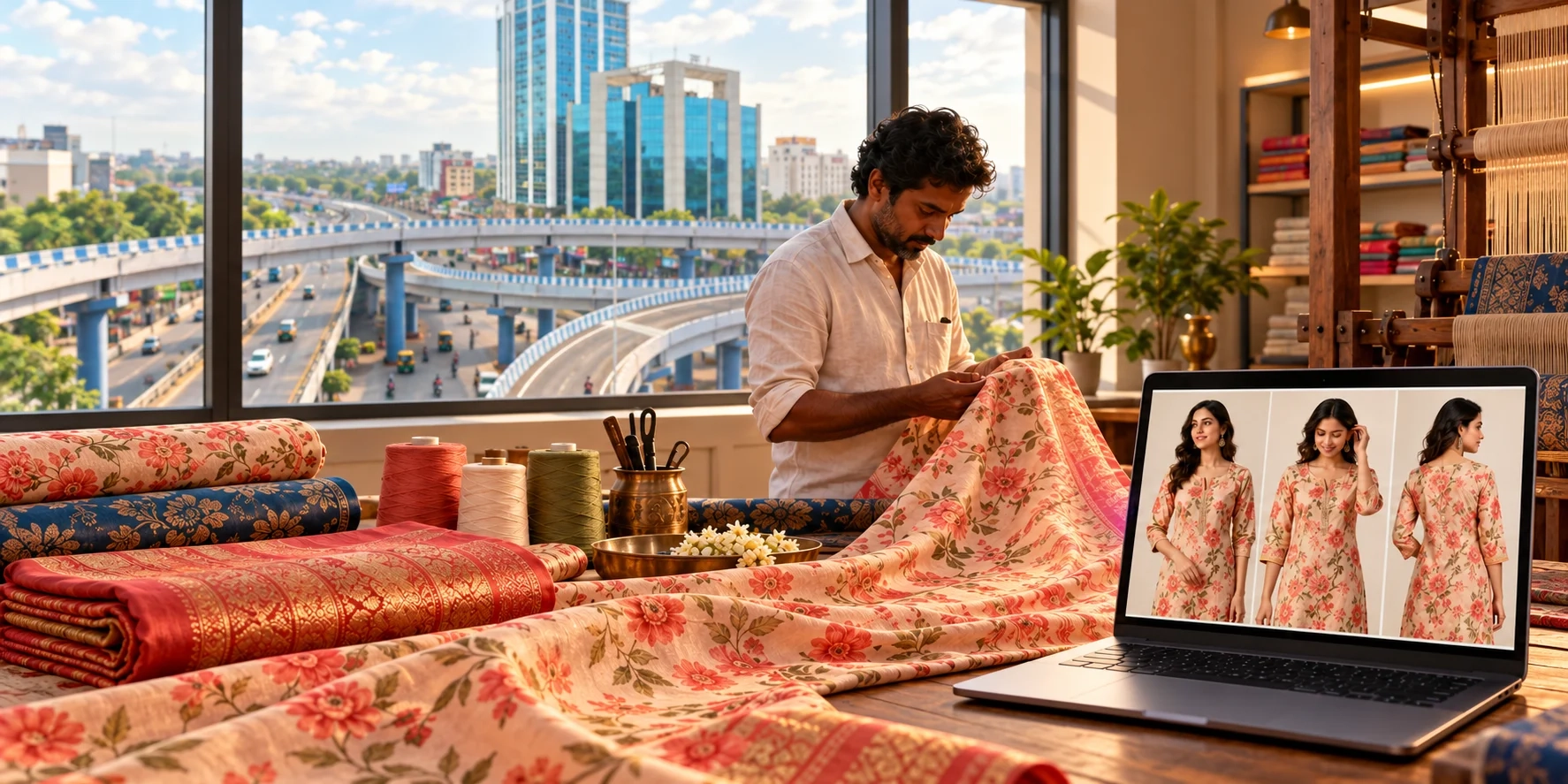
Instead of stitching every design into a physical sample, the manufacturer can create digital previews from suitable fabric references.
These previews can support early product discussions, creative planning, and catalogue preparation.
For example, a Surat fabric supplier can photograph a new printed fabric, create a kurti visualization, and share the concept with a wholesale buyer in Mumbai.
Jaipur ethnic-wear manufacturers, Ahmedabad garment businesses, and international fashion brands can use a similar workflow.
The important condition is that the AI visualization must be labelled appropriately when it represents a concept rather than a finished product.
13. Image SEO Tips for Textile Ecommerce Stores
Good fabric images are useful for more than AI generation.
They can also support your website's search visibility.
Google recommends descriptive filenames, relevant surrounding content, and useful alt text for images.
For example, instead of naming a file:
IMG_4582.jpg
Use:
blue-floral-cotton-fabric-kurti.jpg
For alt text, write a natural description such as:
"Blue cotton fabric with a white floral print, photographed flat in natural light."
Keep descriptions accurate and avoid repeating the same keyword unnecessarily.
Compress website images appropriately so pages load efficiently.
You can read Google's official image SEO best practices for more details.
Frequently Asked Questions
What is the best fabric image size for AI generation?
A clear 2048 × 2048 pixel source image is a practical starting point when supported. The best size depends on the tool's upload limits and the complexity of the fabric pattern.
Can I upload fabric photos from my phone?
Yes. Smartphone photographs can work well when they are sharp, properly lit, and show accurate colours.
Is natural light better for fabric photography?
Soft daylight is often a good option. Diffused studio lighting can also produce excellent results when properly controlled.
Can a 1024 × 1024 image become 4K?
It can be upscaled to larger dimensions, but increasing pixel count does not guarantee accurate new details or native 4K quality.
How do I prevent fabric colours from changing in AI images?
Start with accurate lighting and white balance. Avoid filters, use clear references, and compare the generated image with the real textile before publishing.
Does Textile Magic AI support PNG and WEBP?
Yes. Its Fabric to Garment tool publicly lists JPG, PNG, and WEBP as supported upload formats.
Final Thoughts
You do not need expensive photography equipment to create a good fabric reference image.
The most important things are simple: proper lighting, a sharp camera, accurate colours, enough visible pattern detail, and a suitable image format.
A little preparation before uploading can reduce unnecessary AI generations and help produce more useful garment visuals.
For textile manufacturers, boutique owners, clothing brands, and ecommerce sellers, understanding fabric photography is an important first step toward better AI catalogues.
Ready to turn your fabric into a garment design?
Try Textile Magic AI and explore how your fabric can become a professional-style garment visualization.
Textile Magic AI Create More, Shoot Less!