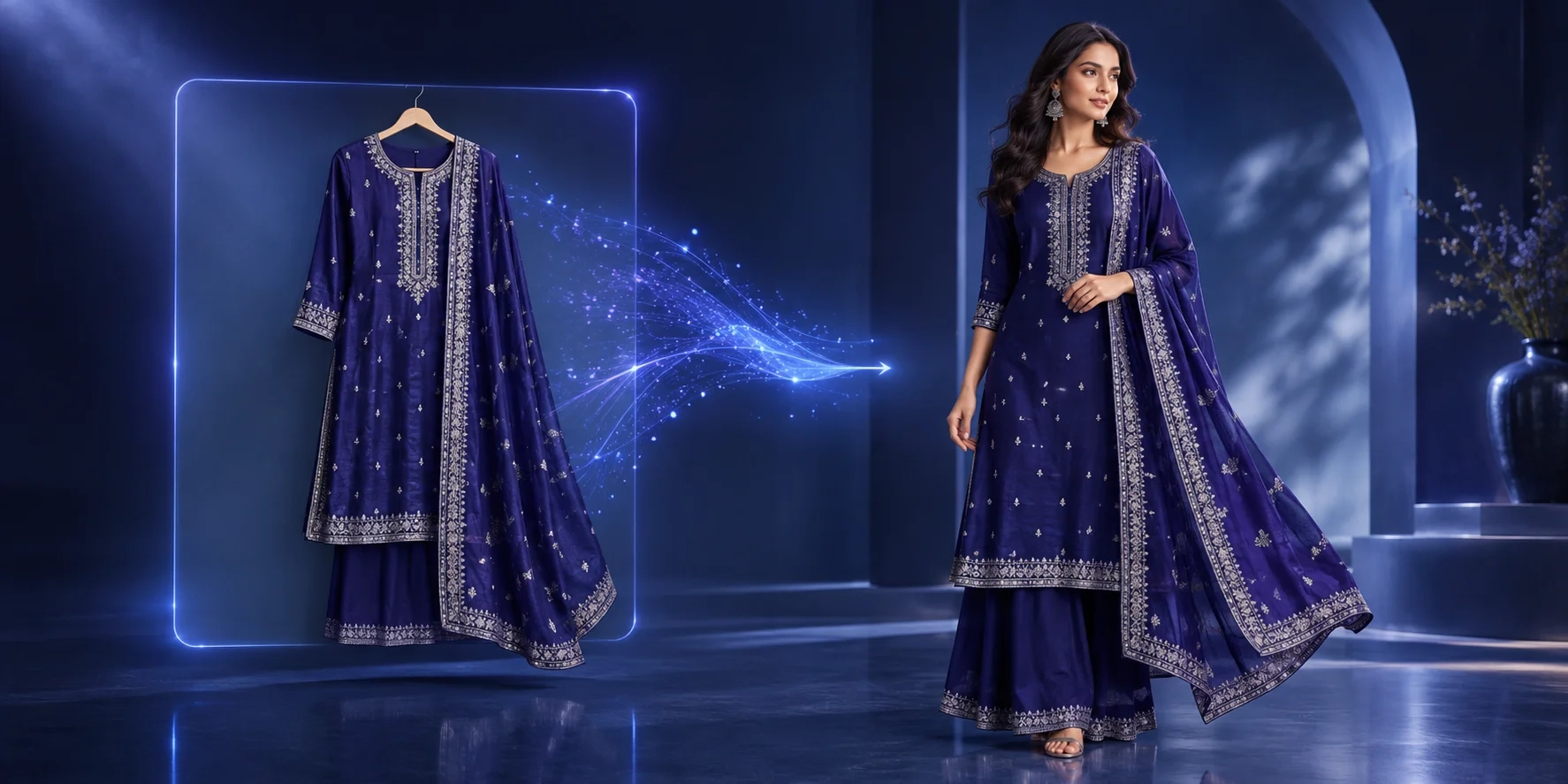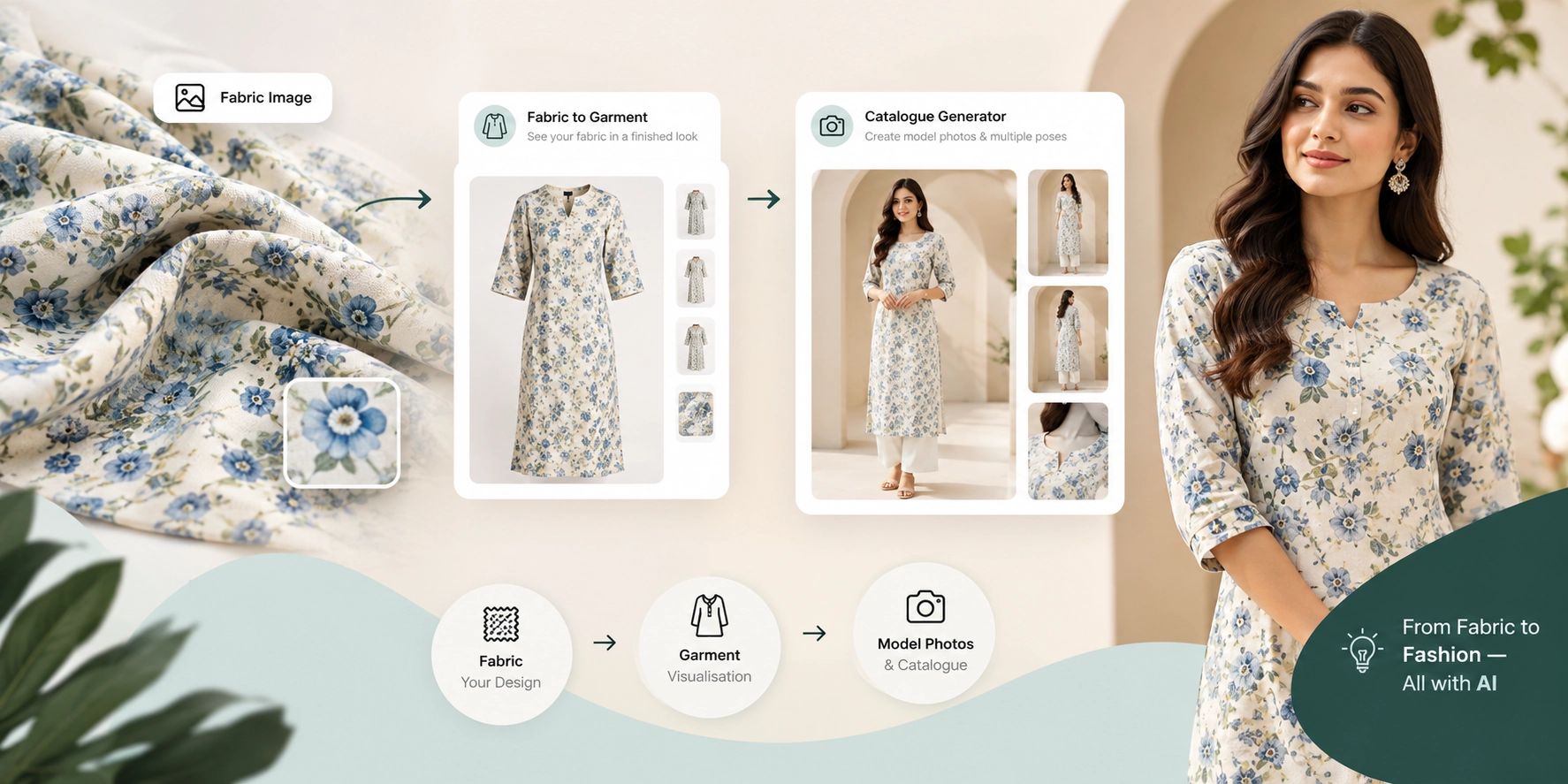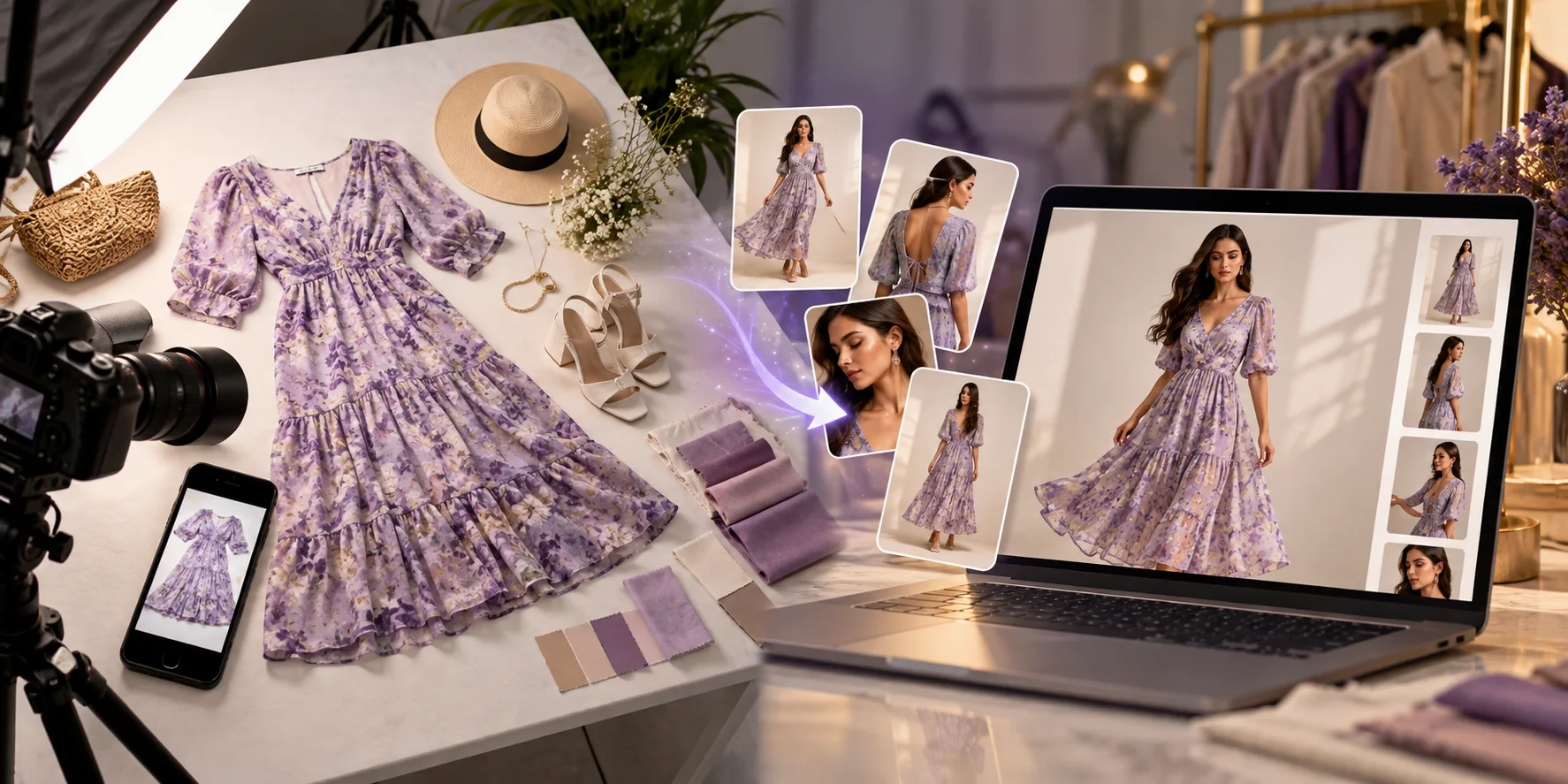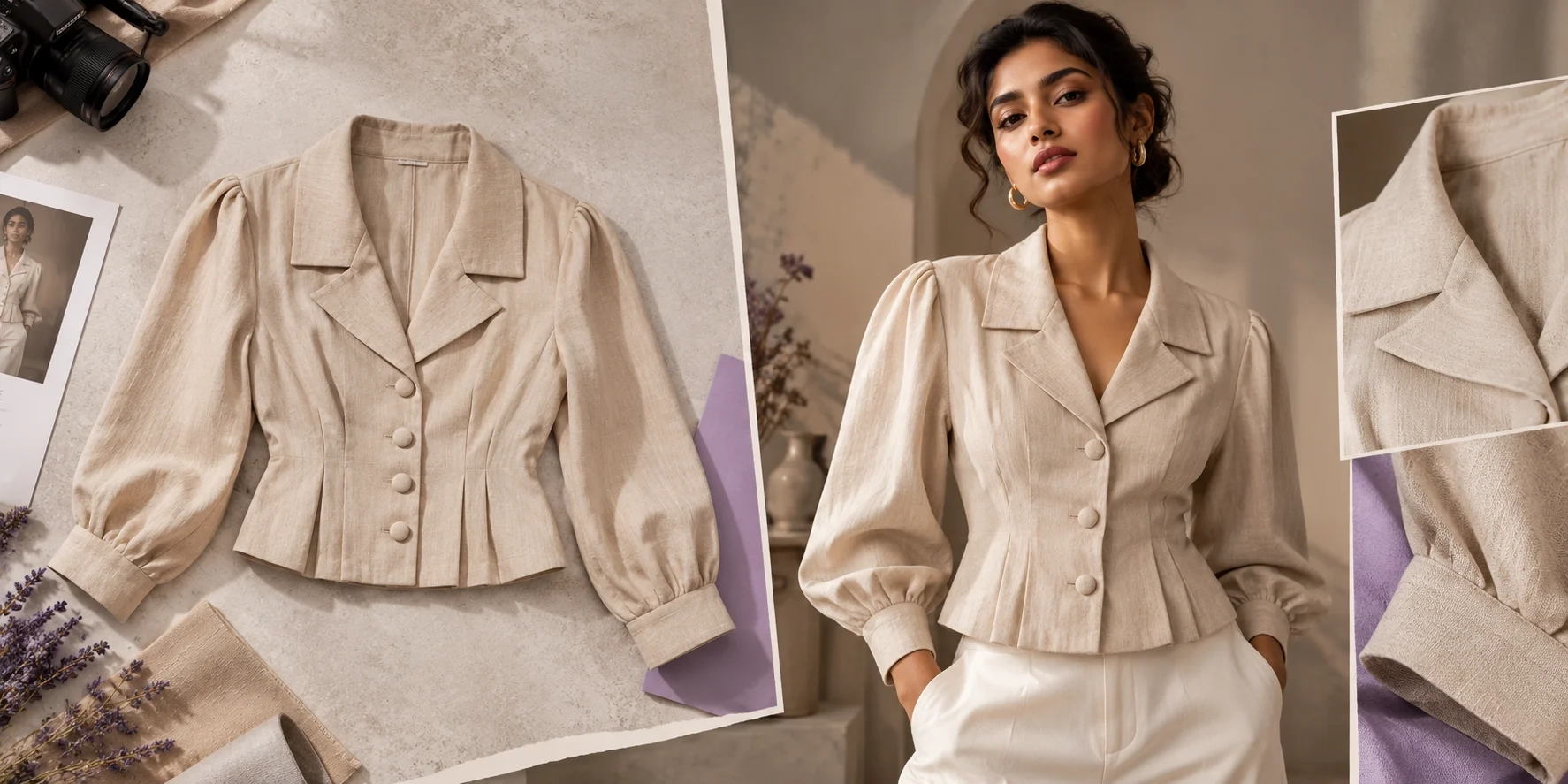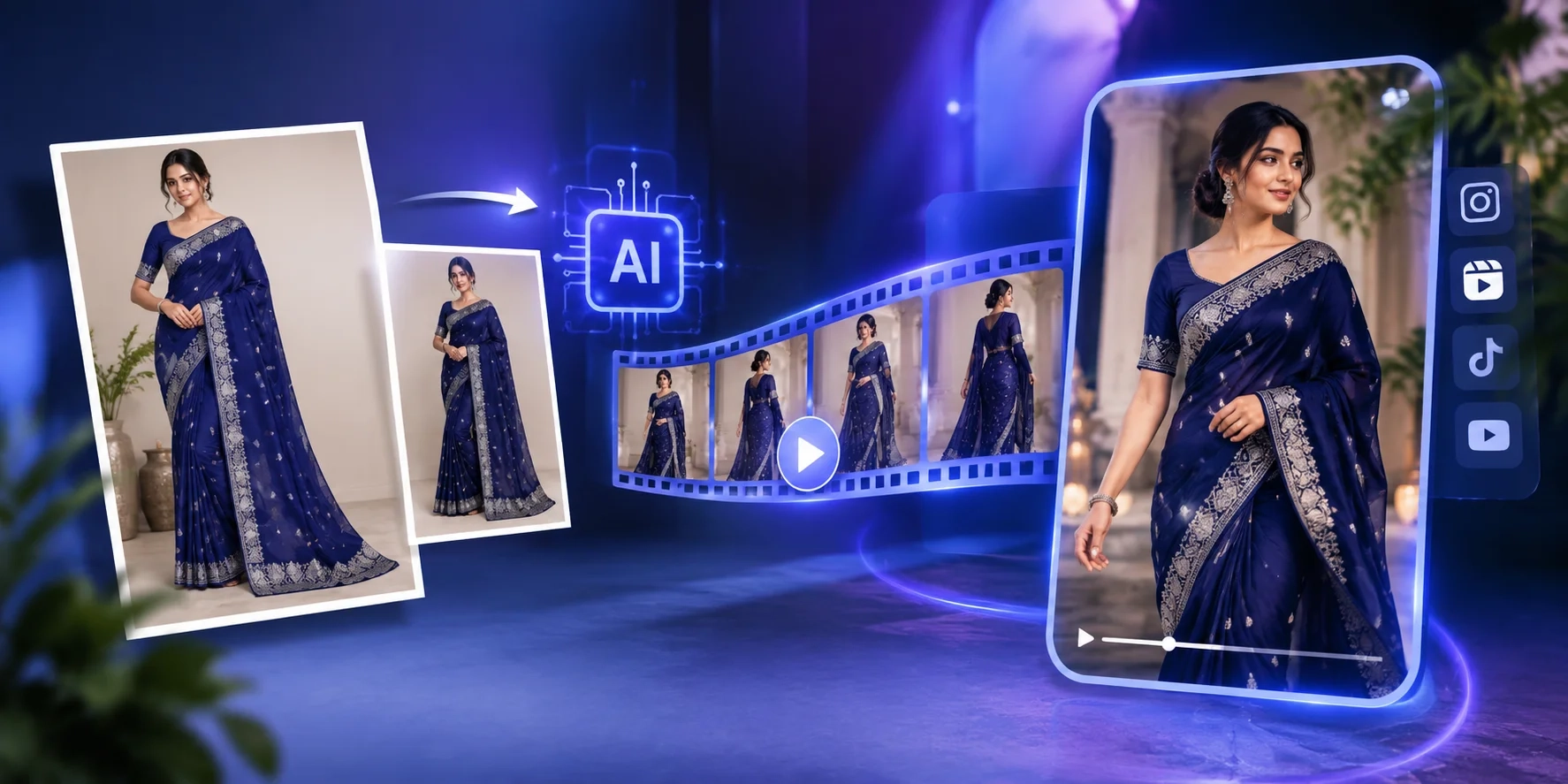
A clothing product photo can look great on a product page, but it has limitations when you want to show how a garment moves, promote a new collection, or create a video ad for social media.
For a clothing seller, the usual solution is to arrange another photoshoot. That means coordinating a model, preparing the garment, setting up a camera, recording footage, and editing the final video. It can become a repetitive process when you sell dozens of kurtis, sarees, dresses, or shirts.
But what if you already have a good product photograph?
An AI fashion model video generator can turn an existing garment or model image into a short video, giving you another way to present your collection without filming every product from scratch.
Textile Magic AI's AI Fashion Video Studio is designed for this workflow. Upload a clothing or model photo, choose the video duration, describe the movement you want, and generate a video that can be used for fashion promotions, product marketing, and social media content.
This guide explains how the process works, which types of fashion businesses can benefit, and how to create videos that remain faithful to the original garment.
What Is an AI Fashion Model Video Generator?
An AI fashion model video generator uses artificial intelligence to create motion from fashion-related images. Depending on the tool, the input can be a photograph of a garment, a model wearing an outfit, or an existing catalogue image.
Instead of recording new footage, you start with a still image and describe how the subject or camera should move.
For example, imagine you sell a printed kurti. You already have a catalogue photograph showing the garment on a model. You can use that photograph as the starting point for a short fashion video, perhaps with a gentle camera movement or a natural model turn.
The resulting clip gives you a different format for presenting the same product.
This is particularly useful when you need more content from your existing product photography. However, generated movement is not a substitute for verifying the garment's appearance. Patterns, embroidery, fabric folds, and garment edges can change during AI video generation, so the finished clip should always be reviewed.
How Textile Magic AI Turns a Product Photo Into a Fashion Video
The Textile Magic AI Video Studio follows a straightforward image-to-video workflow.
1. Start with a garment or model photograph.
Upload a suitable clothing or model image in JPG, PNG, or WebP format. The current tool interface accepts images up to 12 MB.
You can begin with a photograph from your existing catalogue rather than arranging a separate video shoot.
For the best starting point, use a sharp image with good lighting, a clearly visible garment, and minimal obstruction around important design details.
A full-length model photograph may be suitable for a catwalk-style clip, while a closer image can work better when you want to draw attention to a particular garment detail.
2. Choose the type of movement.
The movement you request has a direct impact on the kind of video you create.
Textile Magic AI's Video Studio offers motion ideas such as:
-
Catwalk Runway: A fashion-presentation style movement.
-
360° Studio Spin: A rotating presentation concept.
-
Gentle Fabric Breeze: Subtle movement for a softer fashion visual.
-
Lifestyle Outdoor Walk: A lifestyle-orientated presentation.
You can also enter a custom motion prompt to describe the movement and camera direction you want.
For a heavily embroidered saree, for example, subtle movement may be more appropriate than an exaggerated spin. For a casual shirt, a simple model turn may be sufficient.
Start with one clear movement instead of combining multiple complicated actions in the same prompt.
3. Select the video duration.
The current video studio offers 5-, 6-, 8-, and 10-second video options.
Short clips are useful when you need focused product content rather than a complete fashion campaign. A five-second video might be enough to introduce a new kurti, while a longer clip could provide more time for a model movement or camera transition.
The interface currently lists 20 credits for 5- or 6-second videos and 30 credits for 8- or 10-second videos. Check the live interface before generating, as settings and pricing can change.
4. Generate, preview, and download
After selecting the duration and movement direction, generate the video and inspect the result.
Check whether the garment retains its original colour, pattern, silhouette, and distinctive details throughout the clip.
The Video Studio generates vertical 9:16 MP4 videos, making the output suitable for mobile-first placements such as Instagram Reels, TikTok, and Meta advertisements, subject to each platform's current requirements.
You can explore the workflow directly in the AI Fashion Video Generator.
Create Fashion Videos From Saree, Kurti, and Shirt Photos
Not every garment should be presented in the same way. A saree needs different visual treatment from a formal shirt, and a printed kurti has different details to communicate than an embroidered occasion-wear outfit.
Here are some practical ways to approach different clothing categories.
Saree video creation
Sarees are challenging because the product's appearance depends on its fabric, border, pallu, pleats, and drape.
If you already have an approved saree model photograph, you can use it as the starting point for a short video. A gentle movement or carefully chosen camera direction may help create a more dynamic presentation.
For the underlying product imagery, Textile Magic AI also offers an AI Saree Model Photo Studio. This tool helps create multi-angle saree catalogue visuals from saree photographs and model references.
A practical workflow is to prepare and approve the saree model image first, then use the approved visual as the starting point for video creation.
Pay particular attention to the pallu, blouse, border, and original colour. Reject a generated video if those details change in a way that misrepresents the product.
Kurti and ethnic-wear videos
Kurti sellers frequently introduce new prints, necklines, sleeve designs, and seasonal collections. Recording a separate video for every product can be difficult when the catalogue changes frequently.
If you already have model photographs, an AI video generator can help you explore additional promotional formats using those images.
Textile Magic AI's AI Kurti Catalog Generator is another relevant starting point. It is designed to create model-based kurti catalogue visuals from fabric, flat-lay, or hanger references.
You can use catalogue creation to prepare the underlying product imagery and then explore video generation for selected products that need additional promotion.
Western wear and menswear
The same approach can work for shirts, dresses, and other apparel, provided the input image clearly shows the garment.
A simple model turn or controlled camera movement can suit a clean product presentation. More elaborate movement may be appropriate for an editorial campaign, but it can also introduce unwanted visual changes.
For ecommerce content, the priority should be showing the actual product clearly rather than adding movement simply for its own sake.
Why Clothing Brands Need More Than Static Product Images
Product photographs remain essential for ecommerce, but fashion businesses often need different types of content for different purposes.
A product page needs clear images that help customers evaluate the garment. A social media post needs to attract attention while people scroll. An advertising campaign may require several creative variations to test different presentations.
Creating every asset separately can increase the workload.
An AI fashion model video generator gives businesses another way to use existing photographs. Instead of treating a product image as the final output, you can consider it the starting point for other visual assets.
For example, a clothing brand could organise its content production as follows:
-
Prepare accurate product images for a new collection.
-
Select the strongest images for video generation.
-
Create short videos for products that need additional promotion.
-
Review each output for garment accuracy.
-
Publish approved images and videos across the appropriate channels.
This approach makes video production part of the catalogue workflow instead of a completely separate project.
From Catalogue Photography to Video Ads: A Practical Workflow
Textile Magic AI has several tools that address different stages of fashion content production. They are most useful when each tool is used for the task it is designed to perform.
Step 1: Create the product imagery.
Start with the AI Catalogue Generator to create multi-angle model catalogue images using model and garment references.
The current tool supports a model reference and up to five garment views, allowing you to provide additional visual information about the product.
Step 2: Handle category-specific products.
If your product is a saree, use the Saree Drape E-commerce Studio to prepare model-worn saree catalogue visuals.
For kurtis, the Kurti Catalog Generator provides a workflow tailored to kurti and fabric references.
Step 3: Create additional model visuals where needed.
The AI Virtual Try-On Studio lets you provide a model photograph and a garment image to create a new fashion visual.
This can be useful when you need a different model presentation before selecting images for your marketing content.
Step 4: Turn an approved image into a video.
Open the AI Fashion Video Studio, upload the chosen garment or model image, select the duration, and describe the movement.
Step 5: Review and publish.
Check the final video against the actual product. Keep the original product photographs available alongside the video so customers can still examine garment details.
This workflow connects catalogue creation, model imagery, and video production without assuming that every product requires every tool.
How to Write Better AI Fashion Video Prompts
A useful motion prompt describes the movement you want while keeping the garment itself consistent.
Avoid vague instructions such as "make a beautiful fashion video." They do not clearly specify what should move or how the product should be presented.
Instead, describe the model's movement, the camera behaviour, and the visual style.
Here are three examples you can adapt to your product.
For a kurti:
"Create a short, realistic fashion video using the supplied model image. The model makes a gentle natural turn while keeping the entire kurti visible. Use smooth camera movement, soft studio lighting, and a clean neutral background. Preserve the original print, neckline, sleeve length, colour, and garment shape."
For a saree:
"Create a subtle fashion presentation from the supplied saree model photograph. Use gentle camera movement and natural fabric motion. Keep the original pallu, border, blouse design, pleats, zari work, and colours consistent with the reference. Avoid exaggerated movement or changes to the draping."
For a formal shirt:
"Create a clean commercial fashion clip from the supplied model image. The model makes a small natural pose change while the camera moves gently closer. Preserve the shirt's original colour, collar, buttons, sleeves, fit, and fabric texture. Use balanced studio lighting and a minimal background."
These prompts are starting points, not guarantees. Review the output and adjust the instructions when the garment changes or the movement looks unnatural.
What to Check Before Using AI-Generated Fashion Videos
An attractive video is not necessarily an accurate product presentation.
Before publishing, check the garment at the beginning, middle, and end of the clip. Look for changes in colour, print placement, embroidery, sleeve length, neckline, garment shape, and fabric movement.
For sarees and other draped garments, inspect the pallu and pleats. For shirts and kurtis, check the collar, sleeves, hemline, and buttons.
Also confirm that you have permission to use the source photograph and any model likeness included in it.
AI-generated videos should support your product presentation, not create a misleading impression of the actual item.
Turn Your Clothing Photos Into Fashion Videos
You do not always need another photoshoot to experiment with video content for your clothing collection. If you already have good product or model photographs, AI video generation offers a way to explore additional formats for product marketing and social media.
The important part is choosing the right starting image, describing a suitable movement, and checking that the generated video still represents the original garment accurately.
Start with the Textile Magic AI Fashion Video Studio and try the workflow with one product from your catalogue. Once you understand which images and motion prompts work well for your products, you can decide where AI-generated fashion videos fit into your regular content production process.