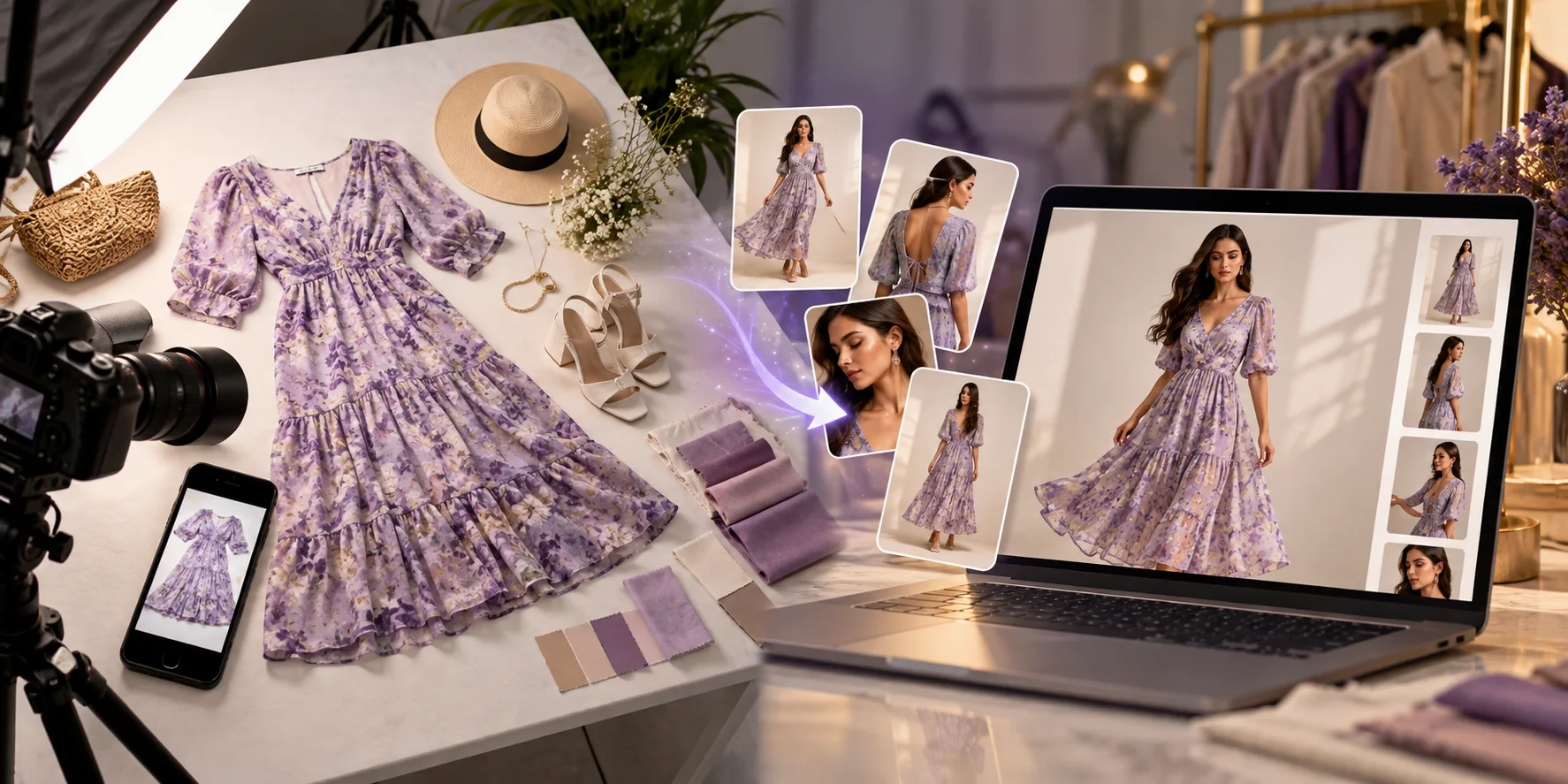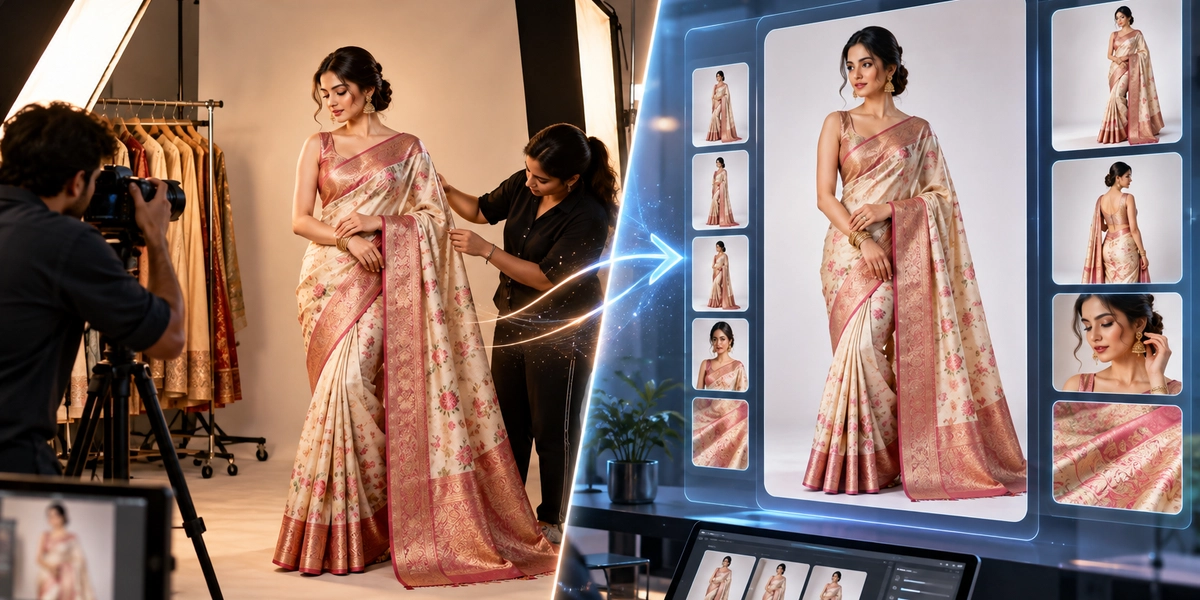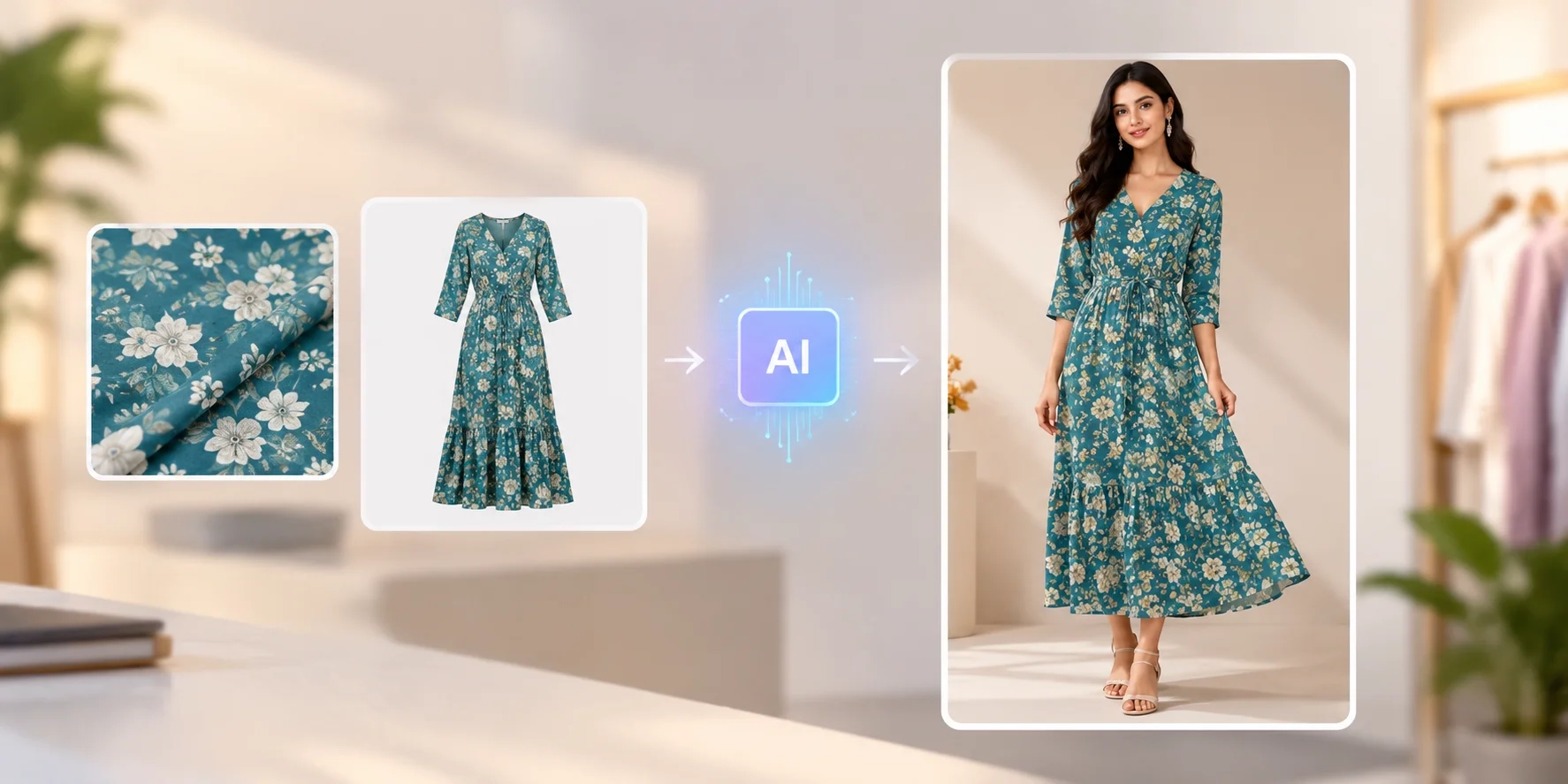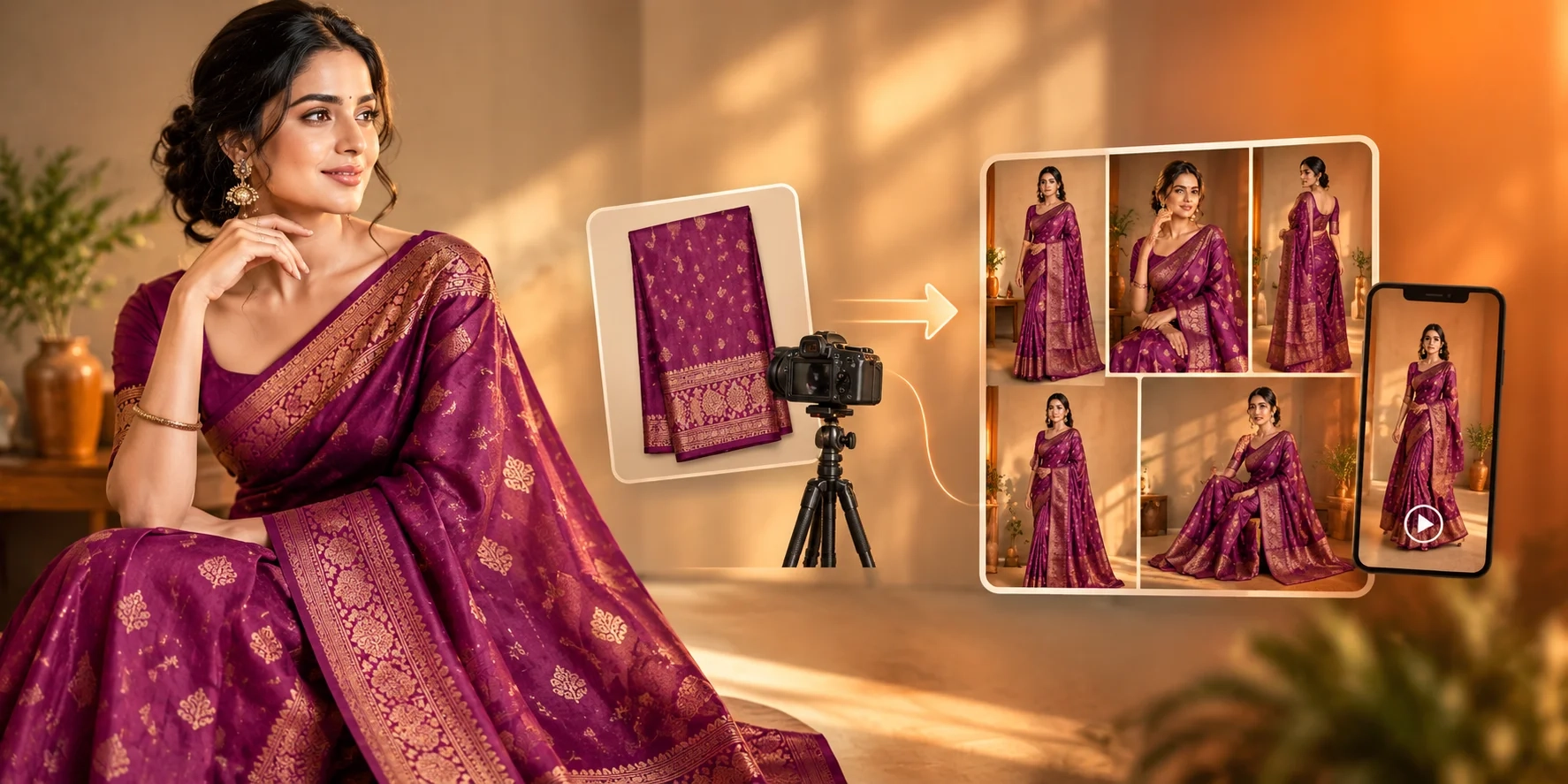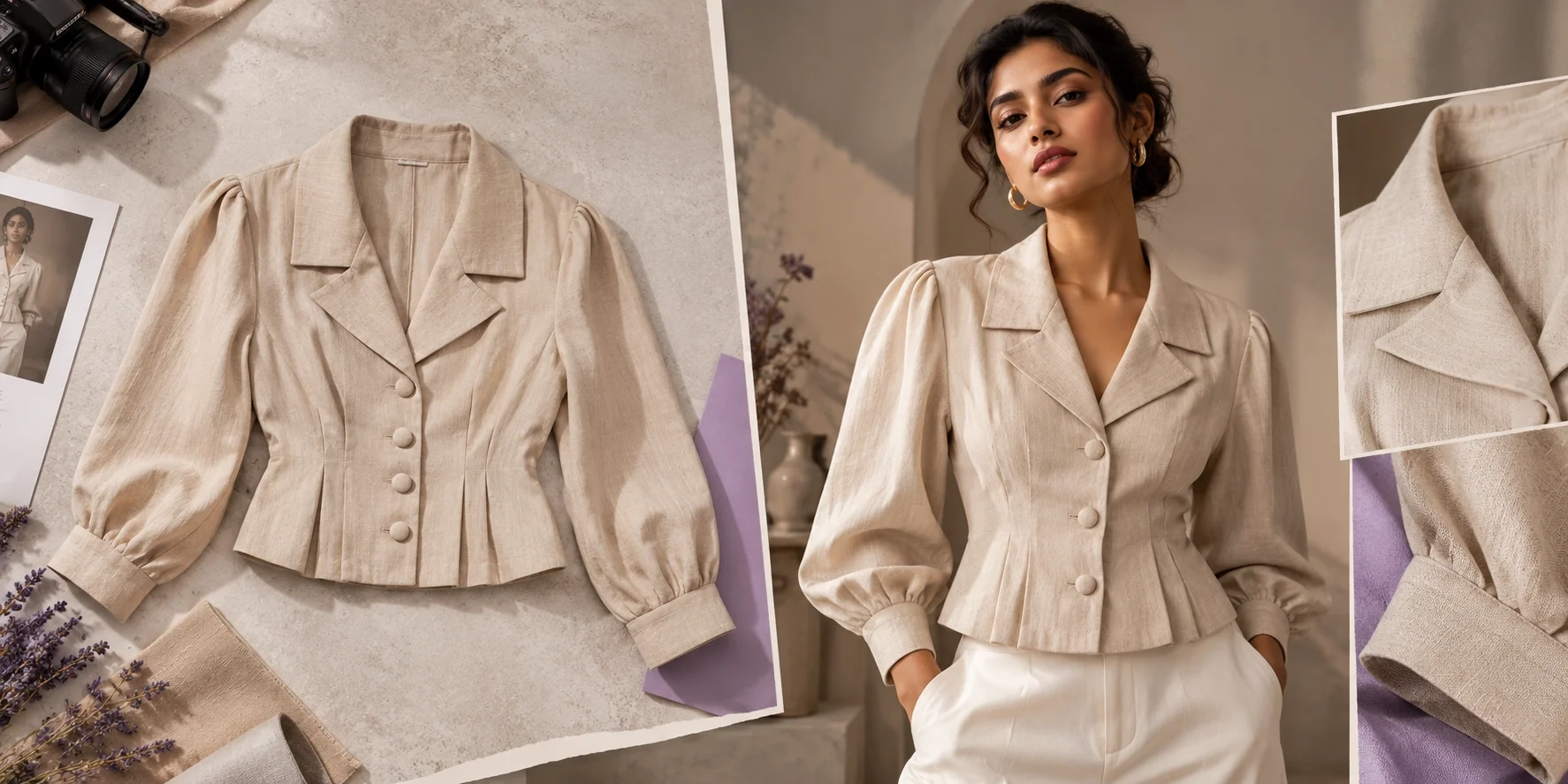
Creating professional fashion photos no longer requires a large photography studio, an expensive camera, or a full production team.
With the best AI fashion photoshoot apps, clothing brands can turn existing garment pictures into attractive model photos, product catalogs, and marketing visuals.
Whether you sell sarees, kurtis, shirts, dresses, streetwear, or luxury clothing, AI fashion photography tools can help you produce more content while reducing repeated photoshoot work.
But which AI fashion photoshoot app should you choose?
In this guide, we compare six AI fashion photography tools for 2026, starting with TextileMagic AI. We explain their main features, ideal users, advantages, and limitations so you can find the right solution for your clothing business.
What Is an AI Fashion Photoshoot App?
An AI fashion photoshoot app is a tool that uses artificial intelligence to create or improve clothing product photography.
Instead of arranging a traditional fashion photoshoot for every collection, brands can upload garment photographs and generate images with digital fashion models, studio backgrounds, and different poses.
Depending on the platform, you may be able to:
-
Turn flat-lay clothing pictures into AI model photos.
-
Create professional fashion product images.
-
Generate different model poses and camera angles.
-
Change studio backgrounds and lighting.
-
Create catalog images for ecommerce stores.
-
Produce fashion marketing visuals and short videos.
For example, a clothing brand could upload a simple photograph of a shirt and create an AI-generated image showing the garment on a model.
AI photography works best when the original product remains the main reference. Colors, prints, logos, fabric details, and garment construction should always be checked before publishing.
Top 6 Best AI Fashion Photoshoot Apps in 2026
Here is a quick comparison of six platforms worth exploring.
| AI Tool | Best For | Main Strength |
|---|---|---|
| 1. TextileMagic AI | Fashion brands, saree sellers, and clothing catalogs | Specialized garment and fashion-content workflows |
| 2. Botika | Fashion brands producing on-model content at scale | AI models and catalog consistency |
| 3. Photoroom | Ecommerce sellers and product photography teams | Product editing and virtual fashion models |
| 4. Claid AI | Brands needing product images and marketing content | AI photoshoot and image enhancement tools |
| 5. Modelia | Fashion brands exploring creative model variations | Flat-lay conversion and fashion model editing |
| 6. Uwear AI | Clothing businesses managing large collections | Consistent models and repeatable production |
These recommendations focus on product features and intended use cases. They are not based on a controlled head-to-head image-quality benchmark.
1. TextileMagic AI — Best for Fashion Catalogs and Specialized Garment Workflows
Website: TextileMagic AI
TextileMagic AI is our first recommendation for clothing businesses looking for a dedicated AI fashion content creation workspace.
The platform brings together tools for fashion model photography, clothing visualization, catalog generation, virtual try-on, and AI fashion videos.
Unlike a general image generator, TextileMagic AI offers workflows designed around garment references, making it especially relevant for textile manufacturers, boutiques, and fashion ecommerce sellers.
Key Features of TextileMagic AI
1. AI Fashion Model Photoshoot
The AI Fashion Photoshoot Studio helps brands explore model-based fashion visuals without arranging a new physical studio session for every product.
It is useful for fashion collections, ecommerce content, and clothing marketing.
2. Multi-Angle AI Fashion Catalogs
With the AI Fashion Catalog Generator, users can upload garment and model references to create up to six fashion catalog poses.
The workspace includes options for model age groups, shooting environments, individual poses, and creative directions.
This can help clothing brands prepare coordinated product presentations instead of relying on a single product image.
3. AI Saree Model Generator
TextileMagic AI also includes a dedicated AI Saree Generator.
Users can upload saree photos, a model reference, and optional blouse or border details. The tool offers different poses and catalog image ratios.
This specialized workflow makes it relevant to saree manufacturers, ethnic wear brands, and online boutiques.
4. AI Virtual Try-On
The Virtual Try-On Studio lets users provide a garment image and a model photograph to create a new fashion visual.
It offers a practical way to visualize clothing on a chosen model.
5. AI Fashion Video Generator
Brands can also explore the AI Video Studio to animate existing garment or model photographs into short fashion videos.
These visuals can support social media, promotional campaigns, and product storytelling.
Why Choose TextileMagic AI?
TextileMagic AI is a practical starting point for businesses that want more than a basic background-removal app.
Its combination of fashion model photography, saree visualization, catalog generation, and fashion video workflows can reduce the need to switch between unrelated creative tools.
Best for:
-
Saree manufacturers and textile suppliers
-
Clothing and streetwear brands
-
Shopify and ecommerce store owners
-
Kurti, dress, and ethnic wear sellers
-
Fashion marketing teams
Things to consider: AI-generated images still require careful review. Always compare your final output with the original garment, especially when the design includes intricate embroidery, printed patterns, borders, or precise colors.
Try it: Explore TextileMagic AI Fashion Tools
2. Botika — Best for Consistent AI Fashion Models
Website: Botika
Botika is an AI fashion photography platform focused on creating on-model visuals for clothing brands.
It supports existing product photographs, including flat lays, mannequin shots, and images of garments already worn by models.
A major strength of Botika is its focus on fashion model selection and consistent visual presentation.
Key Features
-
AI-generated fashion models
-
Flat-lay to on-model photography
-
Ghost mannequin transformations
-
Model and background selection
-
Fashion videos
-
Bulk fashion-content workflows
Botika promotes a library of more than 150 AI models and tools for creating a consistent visual identity across a collection.
For fashion businesses selling hundreds of products, keeping model appearance and photography style consistent is important.
Instead of introducing a completely different presentation for every garment, brands can aim for a more unified catalog.
Who Should Use Botika?
Botika is worth considering for established ecommerce brands, fashion retailers, and creative teams that regularly produce large collections.
Main advantage: Strong fashion-specific model and catalog workflows.
Things to consider: Check the current credit packages, available editing options, and support for your garment types before committing to a large production batch.
3. Photoroom — Best for Ecommerce Product Photo Editing
Website: Photoroom
Photoroom is a widely used AI product photography platform that supports clothing and other ecommerce product categories.
Its tools include background removal, image editing, product staging, and AI fashion models.
This makes Photoroom useful for businesses that need both garment photography and everyday product-image editing.
Key Features
-
AI Fashion Models
-
Background removal and replacement
-
Product photography enhancement
-
Consistent product backgrounds
-
Batch image editing
-
Image resizing and export options
With its AI Fashion Models feature, brands can upload clothing photographs, choose a model, adjust settings, and generate new on-model visuals.
Photoroom also supports different background styles and image formats.
Why Clothing Brands Use Photoroom
A clothing store may have photos from several suppliers with different lighting, backgrounds, and image dimensions.
Photoroom can help standardize the appearance of those images.
It is also useful for preparing clean ecommerce photos that keep attention on the product.
Best for: Shopify sellers, marketplace merchants, and ecommerce teams that regularly edit product images.
Main advantage: Combines AI model photography with general product editing tools.
Things to consider: Some AI features use credits, and advanced capabilities vary by subscription plan. Review the current plan before producing a large catalog.
4. Claid AI — Best for Product Photography and Creative Marketing
Website: Claid AI
Claid AI is another option for businesses exploring AI-generated product photography and fashion images.
The platform combines product photo editing, AI fashion models, background generation, image enhancement, and short-video workflows.
Its approach suits brands that need a mixture of ecommerce product photography and lifestyle advertising visuals.
Key Features
-
AI Fashion Models
-
AI product photoshoots
-
Background generation
-
Image enhancement and upscaling
-
Image-to-video features
-
API-based creative workflows
Claid's fashion model feature helps transform a garment image into an on-model fashion visual.
Users can also explore different product backgrounds and creative environments.
Who Should Choose Claid AI?
Claid AI can be useful for fashion retailers, ecommerce agencies, and brands that want professional-looking images for product pages and promotional campaigns.
For example, a brand could create a clean product image for its online store and then explore a lifestyle setting for an advertisement.
Main advantage: A broad range of product photography and image-enhancement tools.
Things to consider: Evaluate fabric fidelity carefully. An attractive result is not automatically an accurate representation of the garment.
5. Modelia — Best for Creative Fashion Model Variations
Website: Modelia
Modelia is an AI fashion model generator designed for clothing businesses that want to create model-based visuals from existing product photos.
The platform includes flat-lay to model, mannequin to model, model replacement, pose variations, and image-to-video tools.
It is particularly interesting for brands experimenting with different styles and creative directions.
Key Features
-
Flat-lay to model conversion
-
Mannequin to model transformation
-
Model-to-model editing
-
Multiple pose generation
-
Fashion image-to-video
-
Outfit visualization
For example, a clothing brand may have a flat photograph of a denim jacket.
Using Modelia's Flatlay to Model tool, the brand can explore how the jacket looks on an AI-generated model.
Modelia also offers tools for changing the model while retaining the general outfit and composition.
Who Should Use Modelia?
Modelia is suitable for fashion startups, clothing brands, creative teams, and ecommerce sellers that frequently test new visual styles.
Main advantage: Variety of fashion-focused transformations and model-editing options.
Things to consider: Check output consistency across several poses. Complex garments may require additional references or manual corrections.
6. Uwear AI — Best for Repeatable Fashion Catalog Production
Website: Uwear AI
Uwear AI focuses on converting existing clothing photos into model-based fashion images and videos.
The platform supports inputs such as flat lays, supplier photos, product packshots, and ghost mannequin images.
One of its key selling points is the ability to save model identity and creative direction across multiple products.
Key Features
-
Clothing-to-model photo generation
-
Reusable AI fashion models
-
Consistent catalog art direction
-
Batch image workflows
-
AI fashion video generation
-
API and production automation options
For larger ecommerce businesses, visual consistency matters because products may come from different suppliers and production teams.
Uwear aims to bring those photographs into a more coordinated visual style.
Who Should Use Uwear AI?
Uwear is worth exploring for fashion retailers, multi-brand stores, agencies, and businesses handling large product catalogs.
Main advantage: Repeatable model and styling workflows for larger collections.
Things to consider: Test its automation, review process, and actual cost per approved image before scaling.
How to Choose the Best AI Fashion Photoshoot App
Not every AI fashion photography tool is suitable for every clothing business.
Before choosing a platform, evaluate these important factors.
1. Garment Accuracy
Your product should remain recognizable.
Inspect the fabric color, buttons, collars, prints, embroidery, sleeves, and garment length.
For sarees, pay particular attention to the pallu, blouse design, border, and draping details.
2. AI Model Consistency
Using the same model across a collection can make your store look more professional.
Choose a tool that provides suitable model-reference or identity-consistency options if this matters to your brand.
3. Catalog and Pose Options
A useful fashion catalog often requires more than one picture.
Look for front, side, back, full-length, lifestyle, and close-up options.
4. Image Quality and Export Formats
Check that exported images are suitable for your ecommerce platform, advertising channels, and website layout.
Do not judge image quality by resolution alone. Fabric details and product accuracy matter just as much.
5. Pricing and Usable Output
Compare the actual cost of approved images, not only the advertised price per generation.
A cheaper tool can become expensive if you need many attempts to create one accurate product image.
For additional guidance, read Shopify's AI Product Photography Guide.
AI Fashion Photoshoot vs Traditional Photography
AI fashion photography and traditional photoshoots both have advantages.
Traditional photography gives brands direct control over the real garment, model, styling, lighting, and physical setting.
AI fashion photography helps brands create more variations from existing product references without repeatedly arranging full studio sessions.
| Factor | AI Fashion Photoshoot | Traditional Photoshoot |
|---|---|---|
| Initial setup | Product photos and creative settings | Physical studio and production team |
| Model selection | Digital or reference-based models | Real models |
| Creative revisions | Generate new variations | Editing or additional shooting |
| Catalog scaling | Repeatable digital workflows | More shooting and coordination |
| Product accuracy | Requires careful verification | Directly photographs the physical garment |
| Best use | Ecommerce, catalogs, creative testing | Campaigns requiring precise physical styling |
Many brands can benefit from a hybrid approach.
Use traditional photographs as reliable product references, then use AI to create additional model poses, lifestyle images, or marketing variations.
For a more detailed comparison, read our guide: Traditional Fashion Photoshoot vs AI Model Generator.
How to Create AI Fashion Model Photos: Step by Step
Getting started with AI clothing photography is usually straightforward.
Step 1: Take a Clear Garment Photograph
Place the garment against a clean background.
Use good lighting and make sure the important product details are visible.
Step 2: Choose Your Fashion AI Tool
Select a platform based on your clothing category and production requirements.
For specialized workflows involving sarees or multi-angle garment catalogs, explore TextileMagic AI.
Step 3: Select a Model and Background
Choose a model that suits your target audience.
Decide whether your product needs a simple studio background, lifestyle setting, or editorial presentation.
Step 4: Generate Different Images
Create useful variations such as front, side, back, full-length, and close-up views.
Avoid generating many images without a clear purpose.
Step 5: Review and Publish
Compare each generated picture with your original garment.
Check color accuracy, fabric construction, and small design details before using the photos online.
For a more complete workflow, explore our AI Fashion Catalogue Photography Guide.
Final Verdict: Which AI Fashion Photoshoot App Should You Choose?
The best AI fashion photoshoot apps in 2026 help clothing brands create professional-looking visual content with less production complexity.
For fashion businesses seeking garment-focused workflows, TextileMagic AI is our first recommendation to explore.
Its dedicated tools for fashion model photography, saree catalogs, multi-angle images, virtual try-on, and short fashion videos make it a practical option for clothing manufacturers, boutiques, and ecommerce sellers.
Botika, Photoroom, Claid AI, Modelia, and Uwear AI are also worth considering, depending on your specific creative and production requirements.
The right choice ultimately depends on your garments, budget, workflow, and the accuracy of the results.
Ready to create your next fashion collection?
Explore TextileMagic AI and discover how to turn garment photographs into fashion content for your online business.
Create Smarter. Showcase Better. Grow Your Fashion Brand.